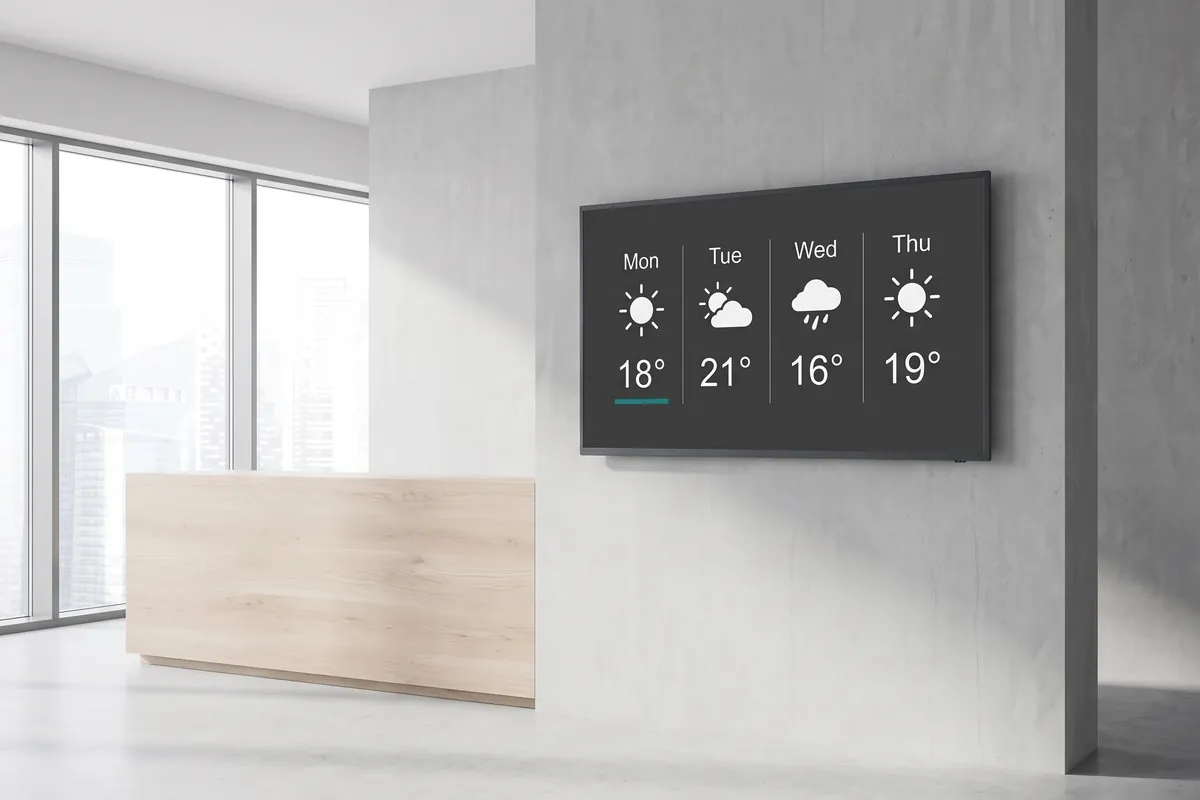
What the Local weather plugin does
The viewneo Local weather plugin is a live, self-updating weather forecast widget for any screen in your digital signage network. You enter a city name once during setup and the plugin handles everything else — fetching fresh data every hour and rendering a clear 4-day forecast in your chosen temperature unit. There is nothing to update manually and no external account to maintain.
Weather is one of the most instinctively read pieces of information on a public display. The widget earns attention on its own merits, not just as filler between branded messages. When visitors, customers, or employees can act on what they see — grabbing an umbrella, booking an outdoor table, rescheduling a delivery — the screen becomes a practical tool rather than background noise.
Within a viewneo playlist, the weather widget pairs naturally with other utility content such as the calendar plugin, keeping waiting areas and common spaces informative and engaging throughout the day. Because the plugin renders correctly at any resolution and in both landscape and portrait orientations, it fits into existing screen setups without any layout changes.
How it works
- Enter your city — Type the city or location name in the plugin settings; almost any location worldwide is supported. You can configure a different city per screen, so a chain with locations in multiple regions can show locally relevant forecasts at each site.
- Choose your units and layout — Select Celsius or Fahrenheit and pick your preferred screen orientation.
- Add to your playlist — Drag the plugin into your content schedule; it starts displaying live weather immediately and refreshes hourly on its own. No republishing step is needed when the forecast changes.
Example use cases
- Hotel lobbies — Give guests a reliable forecast so they can plan their day’s activities before heading out.
- Corporate offices — Remind employees to check the weather before they leave the building — particularly useful in unpredictable climates.
- Restaurant boards — Highlight seasonal dishes or outdoor seating availability based on the day’s conditions.
- Transport and logistics hubs — Display current and incoming weather conditions alongside departure information so travellers and staff can make informed decisions quickly.
- Shopping centres and retail parks — Help visitors plan their visit by showing the afternoon forecast on entrance screens, extending dwell time in covered areas on wet days.
Compatible with
- viewneo Professional and viewneo Enterprise — bookable per player, transferable to other players
- All common resolutions: HD Ready, Full HD, 4K/UHD
- Portrait and landscape screen orientations
- iPad and other devices
- Multi-location deployments: each screen can be set to a different city independently