Digital signage for your industry

How retail, hospitality, healthcare, education and the public sector use viewneo.

viewneo is a cloud-based digital signage platform used across retail, hospitality, healthcare, education, government, and internal communications. These pages show what it looks like in your world: an industry page answers “what can viewneo do for my sector?” — the typical screens, the content people put on them, and the hardware and plugins that fit. A solution page, by contrast, answers “how do I build this specific setup?”. Most organisations start from their industry and pick up the solutions they need along the way.
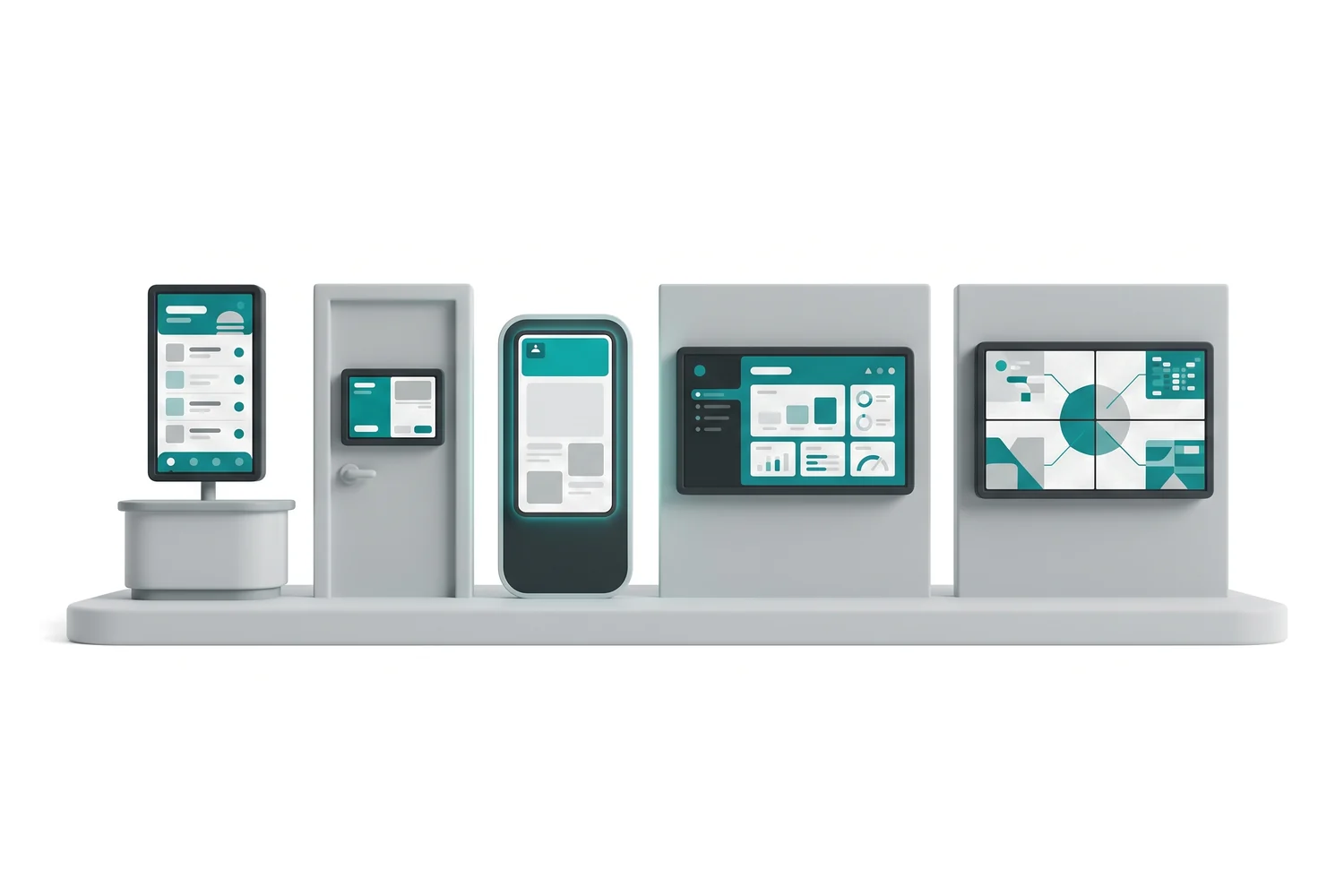
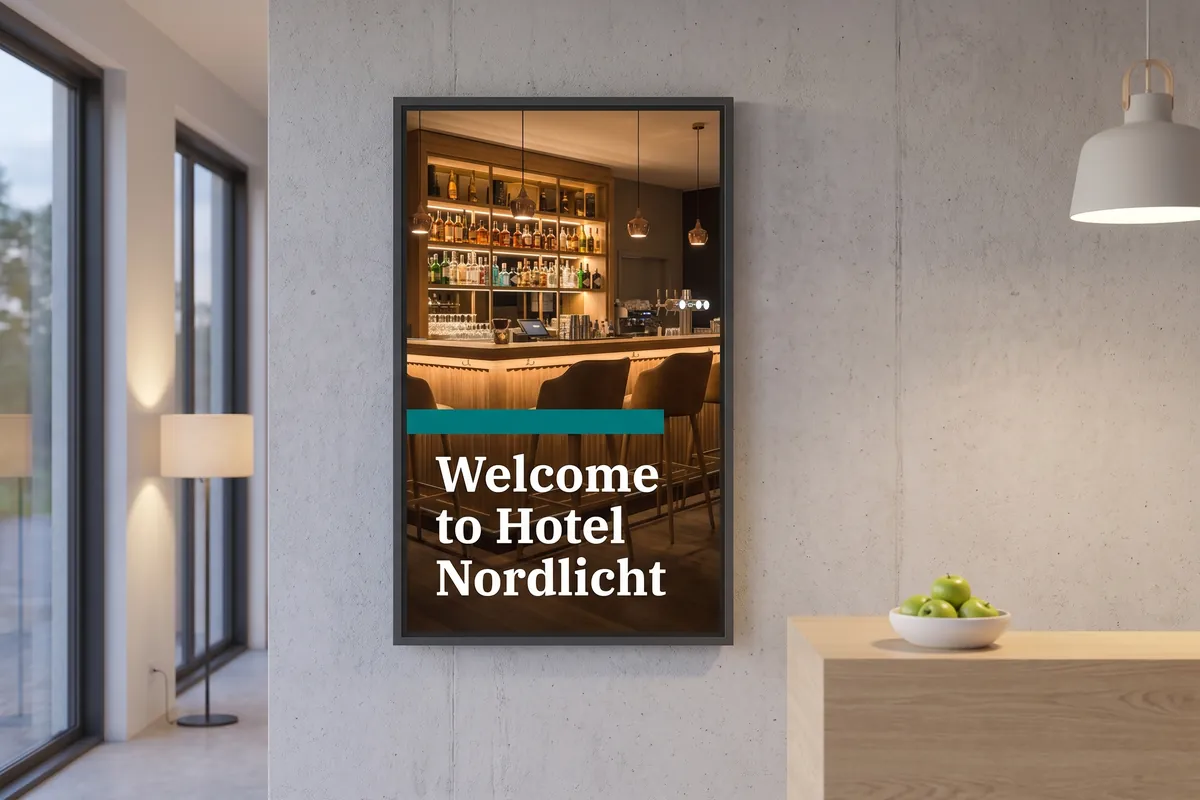
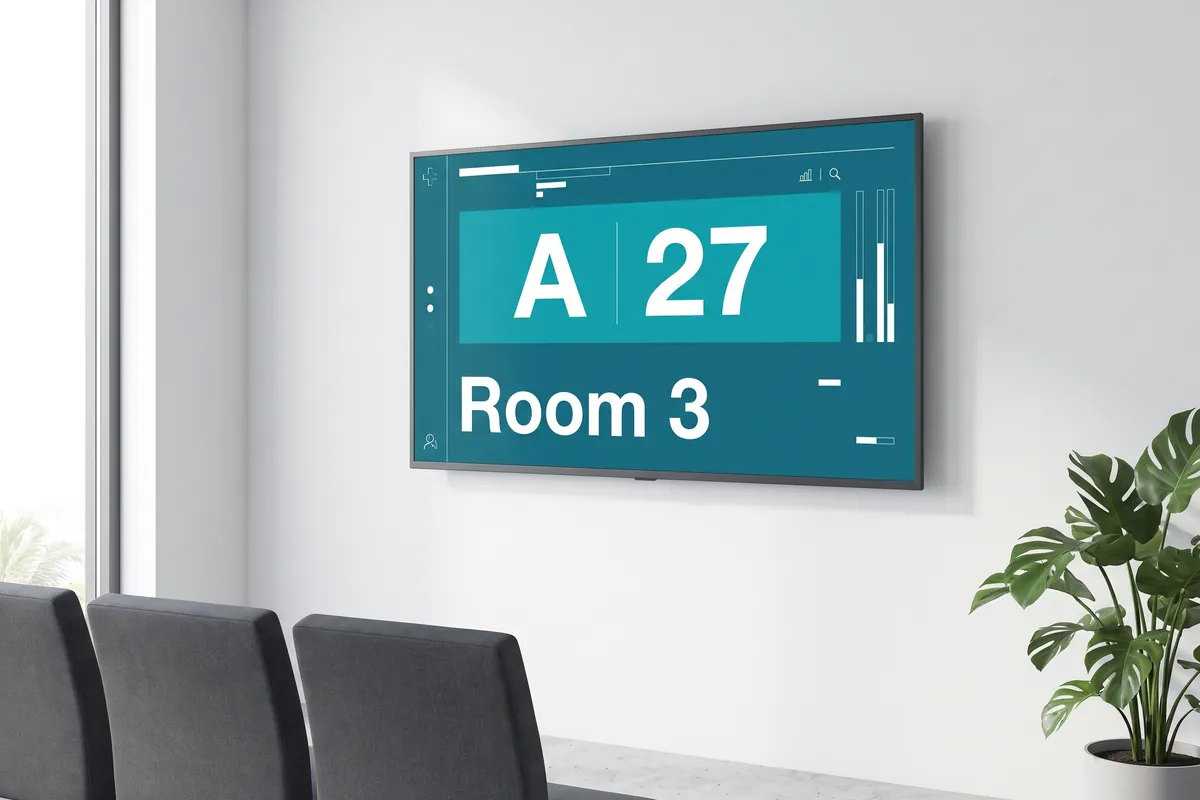
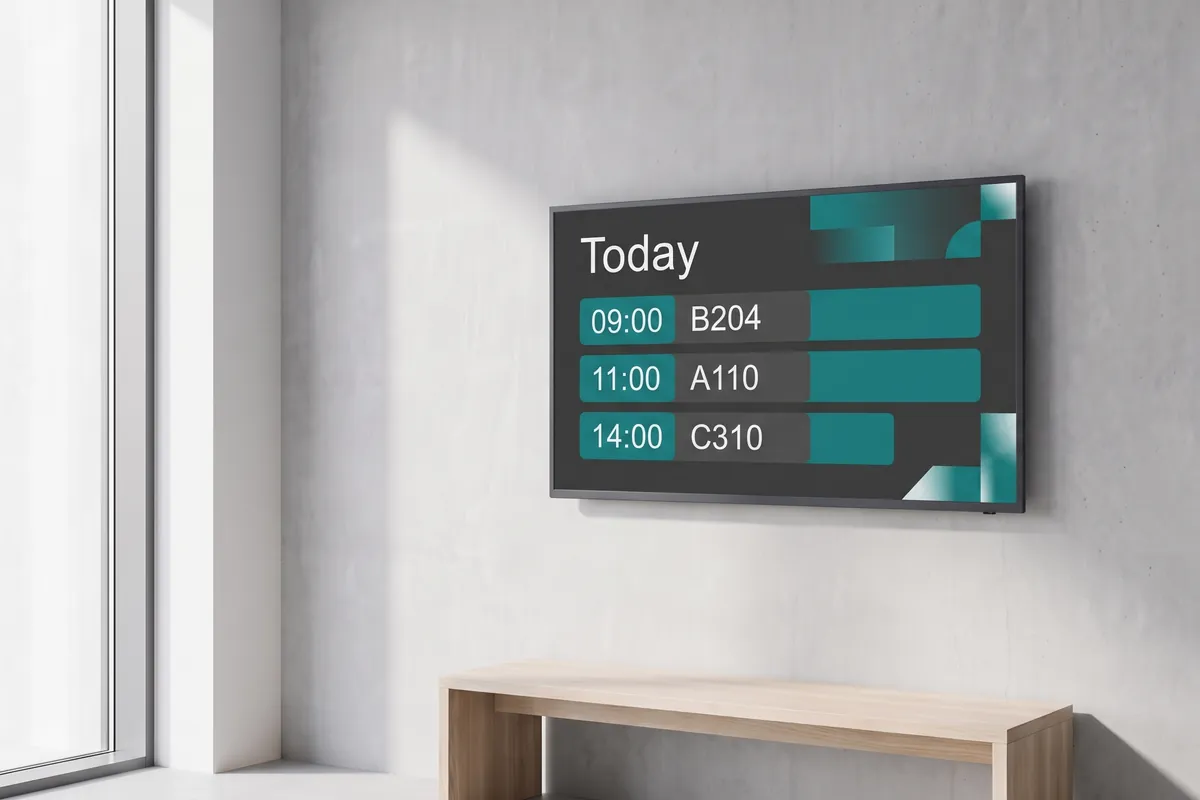
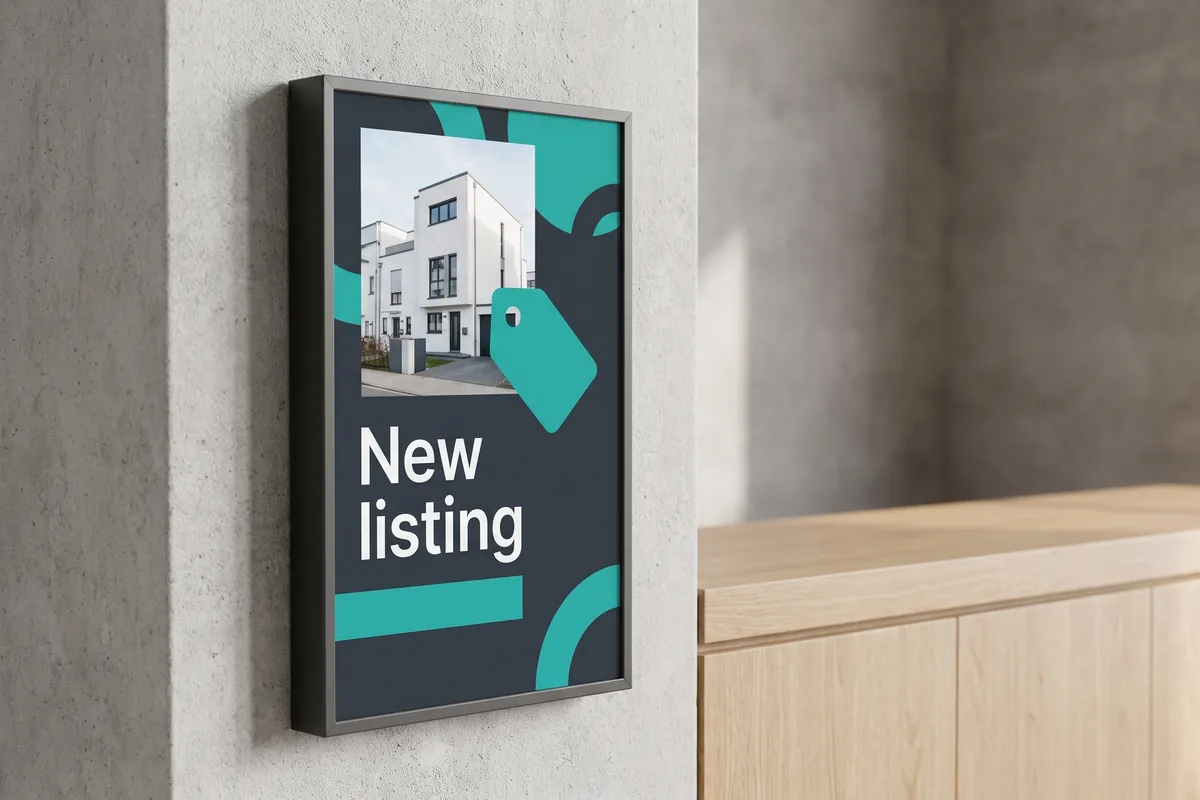
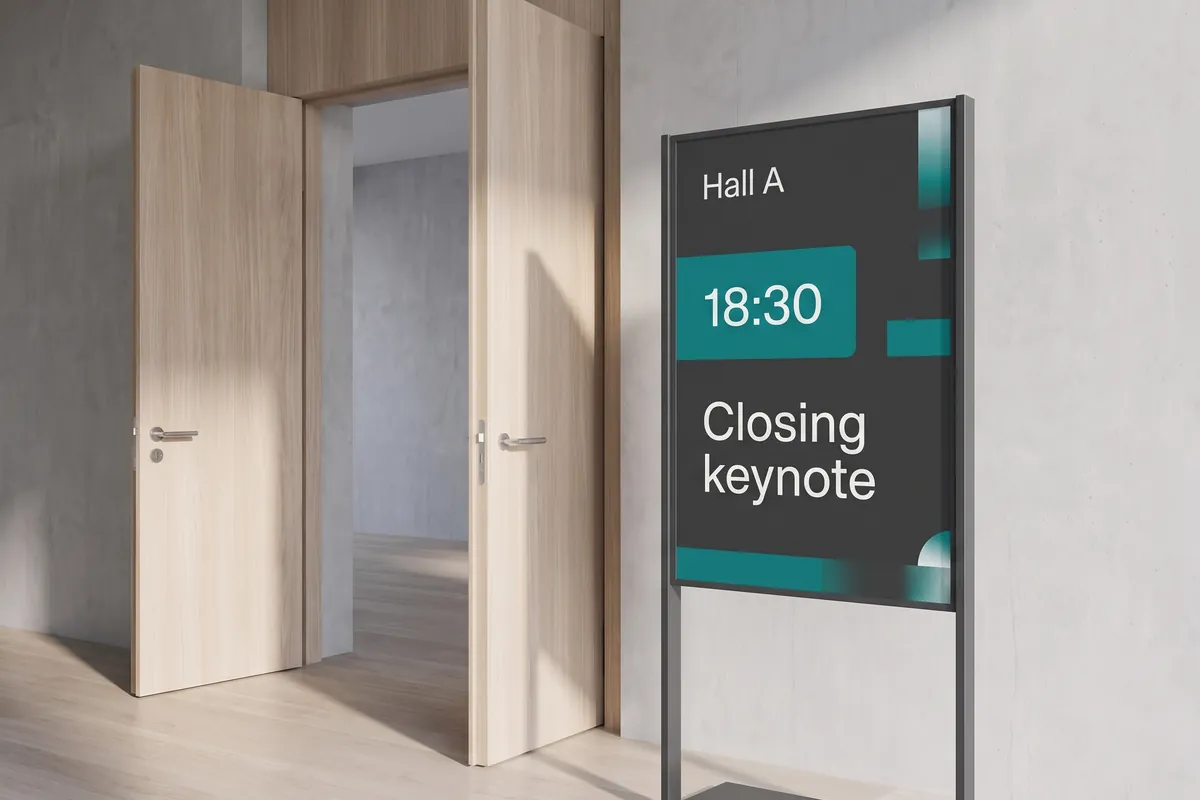
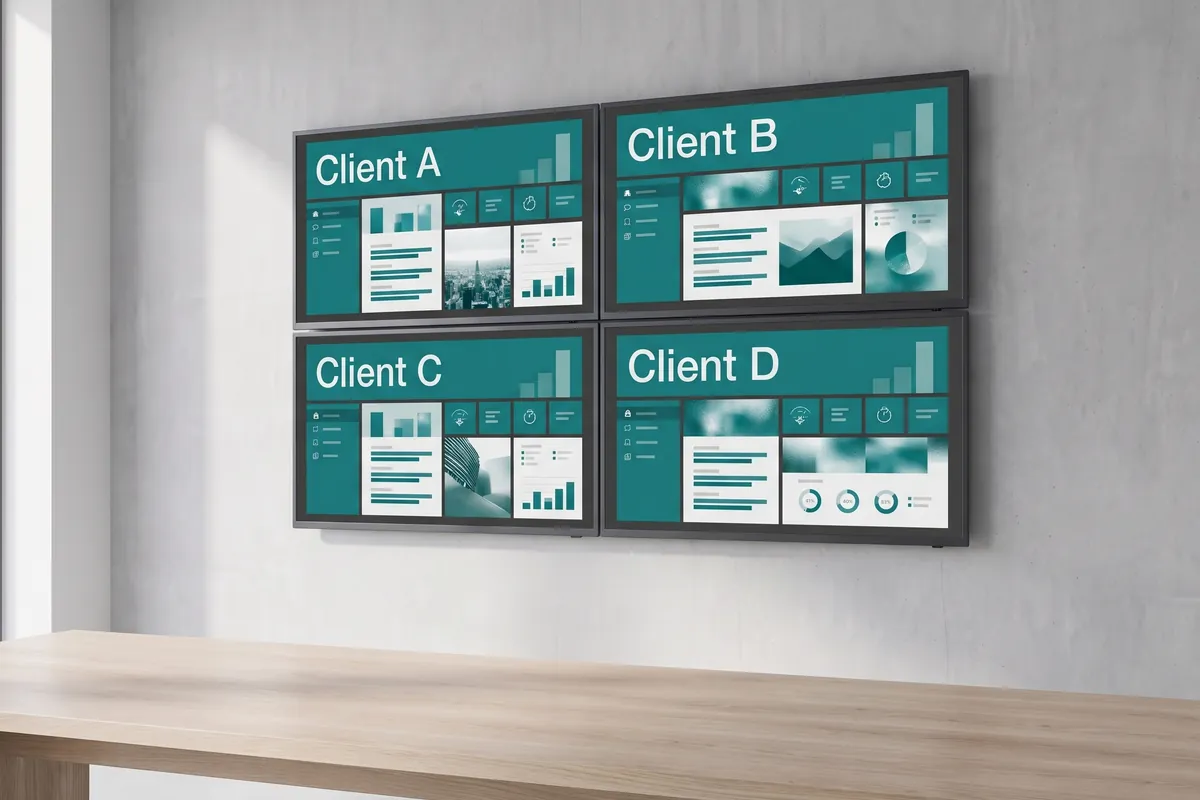
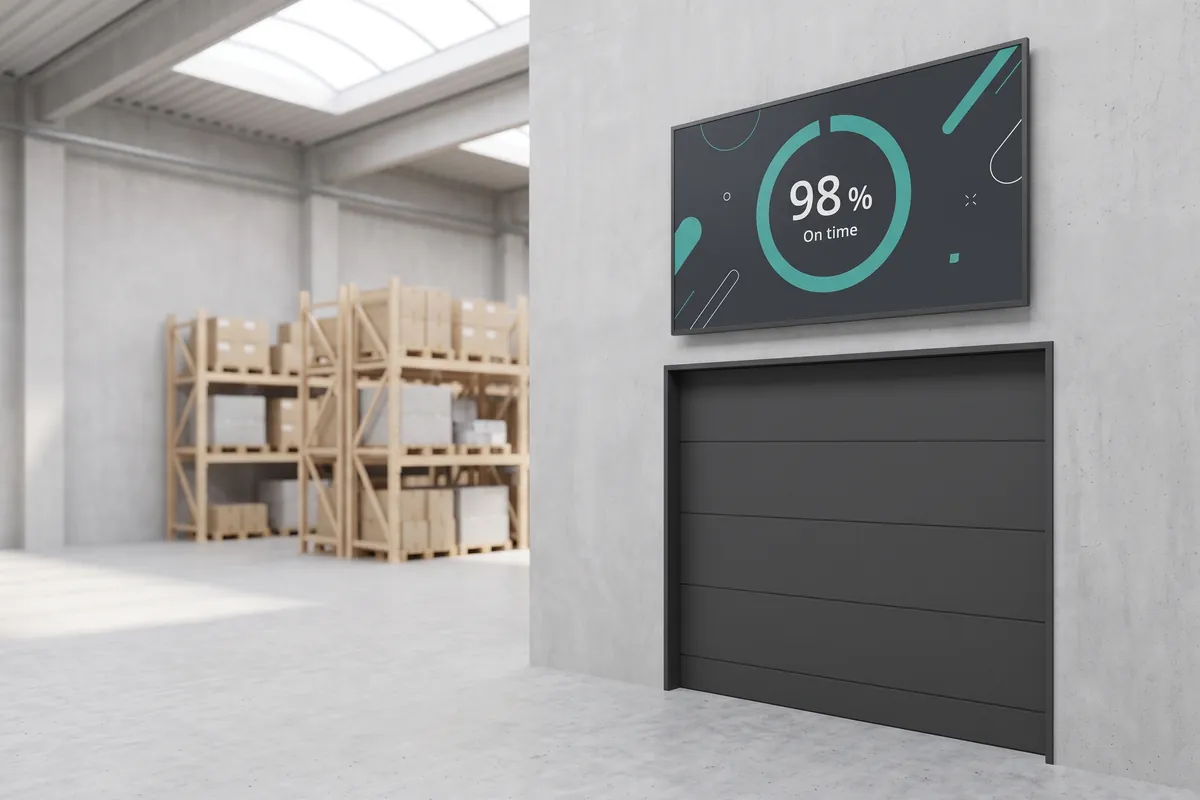
A row of signage for different sectors: a menu board, a room sign, a stele, a wall screen and a video wall

One platform, every sector

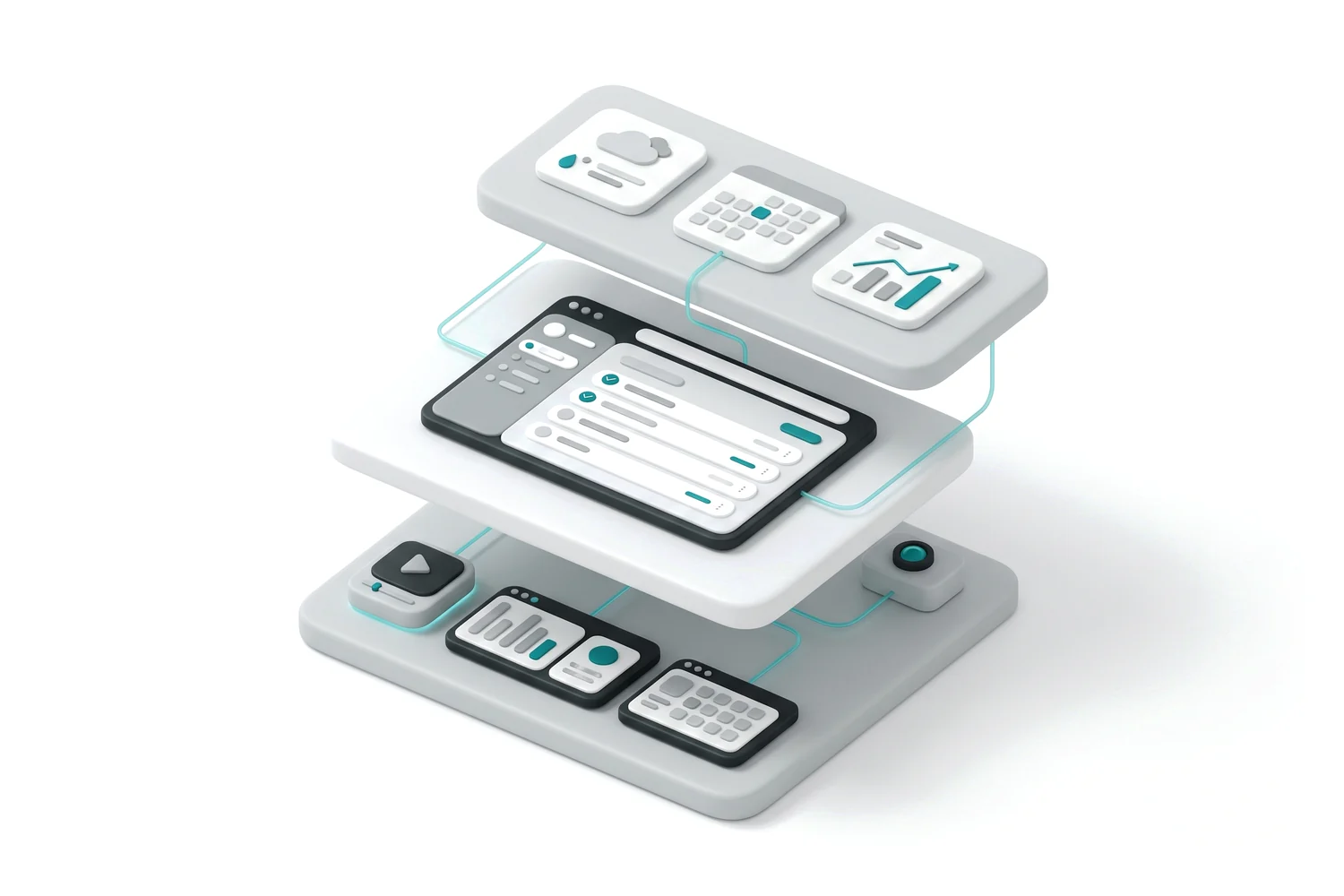
Three stacked layers: hardware at the bottom, the CMS in the middle and plugins on top

The sectors on this page look very different from each other — a hospital corridor and a car dealership showroom have little in common. What stays constant is the layer underneath: one account, one content library, one scheduling engine, and the same plugin and hardware ecosystem, regardless of where the screens are installed.

This matters in practice. A retail chain opening a hospitality venue, or a facilities manager covering both office floors and factory floors, does not start from scratch. Content, templates, and user permissions created for one context carry over. Access rights work the same way whether a screen is in a branch or a warehouse.

What changes is the configuration: the content types you schedule, the data integrations you connect, the hardware form factor you deploy, and the compliance requirements you observe. A government waiting system pulls queue data from a ticketing API. A restaurant menu board pulls prices from a POS feed. A hospital corridor display follows scheduling rules for clinical messaging. The viewneo platform handles all of these use cases from the same interface.

How to pick a starting point
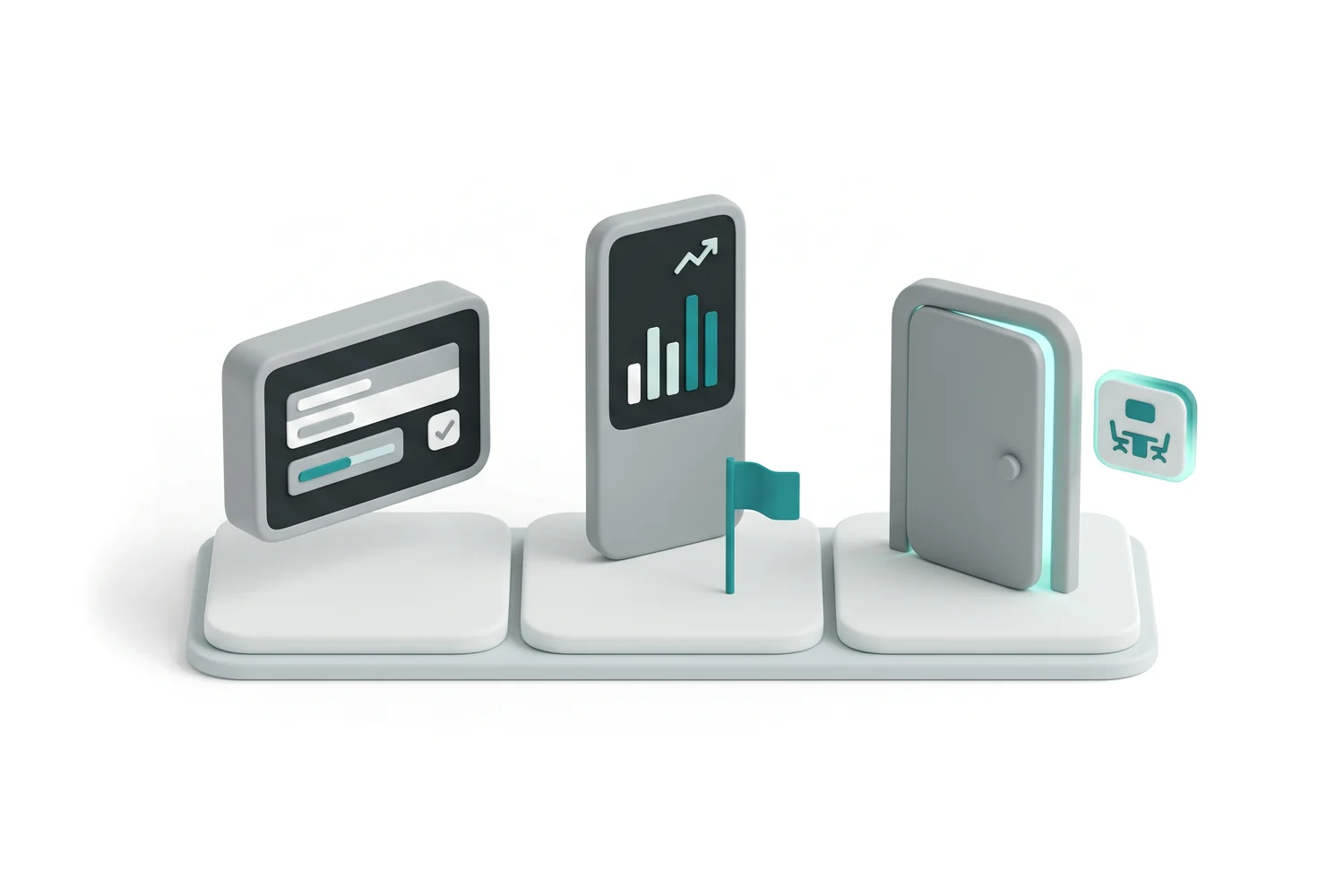
Three starting points side by side: a single screen, a stele and a room sign

Select the industry page that most closely matches your primary use case. Each page lists the screens, content types, and hardware most commonly deployed in that sector. From there, the solutions pages describe how to build specific setups — multiscreen video walls, interactive kiosks, sensor-driven content, and more. If your project spans multiple sectors, talk to our team and we will structure an account that covers all of them.

Compare plans on the pricing page.
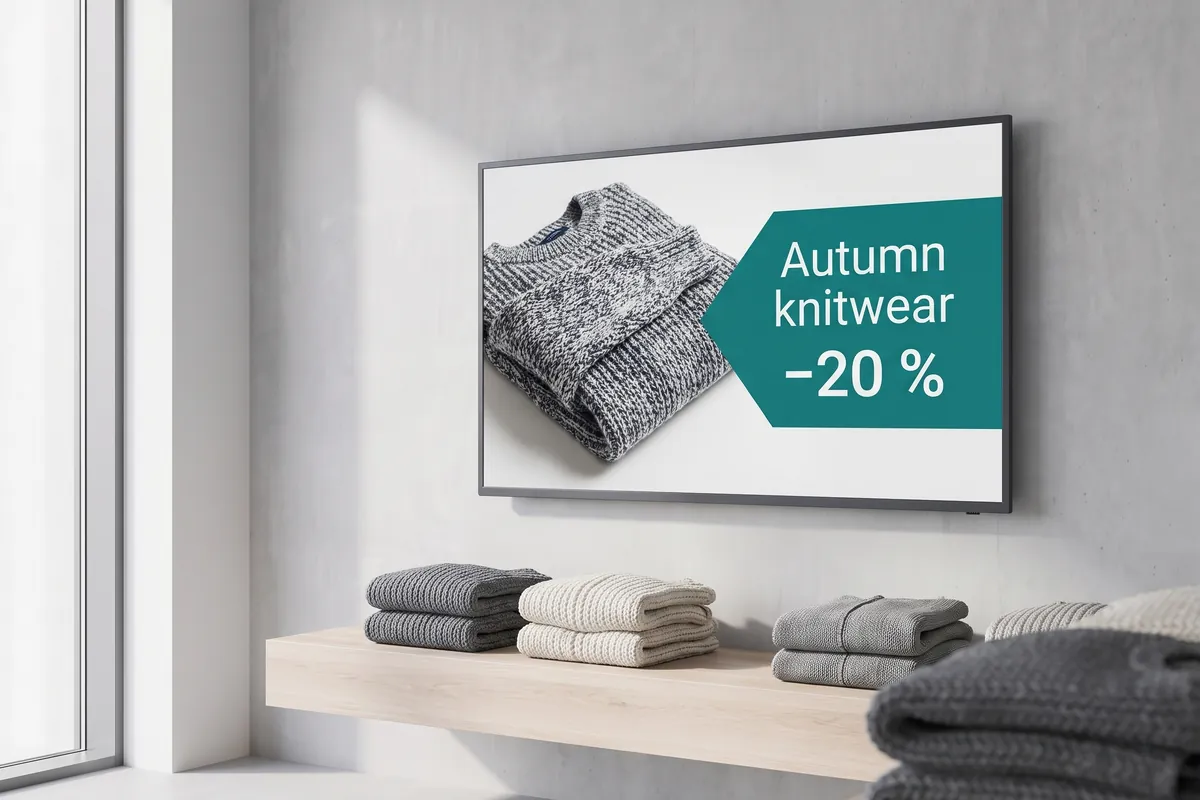
By sector

Find your industry

Each page shows the screens, content, and hardware that fit the sector, with real use cases. Select the one closest to your organisation.

  • Cloud-managed displays, interactive shelves, and sensor-driven moments that lift dwell time.

  • Digital menu boards, happy-hour promotions, and tabletop displays that lift average spend.

  • Waiting-room screens, patient guidance, and scheduled health messaging for clinics and pharmacies.

  • Announcements, event schedules, wayfinding, and emergency alerts across the whole campus.

  • Service times, song lyrics, and community news you update from anywhere — no printing.

  • Announcements, dashboards, and safety alerts across shifts, departments, and sites.

  • Waiting systems, room signage, and wayfinding — in the cloud on a German server or on-premise.

  • Branch, advisor, and lobby signage for banks, insurers, and credit unions.

  • Window listings, sales-suite displays, and multi-branch property updates.

  • Wayfinding, live agendas, sponsor screens, and video walls for events.

  • Run signage for many clients, white-label the platform, and resell viewneo under your brand.

  • Warehouse, transport-hub, and control-room signage with live operational data.

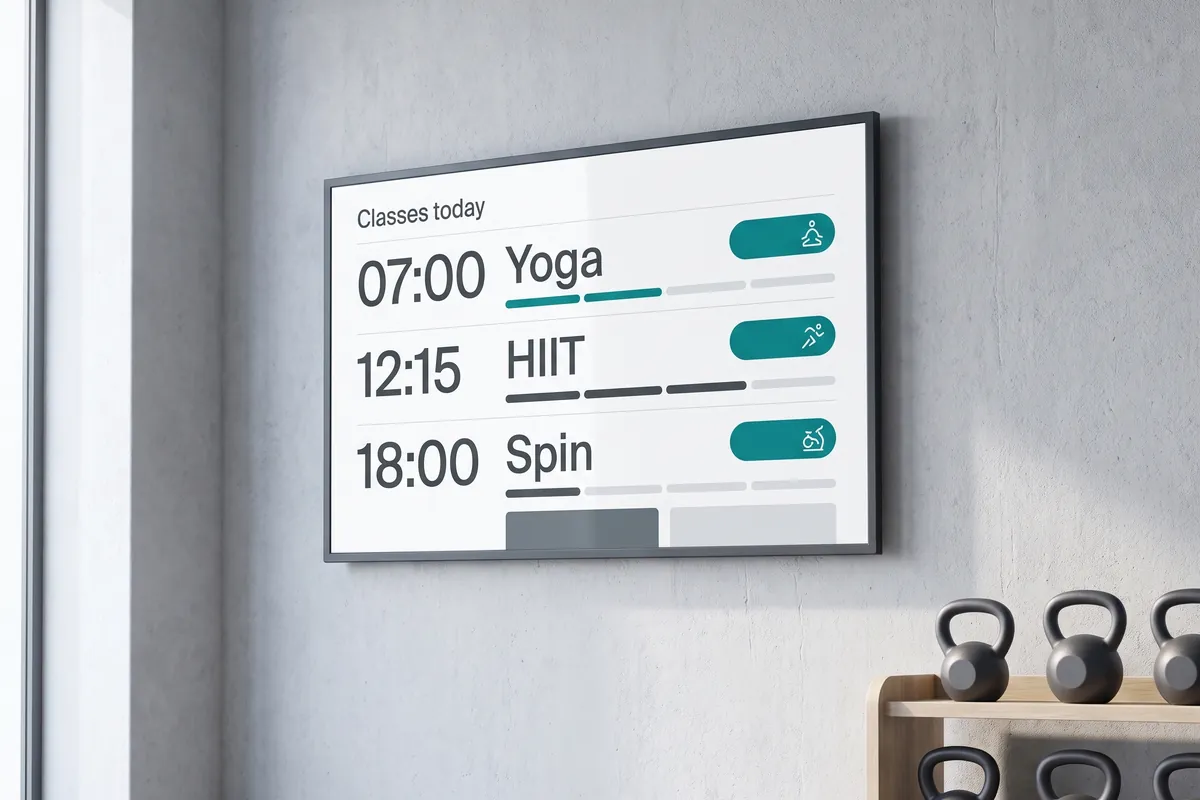
  • Class schedules, live capacity, and member promos for gyms, studios, and clubs.

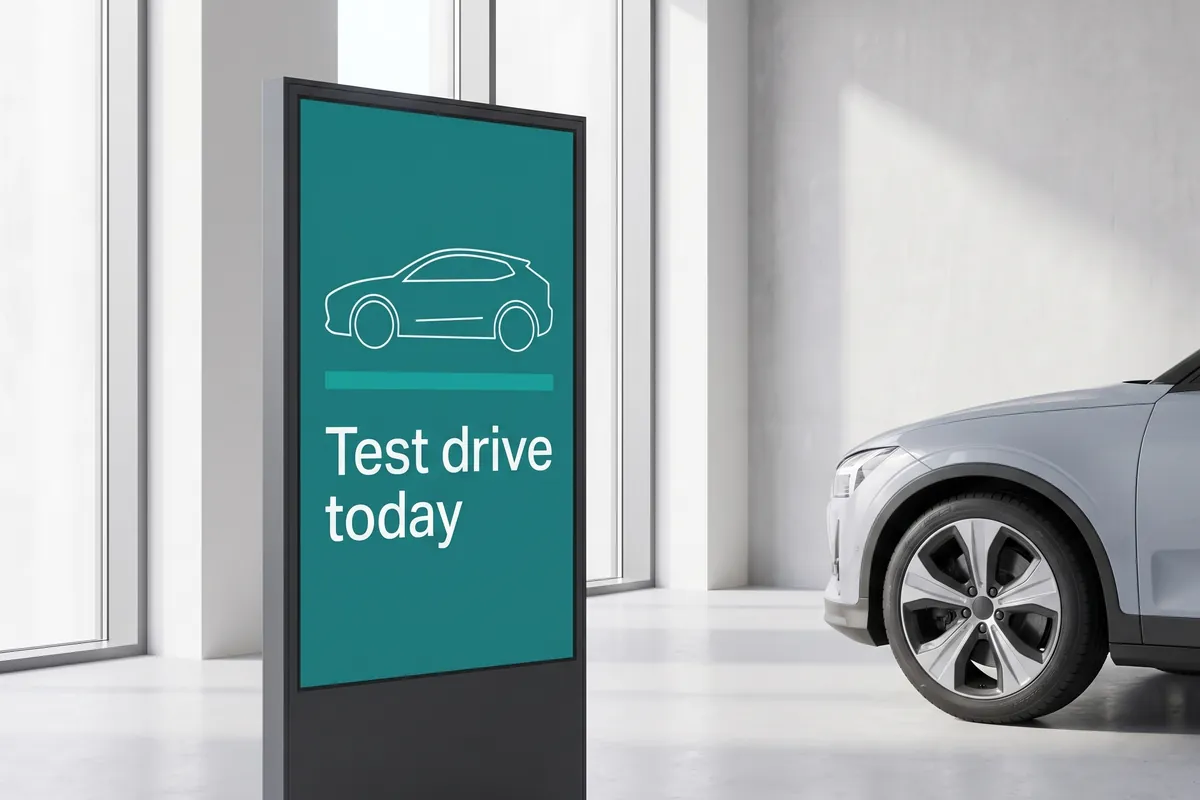
  • Showroom highlights, service-status displays, and multi-dealership content.

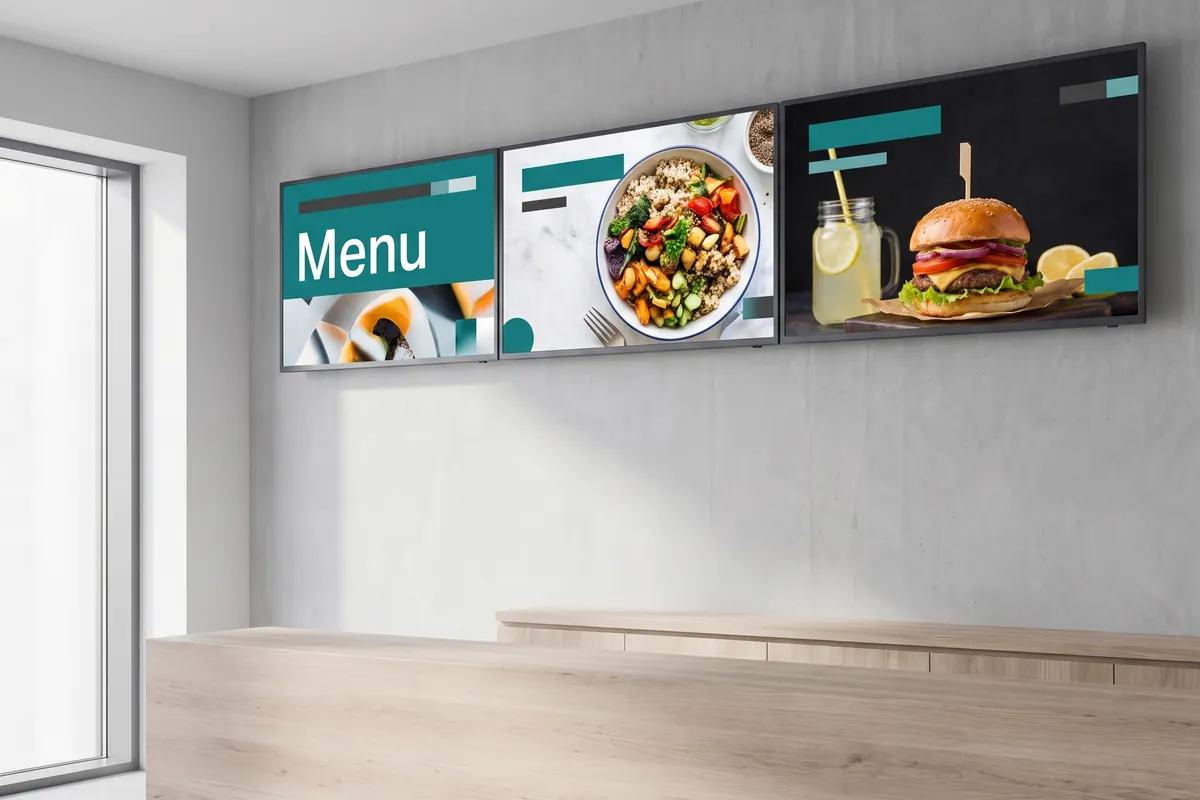
  • Digital menu boards, day-parting, and instant price updates across locations.

Frequently asked questions

What's the difference between an industry page and a solution page?
An industry page answers "what can viewneo do for my sector?" — the typical screens, content, and hardware that fit retail, healthcare, education, and the rest. A solution page answers "how do I build this specific setup?". Most organisations start from their industry and add the solutions they need along the way.
Can one viewneo account run signage across different sites and sectors?
Yes. Every sector uses the same viewneo platform, and viewneo Enterprise brings many locations together in one account, so a hospital, a school, and a head office all manage their screens from one content library and one dashboard. You add screens, plugins, and hardware as you grow and pay only for what you use.
Do we need new screens to use viewneo?
No. viewneo runs on plug-and-play media players like the viewneo Butler or the viewneo 4K Signagebox, so you keep your existing screens and add cloud management.
Is viewneo digital signage GDPR-compliant?
Yes. viewneo is operated from the EU, the standard cloud runs on a server in Germany, and viewneo signs DPAs on request. Where IT policy rules out an external cloud — common in the public sector — viewneo also runs on-premise as a private cloud. See our privacy policy.

Not sure which fits?

Tell us about your screens and your audience, and we will map your project to the right viewneo components — or compare what each plan includes.

Preview of the new contboxx home page with a stele showing the weather

contboxx launches on 1 November

The new content platform contboxx goes live at contboxx.com on 1 November 2026 — with pricing, channels and sign-up. Here is a first look at the home page.