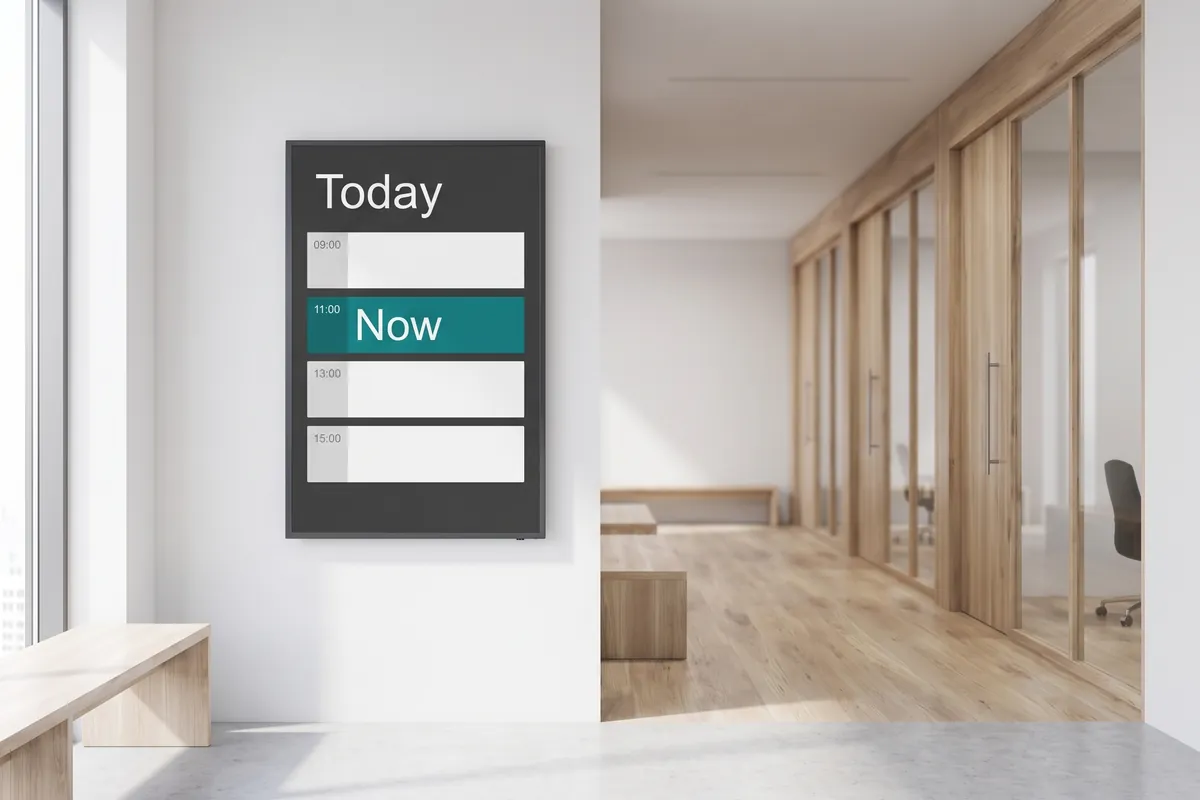
What the Calendar plugin does
The viewneo Calendar plugin is a calendar integration that connects your Google Calendar or Outlook account to your digital signage screens. Once linked, every new appointment or update is fetched automatically and displayed in the layout you configured — no one needs to touch the viewneo dashboard to keep screens current. This removes the common gap between what is on the agenda and what your lobby screen actually shows.
For teams running viewneo, the plugin fits naturally into a content playlist alongside other data widgets such as the local weather plugin. You can display a meeting-room schedule, a public events board, or a daily agenda for any department — each driven directly from the calendar your team already maintains.
The layout options make it straightforward to match the plugin output to your brand. The preset table view is ready out of the box — add your logo and pick your colours. Expert mode gives you full control over HTML and CSS for a custom design that fits a branded reception display or a specific screen orientation.
How it works
- Link your account — Authorise viewneo to read your Google or Outlook calendar via OAuth; no password is stored.
- Choose your layout — Select the preset table view and upload your logo, or switch to expert mode and write your own HTML/CSS template.
- Set entries per page — Define how many current and upcoming events appear on one screen at a time; the plugin paginates automatically.
- Place the widget in your playlist — Drag the calendar widget into any playlist or Multiframe zone. It updates in the background without requiring a playlist republish when calendar data changes.
Example use cases
- Reception displays — Show the day’s meeting schedule in the lobby so visitors know which room to head to.
- Conference room signage — Display the room’s current and next booking directly outside the door.
- Employee noticeboards — Broadcast company-wide events and deadlines to office screens without duplicating data entry.
- Co-working spaces — Show shared room availability across multiple calendars in a single, clear view without manual coordination.
- Educational institutions — Display lecture or classroom schedules per department on corridor screens, pulled from the central calendar system.
How calendar data is handled
viewneo fetches calendar entries via the Google Calendar API or Microsoft Graph API using OAuth 2.0. The connection is read-only — viewneo can read your calendar data but cannot create, edit, or delete entries. Data is processed on viewneo servers solely to render the on-screen layout. No calendar data is shared with third parties beyond what is required to deliver the display.
Compatible with
- viewneo Professional and viewneo Enterprise — bookable per player, transferable to other players
- Google Calendar (any Google Workspace or personal Google account)
- Microsoft Outlook / Microsoft 365