viewneo support is available through four channels: documentation, a community forum, video tutorials, and direct contact with our team. This page explains each channel and when to use it.
Product documentation
The viewneo Docs site is the primary reference for platform questions. It covers every feature in detail — content scheduling, playlist rules, plugin configuration, hardware setup, and API references. If you encounter a question while setting up a screen, building a playlist, or configuring an integration, the documentation is the fastest place to start.
Release notes are also published in the documentation. To follow what has changed in recent versions, see the viewneo changelog.
Community Q&A
The viewneo Community is a peer-to-peer forum where viewneo users ask questions, share configurations, and help each other with common challenges. It is the successor to the previous viewneo Forum Google Group and carries the same audience: installers, in-house operators, and IT teams running viewneo across one or many locations.
If your question is about a specific setup scenario — combining plugins, structuring content for a multi-site deployment, or integrating with a third-party system — the community is a good place to search before opening a direct support request.
Video tutorials
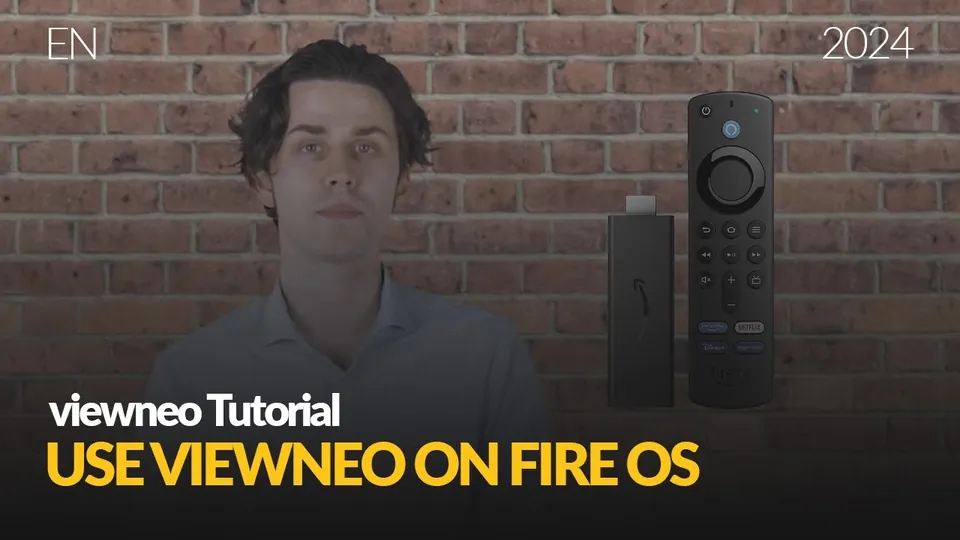
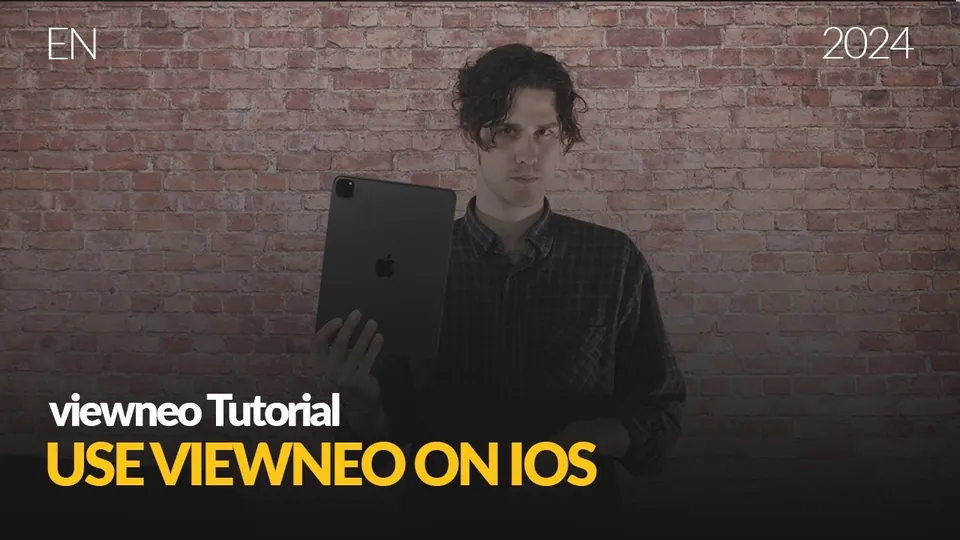
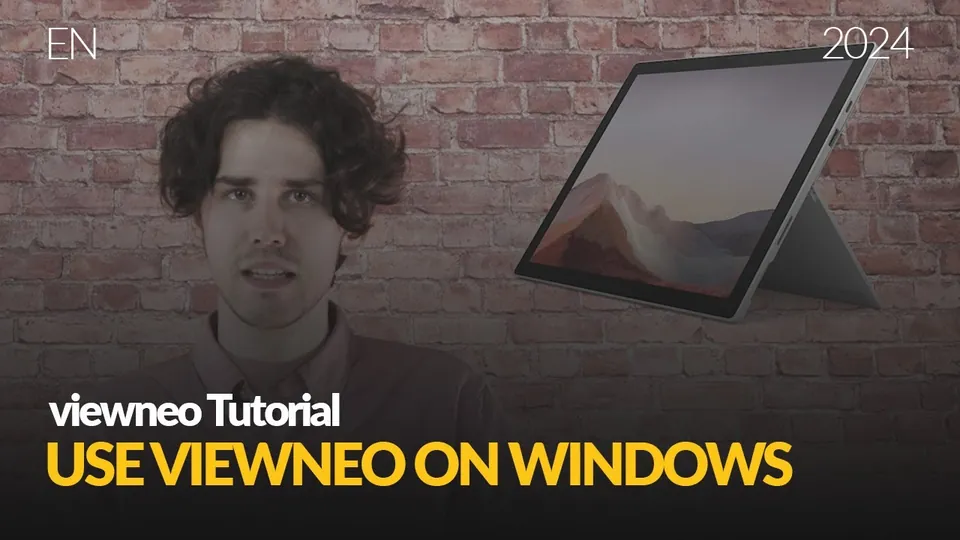
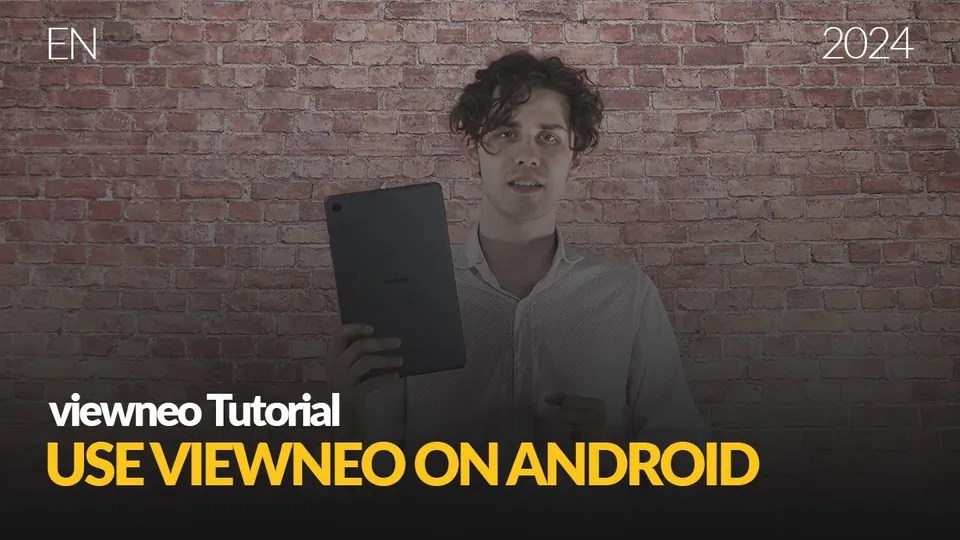
The viewneo YouTube channel publishes tutorials, setup walkthroughs, tips, and feature deep-dives. Video tutorials are especially useful for visual learners and for topics like content design, scheduling logic, and plugin configuration where seeing the interface in action saves time.
The channel is updated when new features ship. No account is required to watch — visit the link directly.
Direct support from the viewneo team
For questions that need a person rather than a document, contact the viewneo team directly. This channel is best suited to:
- Installation planning and hardware selection
- Onboarding for new deployments
- Project scope discussions and viewneo Enterprise enquiries
- Escalations that the documentation and community have not resolved
Direct support is accessed via the contact form — no ticket portal login required.
Send us a message
Use the form below, or simply email sales@viewneo.com with your name, your company, and what you would like to achieve with digital signage — that is all we need to point you to the right person.
How we process your data: privacy policy.
What to try first
For platform feature questions, start with the documentation. For scenario-specific questions or peer advice, check the community. For visual walkthroughs, the YouTube channel covers the most common workflows. If none of those resolve your question, contact the team.