What viewneo Enterprise is
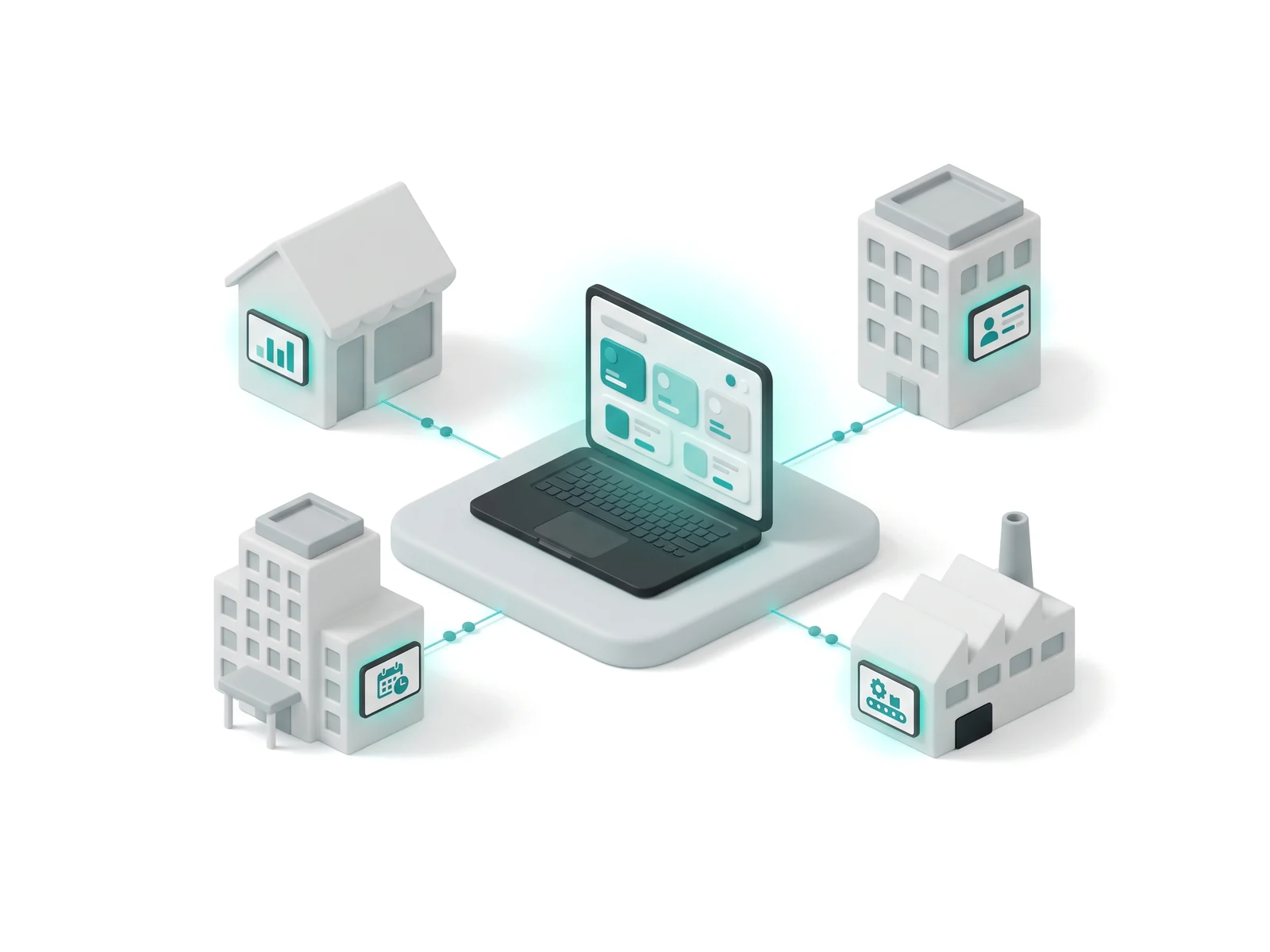
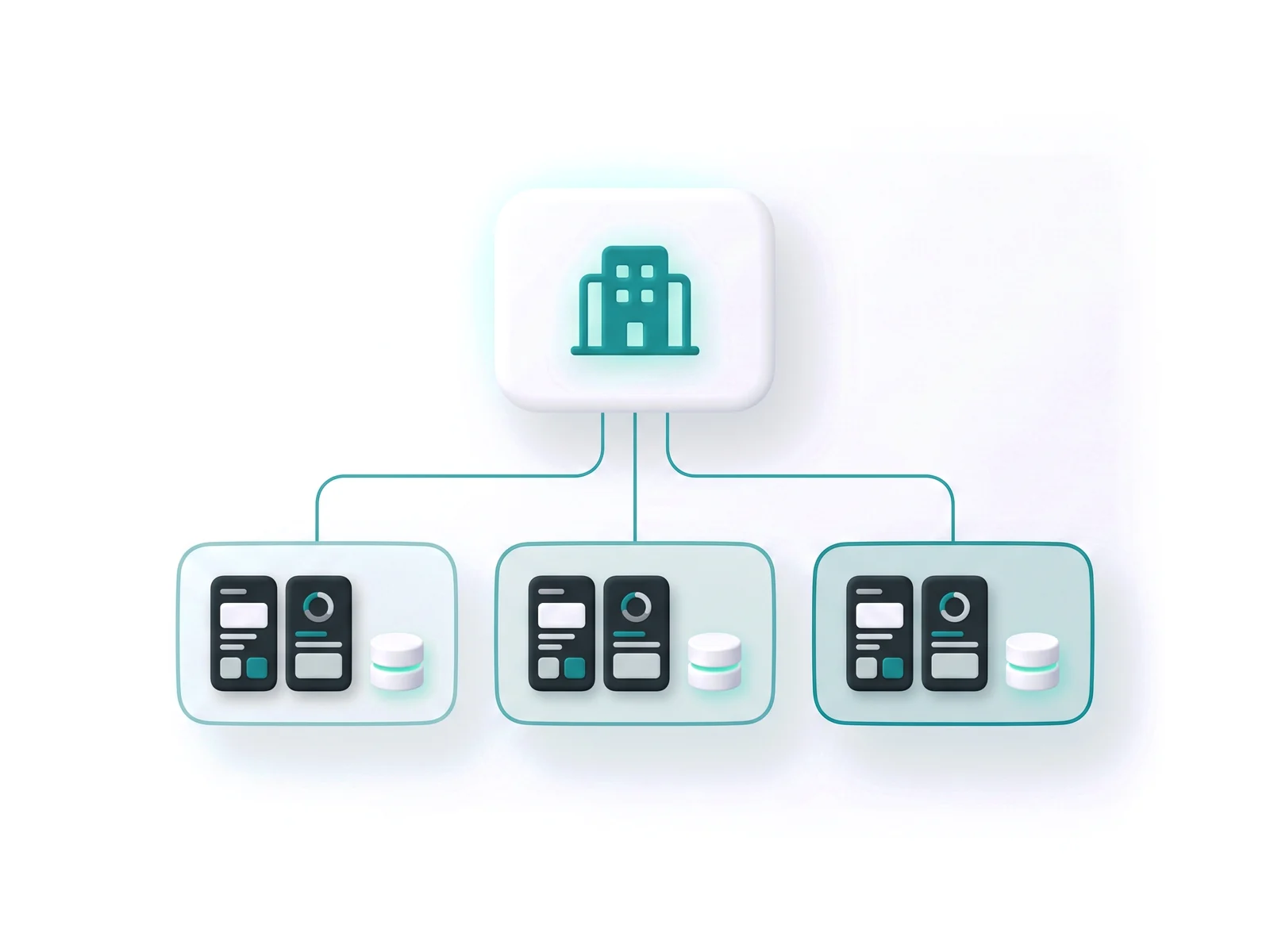
viewneo Enterprise is the central-management edition of the viewneo digital signage platform, built for franchises, agencies, and organisations that run screens across many locations. It lets one team create content in a single place and distribute it through an entire network — one branch, one region, or every site worldwide — from one account, with every screen controlled through the same cloud CMS. It includes everything in the viewneo Professional plan and layers central management, sub-accounts, white label, and an open API on top.
A consistent way of communicating with customers matters to any multi-site brand, and Enterprise makes it practical: head office sets the message, local teams stay on-brand, and the overall image improves because every location speaks with one voice. Because the platform is modular, you start with a single licence and add capabilities as you grow, so the same system scales from a first pilot screen to a multinational network without a migration. The four capabilities below — central content, sub-accounts, white label, and flexible deployment — are what make that possible.
What can a sub-account do?
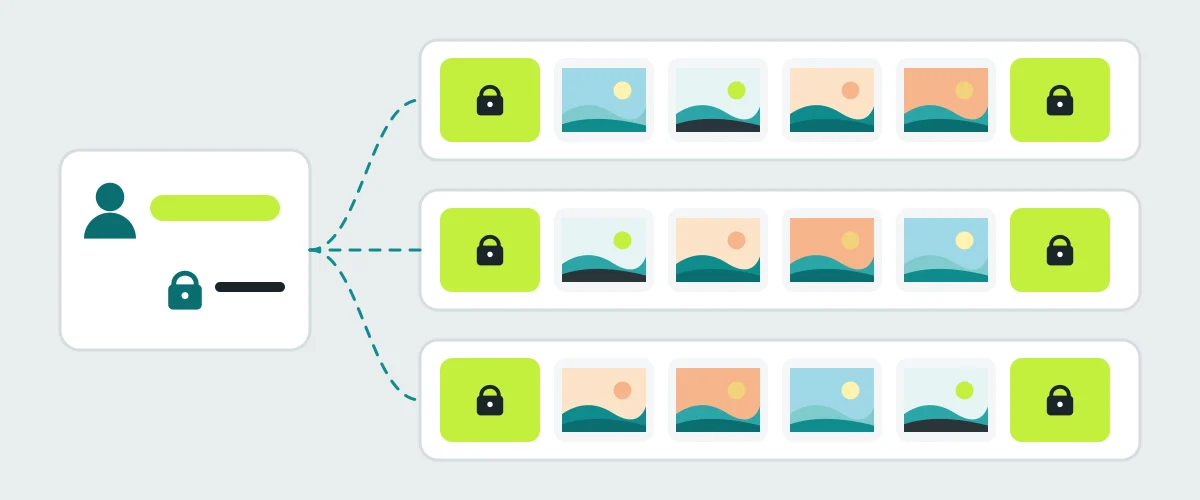
A sub-account is a standalone viewneo account that you manage from your Enterprise account. Each one has its own devices, content, playlists, and users, so a store, franchisee, or agency client works in its own space without seeing anyone else’s screens. When you create a sub-account, you set:
- Name, labels, and a Super User — the administrator who receives the login and any change notifications
- Permissions — restrictions such as limits on content uploads
- Device licences and plugins — how many screens the sub-account can run and which plugins it can use; both can be changed later, and the costs appear on your monthly bill
From head office you can lock a sub-account temporarily, edit its subscription, or assign a mandatory playlist. Mandatory playlists enforce content on every device of a sub-account — useful for contractual advertising or company-wide announcements. They play at the beginning or end of the local playlist, either in full, a set number of items per cycle, or a random selection, and sub-accounts cannot change or remove them. Labels group sub-accounts so you can share a playlist with, for example, every store in one region at once. A paid Enterprise subscription includes unlimited sub-accounts; during the trial, one sub-account can be created.
What can you brand with white label?
The White Label add-on turns the CMS into your own digital signage product. In the CMS settings you set your product name, the sender address and display name for system emails, your logo (PNG, JPEG, or GIF; 133 × 30 pixels recommended), and your colour scheme via a colour wheel or exact HEX codes. A separate login URL is provided for your customers, and a custom domain such as signage.yourcompany.com can be arranged through the viewneo sales team. viewneo 4K Signagebox players can also be supplied neutrally. The Instagram, Facebook, and Active plugins cannot be used under white label because they show a visible connection to viewneo.
What does the Open Interface let developers do?
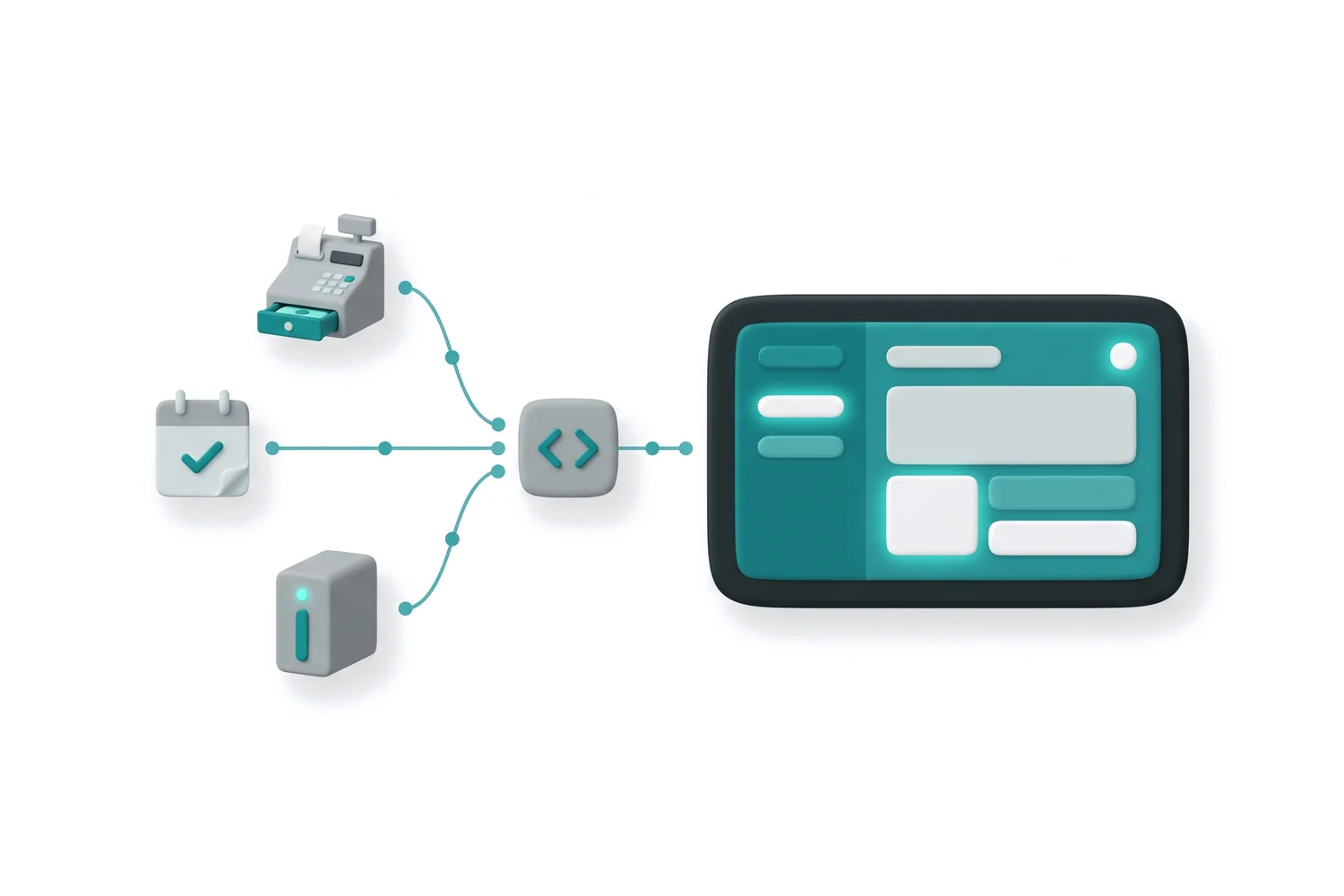
The Open Interface is the viewneo REST API, activated with the API plugin. Your developers can upload images and videos and create website content, create, update, and assign playlists, and query device status or configure device settings — so viewneo can be wired into existing systems and workflows. Requests and responses use JSON, access is authorised with a Personal Access Token or OAuth2, and an interactive Swagger UI lets developers test endpoints in the browser before writing code. For no-code automation, the same plugin connects viewneo to Zapier.
Single sign-on for larger teams
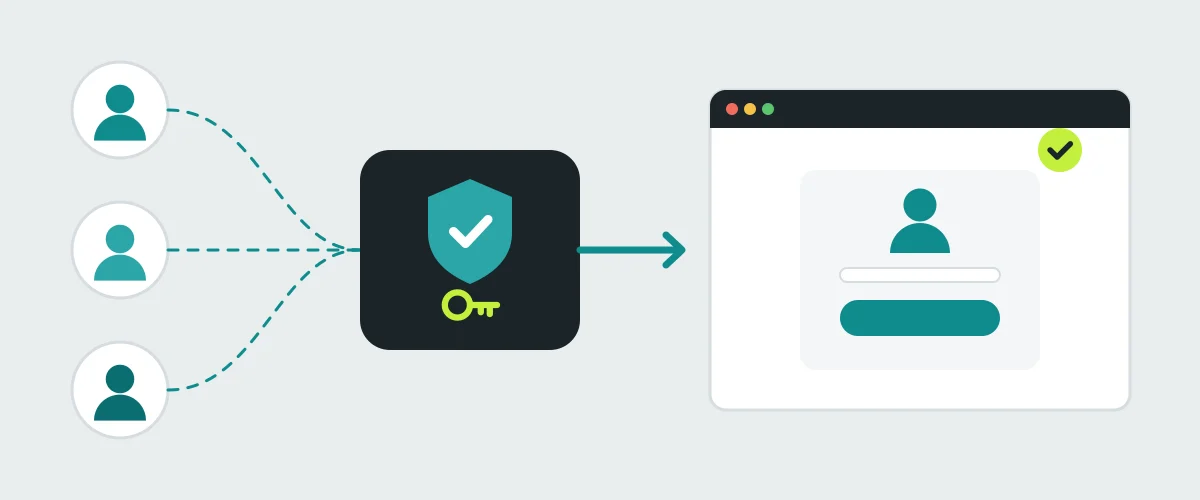
viewneo Enterprise supports SAML 2.0 single sign-on, so users log in with their existing corporate identity instead of a separate viewneo password. Any SAML 2.0-compatible identity provider works, including Microsoft Azure Active Directory, Okta, Google Workspace, ADFS, OneLogin, and Auth0. Users are managed centrally in your identity provider.
Integrations
Enterprise connects to the tools your teams already use through the viewneo plugin range. Pull records and dashboards from Salesforce, HubSpot, SAP, and Power BI, or automate content with Zapier across thousands of apps. Enterprise also exposes an open API — the Open Interface — so your own developers can build custom integrations beyond the plugin range. Browse all plugins →
For data-driven locations, pair it with viewneo to measure engagement using anonymised metadata only.
What support comes with Enterprise?
Every Enterprise account includes email support. Telephone support and third-level support are available as options, so a larger rollout can add a faster, more hands-on tier as it grows.
Pricing & next steps
viewneo Enterprise grows with you — pay only for the components you use, and add licences, storage, or plugins as needs change. Enterprise costs $280 per month plus $17 per player per month, and every player on the account automatically moves to the reduced Enterprise licence rate. Plugins are not included: in Enterprise too, they are booked per player and can be flexibly reassigned to other players. Enterprise is billed monthly only; if you switch from a yearly Professional plan, the remaining term is credited against the new monthly cost. Every new account starts with 30 days of full access to all features, plugins, and AI, so you can test a multi-site setup before you commit.
Compare options on the pricing page, or book a demo and we’ll walk through a multi-site setup with sub-accounts and, if you need it, white label.