How it works

Live in three steps.

Connect a screen, build a playlist, and publish to one display or thousands — entirely from your browser, no on-site technician required.

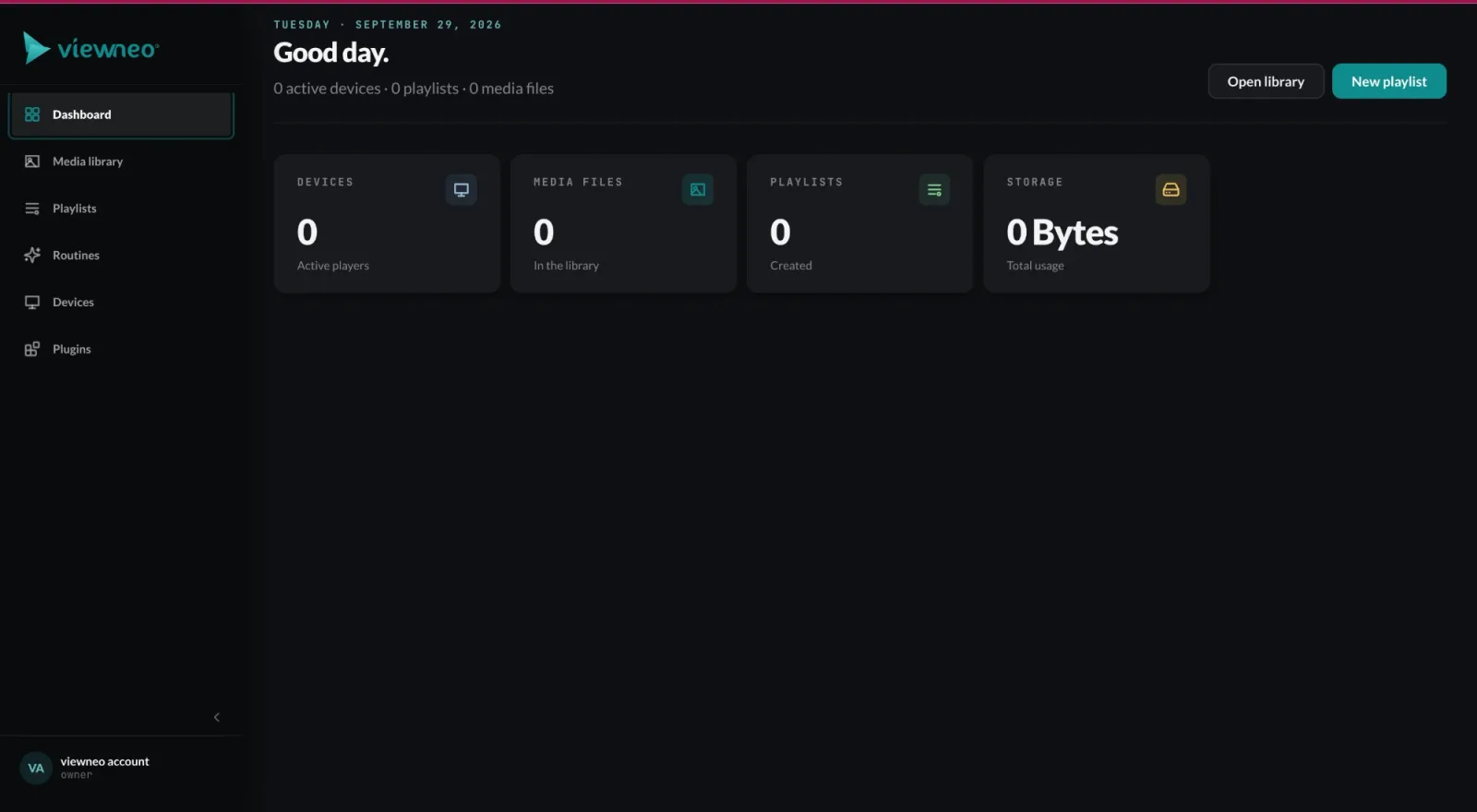
viewneo CMS dashboard with device, media, playlist and storage overview and quick actions

viewneo is a cloud-based digital signage platform you run from your browser. It manages screens, playlists, and schedules across one location or hundreds — with no software to install and no technician required to go live.

Creating content in the browser

The viewneo content designer runs entirely in the cloud. Upload images, video files, and MS Office documents directly — all common media formats are supported without conversion. Need a starting point? A library of ready-to-use templates (with the templates plugin) covers the most common use cases, from daily menus to lobby announcements to wayfinding maps. Or simply describe what should appear on the screen — the AI creates the image for it (from viewneo Professional; see AI content).

Every viewneo licence includes the content designer. From Professional you also get access to over 1 million stock images and videos; more than 200 design templates come with the templates plugin.

Arrange your clips into playlists by dragging them into order. Set durations per clip, apply transitions, and overlay text or live data feeds using plugins — weather, social feeds, Power BI dashboards, and more. Everything you build is saved in your account and reusable across screens.

Organizing content into scheduled playlists

viewneo scheduling goes beyond “play this file at this time.” Assign content rules by time of day, day of week, screen location, or an external trigger from a sensor or IoT device. A retail floor can show promotional content during peak hours and switch to operational messaging after close — without anyone touching a screen.

For multi-site operations, viewneo Enterprise adds screen groups, role-based access, and centralized scheduling so a regional manager can push a campaign to 50 stores without involving each site’s local team.

Connecting players and publishing instantly

Every viewneo setup starts with a player paired to a display. Plug in a viewneo 4K Signagebox — or another device from the hardware range — and a pairing code appears on the screen. Enter it in the dashboard, and that display is immediately under your control.

From that point, publishing is instant. Select the screens you want to update, choose a playlist, and click publish. Changes reach every device in seconds. The dashboard shows live device status so you know which screens are online, what is playing, and whether any display has gone offline.

For sensor-driven and interactive experiences, viewneo Butler bridges the physical environment to your content rules. RFID tags, presence sensors, and IoT data streams can all become content triggers.

Training and onboarding

Most teams are self-sufficient after a short onboarding call. The interface is browser-based with no local software to learn, and the template library means you can produce professional-looking content without a designer. For larger rollouts or custom integrations, the viewneo team offers structured onboarding — contact us to discuss your setup.

Next steps

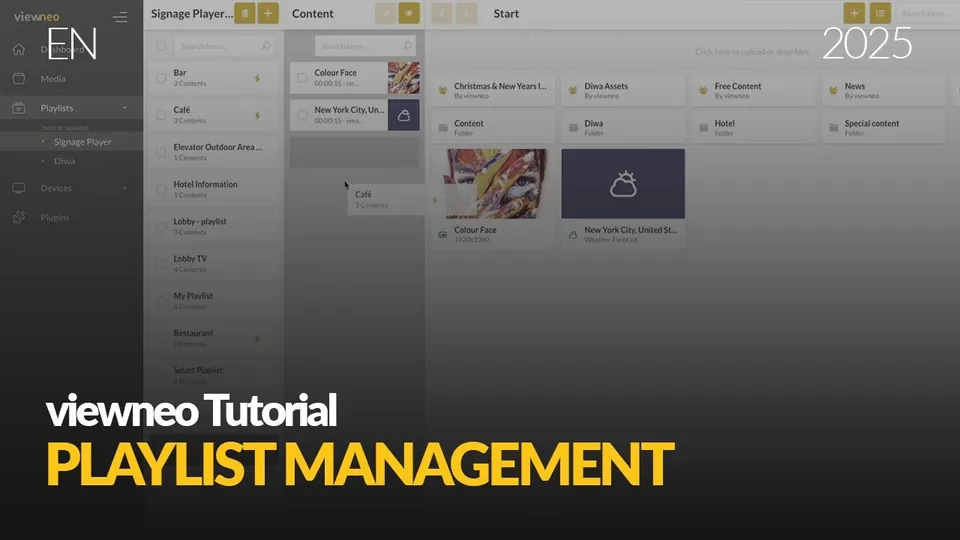
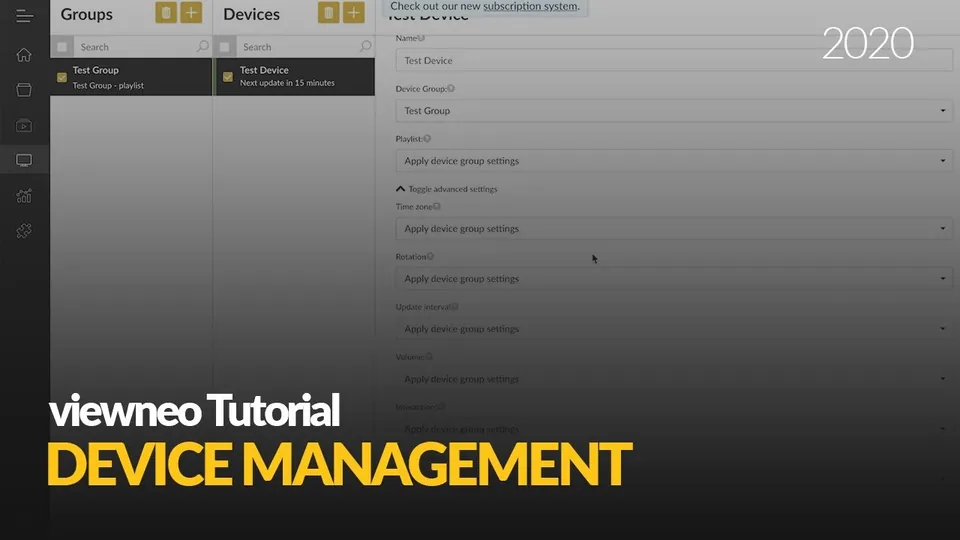
Watch how it works

1:46
Creating and managing playlistsPlaying the video sends data to YouTube (Google). Privacy
1:57
Managing your devicesPlaying the video sends data to YouTube (Google). Privacy
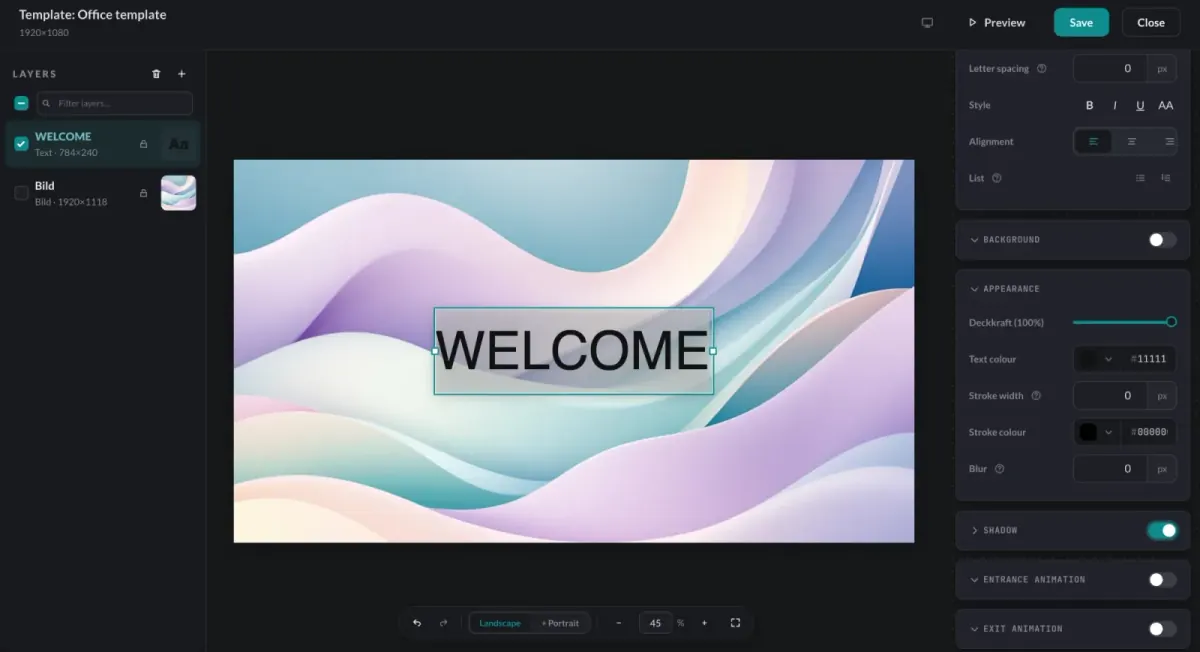
viewneo template designer with a layers panel, a text layer on the canvas and styling and animation settings

Cloud content designer

Design every screen in the browser

Create playlists, upload media, and build layouts entirely in the cloud — no software to install. Images, video, and MS Office documents are all supported out of the box, and everything you build is saved to your account and reusable across screens.

  • Images, video, and MS Office files supported
  • Drag clips into order, set durations and transitions
  • Saved to your account, reusable everywhere
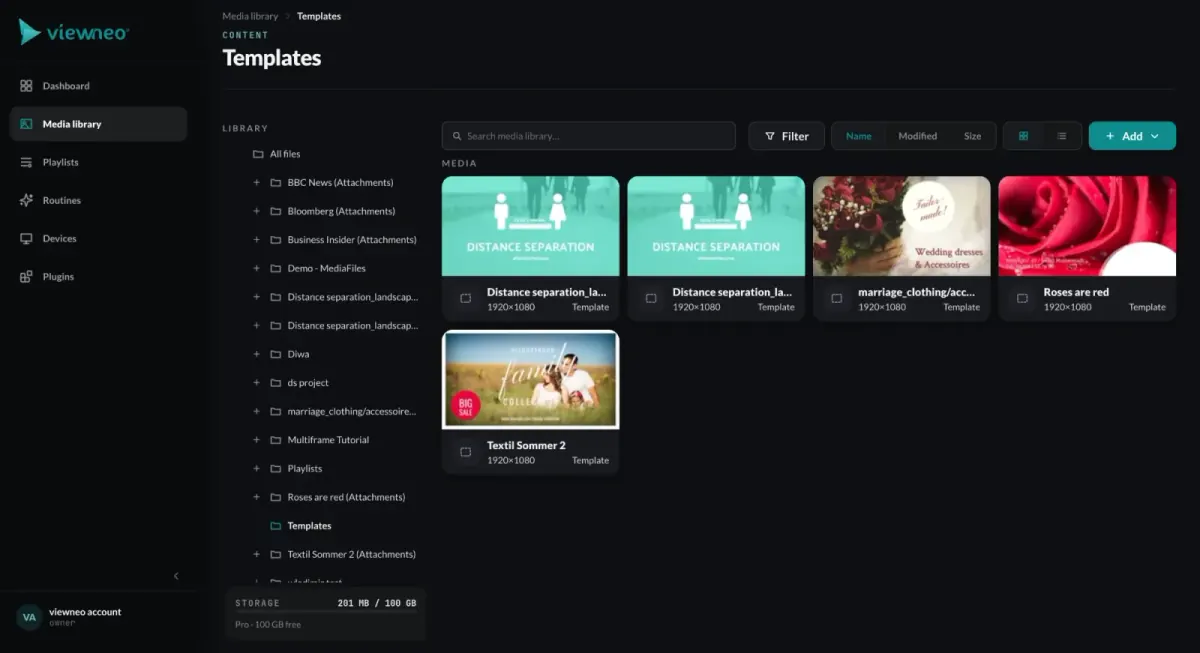
viewneo media library showing a grid of ready-made 1920x1080 signage templates

Ready-to-use templates

Start from a template or a prompt, not a blank canvas

A library of ready-to-use templates covers the most common use cases — daily menus, lobby announcements, wayfinding maps, and more. Pick one, swap in your text and media, and publish, so teams produce professional-looking content without a designer.

  • Templates for menus, announcements, and wayfinding
  • Edit text and media in place
  • No design skills required
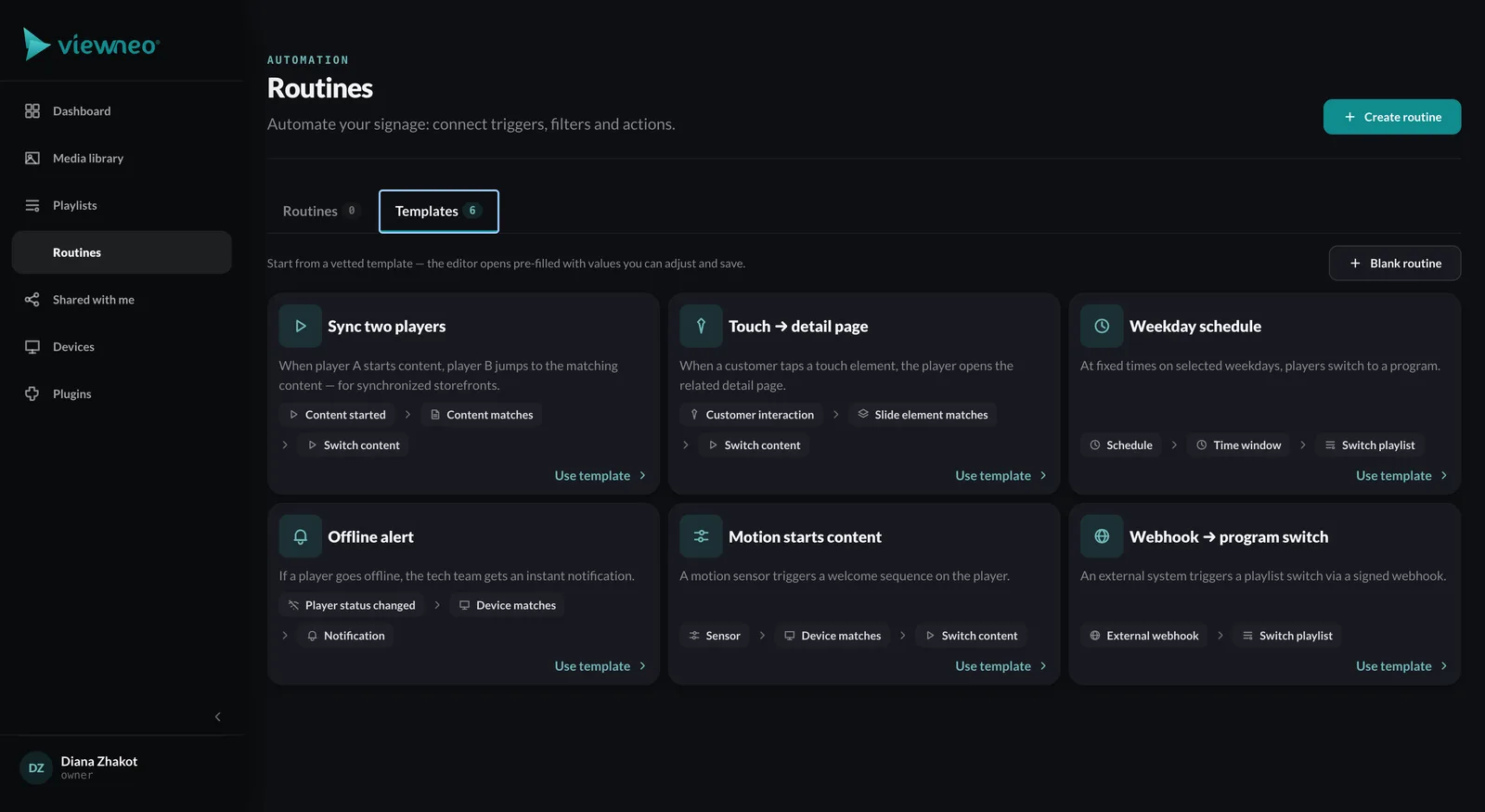
viewneo CMS Routines screen with automation templates such as weekday schedule, player sync, offline alert and webhook triggers

Scheduling and triggers

The right message at the right moment

Schedule content by time of day, day of week, screen location, or an external trigger from a sensor or IoT device. A retail floor can show promotions during peak hours and switch to operational messaging after close — automatically, without anyone touching a screen.

  • Schedule by time, day, or location
  • Trigger content from sensors and IoT events
  • Rules run automatically, hands-free
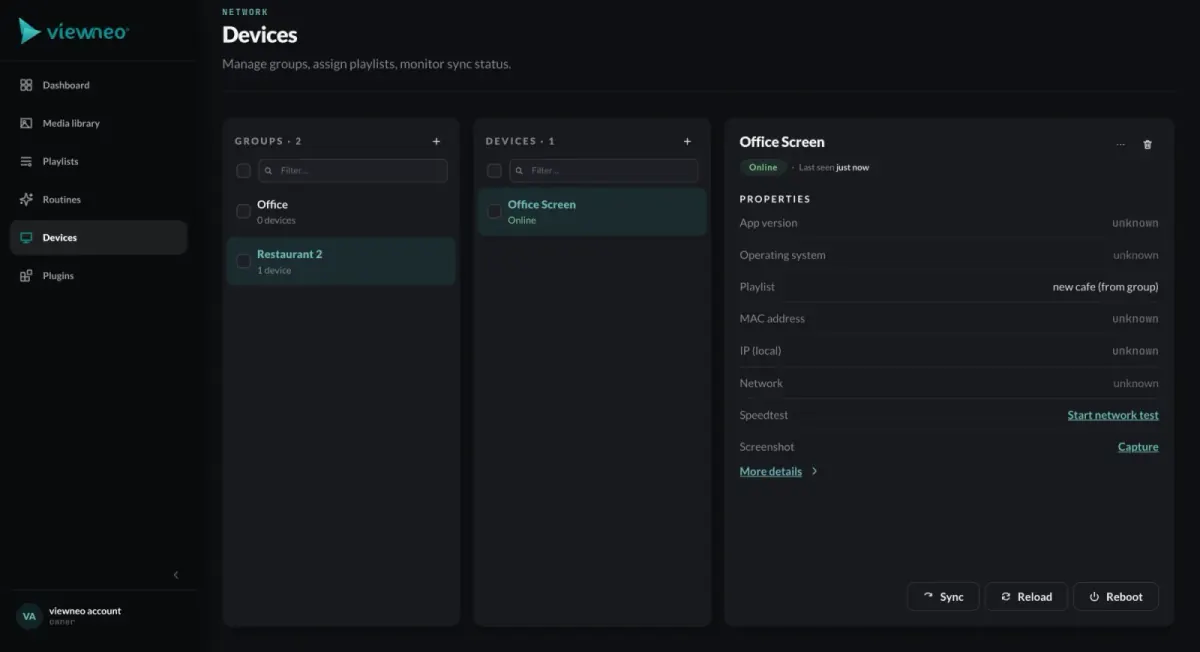
viewneo Devices screen with device groups, a device list and an online screen's properties plus Sync, Reload and Reboot actions

Players and monitoring

Publish to one screen or thousands

Pair any display with a viewneo media player or run the app on hardware you already own. Select the screens to update, choose a playlist, and publish — changes reach every device in seconds. Live device status shows what is online and what is playing.

  • Plug-and-play players or app on existing screens
  • Publish to one screen or thousands in one click
  • Live device, connectivity, and playback status

The process

From unboxing to live in minutes.

  1. 01

    Connect a screen

    Plug in a viewneo player or open the app on any modern display, then pair it with a code shown on screen. No network engineer required.

  2. 02

    Build a playlist

    Upload images, video, or MS Office documents — or start from a ready-to-use template. Arrange clips, set durations, and schedule by time, date, or location.

  3. 03

    Publish and monitor

    Push content live to one screen or thousands with one click. Track device status, connectivity, and playback in real time from the cloud dashboard.

Frequently asked questions

Do I need special hardware to run viewneo?
No. Any modern display works. Pair it with a viewneo media player — such as the viewneo 4K Signagebox — or install the app on a compatible screen you already own. Browse all supported hardware.
How long does it take to go live?
Minutes. Connect a screen, build a playlist, and publish — three steps, no installer visit, no specialist on site.
Can I manage many locations at once?
Yes. viewneo Enterprise lets you group screens by location, department, or region and push targeted content to each group independently — from a single dashboard.
Where is my data hosted and is viewneo GDPR-compliant?
viewneo is operated from the EU by Adversign Media GmbH (Germany). The platform complies with GDPR and the German TDDDG. Data Processing Agreements (DPAs) are available on request. See our Privacy policy for full details.

See viewneo in action.

Start for free with one screen, or talk to the team for a live walkthrough.

Preview of the new contboxx home page with a stele showing the weather

contboxx launches on 1 November

The new content platform contboxx goes live at contboxx.com on 1 November 2026 — with pricing, channels and sign-up. Here is a first look at the home page.