
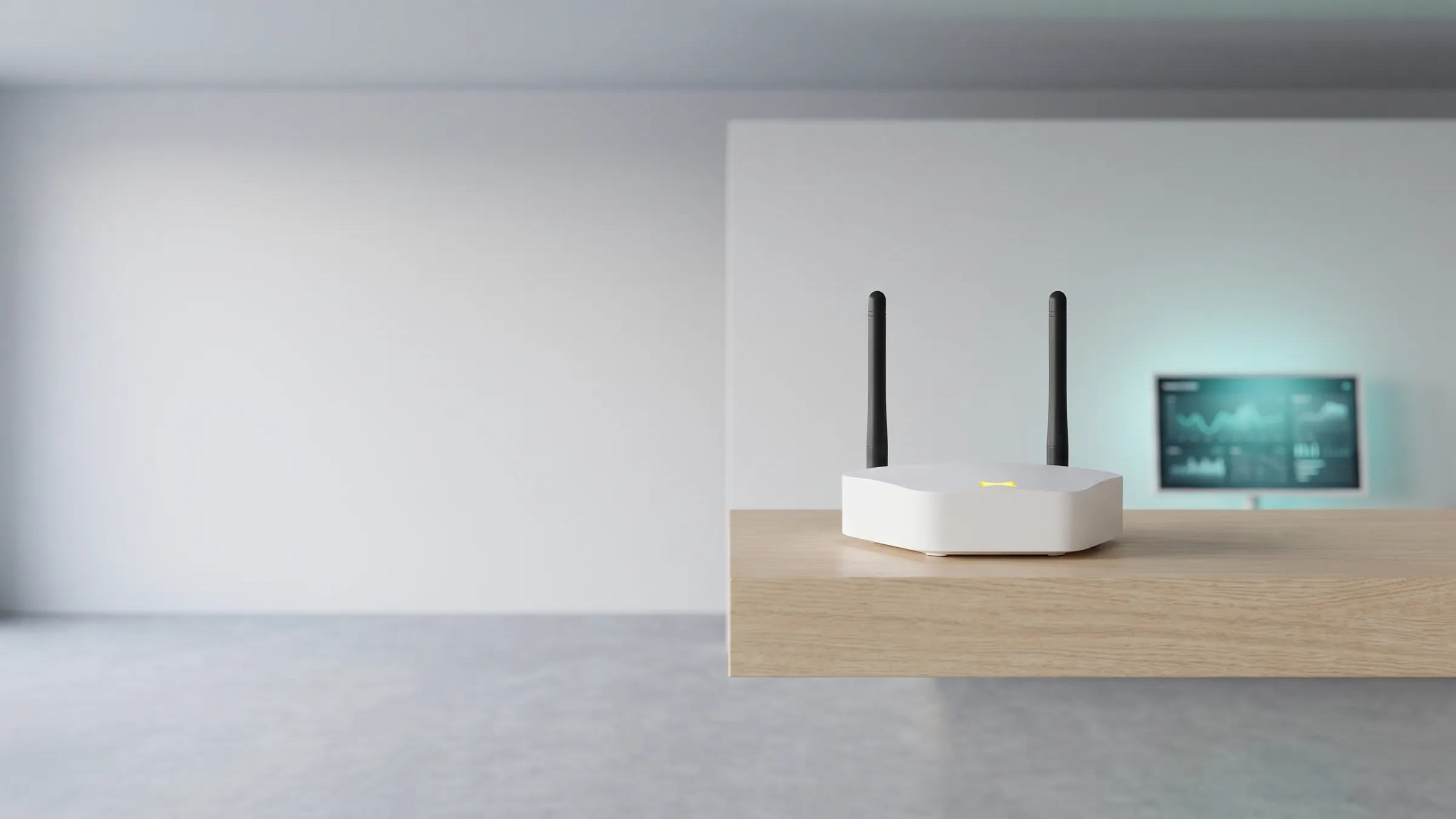
What the viewneo Butler is
The viewneo Butler is an IoT gateway that connects digital signage with the real environment around the screen. It links external Zigbee devices — sensors, switches, sockets, and lamps — to the viewneo content management system, so what happens in front of a display can change what the display shows, and vice versa. It is built for smart retail, museums, showrooms, and any setting where content should interact with its surroundings.
A practical example: when a visitor approaches a monitor, a motion sensor detects the movement, the screen changes its content, and at the same time an LED light illuminates the relevant product. Connect IoT sensors, smart buttons, and smart sockets, and content adapts to events in front of and around the display — turning a product presentation into an experience.
How does the viewneo Butler fit into your stack?
The Butler pairs with the viewneo 4K Signagebox and the Smart Playlist plugin, whose event management defines what action follows each trigger. It connects a wide variety of smart devices: many products from popular brands such as Philips, Osram, Xiaomi, and IKEA are compatible — see the Butler-compatible smart devices list. Combined with the RFID system or PWS Pegs, almost any electrical device or lamp can react when a product is lifted.
What an interactive experience looks like
Picture a headphone display. A customer answers a few questions on a tablet — preferred music, budget, whether they travel — and the recommended pair is shown on a screen and lit up on the shelf, so they can pick it up, try it on, and judge the sound and comfort for themselves. A larger nearby screen adds the rational detail: key features, battery life, specifications. The Butler ties this together, receiving signals from sensors and switching the lights that stage each product, so the emotional experience of handling a product and the information needed to buy it happen in one place.
How do you set up the Butler?
Setup takes two steps and no IP configuration. Connect the Butler to your local network with an Ethernet cable and plug it in with the included power adapter; it obtains its network address automatically and then appears in the viewneo CMS under Devices as a new, unassigned device. Assign it to a device group or directly to a player — the Butler must sit on the same local network as the player it works with. Place it centrally: indoors, plan for 10 to 30 metres between the Butler and each device, because walls and other obstacles reduce the radio range.
Next, pair your Zigbee devices one at a time. Put a device into pairing mode (for a smart plug, typically by holding its button until the LED blinks), click Add Device in the Butler settings, and give the device a clear name such as “Shelf Light Left”. If you are new to the Butler, the Butler Set is the easiest start: it combines the gateway with a selection of actuators for a first installation.
Which events can the Butler trigger?
Every automation is a rule with a trigger, an action, and a target device. Triggers can be a schedule (a set time, daily or weekly), a content event (a slide, playlist, or content item starts or stops playing), or a manual command from the CMS. Actions switch a socket or relay on or off, toggle its state, or — on supported lamps — set brightness and colour. One rule can address several devices at once. A typical pair of rules switches shelf lighting on at 08:00 and off at 20:00 on weekdays; another lights a product spotlight only while its promotion is on screen.
Specs
The table above summarises the gateway’s capabilities. Available sensors from viewneo include sockets, motion sensors, and weight sensors; custom configurations can be arranged on request. Because the Butler exposes its functions in the CMS event area, your team configures these interactions without writing any code.
Buy the Butler set or talk to sales about an interactive installation.