What the templates plugin does
The viewneo templates plugin is a master-slide system built directly into viewneo that lets you define which parts of a slide are fixed and which parts editors can change. Lock a logo, a background color, or a headline typeface at the master level; leave text fields and images open for each editor’s input. Every slide generated from a template inherits the master layout automatically.
When a template changes, every slide linked to it updates instantly. For teams managing large volumes of content, one edit cascades across dozens or hundreds of screens. Pair the templates plugin with the smart-playlist plugin to automate both the content design and when each piece appears on screen.
The templates plugin addresses a governance problem that compounds with team size. When multiple people or locations contribute content, brand consistency deteriorates quickly without a controlled master. Static zones make it structurally impossible for editors to move a logo, change a typeface, or alter a background — the master design is protected regardless of who is editing. Editors see only the zones intended for their input, which reduces errors and shortens the review cycle.
How it works
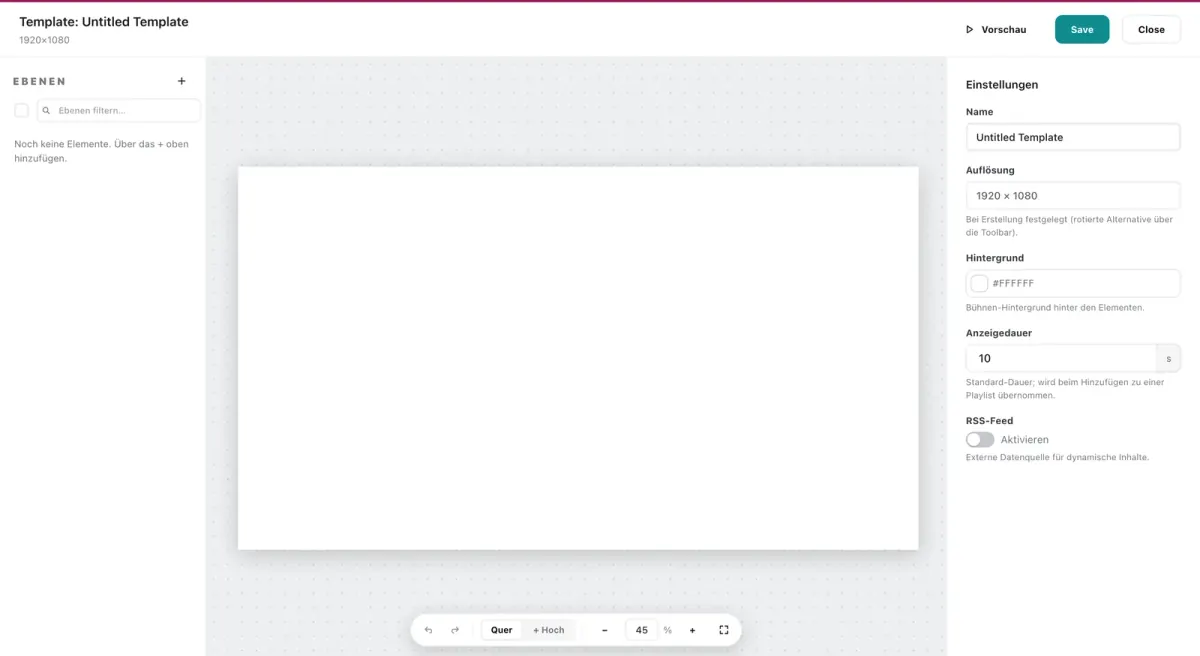
- Create a template — open the CMS slide editor, choose “template” mode, and design your master layout with static and editable zones. Assign a clear name so contributors can identify the right template for their content type.
- Build slides from the template — create as many slides as needed; each inherits the template structure. Editors fill in only the editable zones — the rest is locked at the master level.
- Update and propagate — edit the template at any time and all derived slides reflect the change immediately. One update to a logo or seasonal design element reaches every screen at once.
Example use cases
- Franchise systems — headquarters sets the brand template; each location fills in local pricing, opening hours, or promotions without touching the master design.
- Retail chains — a single seasonal template is distributed to all stores; regional teams update their own product names and prices.
- Teams managing high slide volumes — instead of editing 50 slides individually, update the template once and all 50 refresh in one step.
- Internal communications teams — a standard announcement template with a fixed header and footer means communications staff fill in only the message body, keeping every bulletin on-brand without design support.
Compatible with
- viewneo Professional and viewneo Enterprise — bookable per player, transferable to other players
- Works with all viewneo content types (images, text, video placeholders)