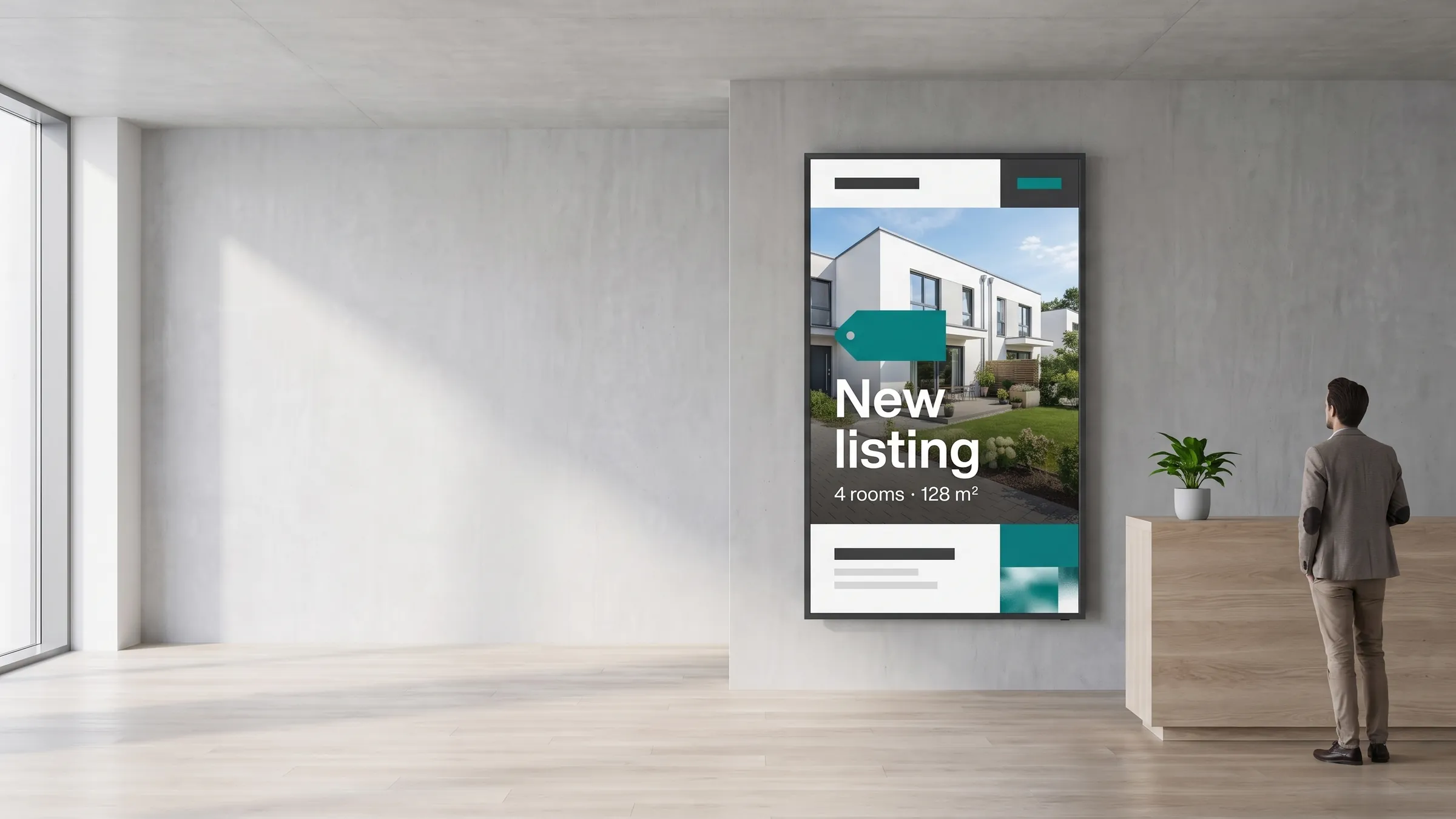
viewneo is a cloud-based digital signage platform for real estate agencies, property managers, and new-development sales teams. It connects window displays, touch kiosks, lobby boards, and sales-suite screens to one dashboard, so marketing managers and branch teams can keep listing content current across every location — without printing, without calling IT, and without visiting each office.
What is the challenge in real estate signage?
Property information changes fast — prices adjust, units sell, new phases launch. Yet most agencies still rely on printed window cards, emailed PDFs, or manually updated local screens. The gap between what is on screen and what is in the database creates confusion for buyers and extra administrative work for branch staff. At the same time, a multi-branch network means each new campaign or price change has to be pushed to dozens of locations, and confirming that every screen is showing the correct content is difficult without a central overview.
How does viewneo solve it?
viewneo gives real estate teams the same content-control infrastructure that large retail chains use.
- Create once, schedule everywhere. viewneo Enterprise is the management layer: create content once, schedule it by branch, region, or screen group, and push updates to every display at once.
- Real-time visibility. Branch managers see exactly what is running on each screen in real time, and any update — whether a price change pushed from the CRM or a new campaign image uploaded by marketing — appears on screen within minutes.
- Live property feeds. The viewneo Open Interface is the integration point for property data: it accepts standard feed formats, so listing details — address, price, photos, availability — can be written directly to screen templates without any manual copy-paste.
- Automatic updates on offer. When a property goes under offer, the API feed updates the screen automatically — removing the most time-consuming manual step in real estate branch signage and eliminating the risk of screens showing stale or incorrect prices.
What are window displays for estate agencies?
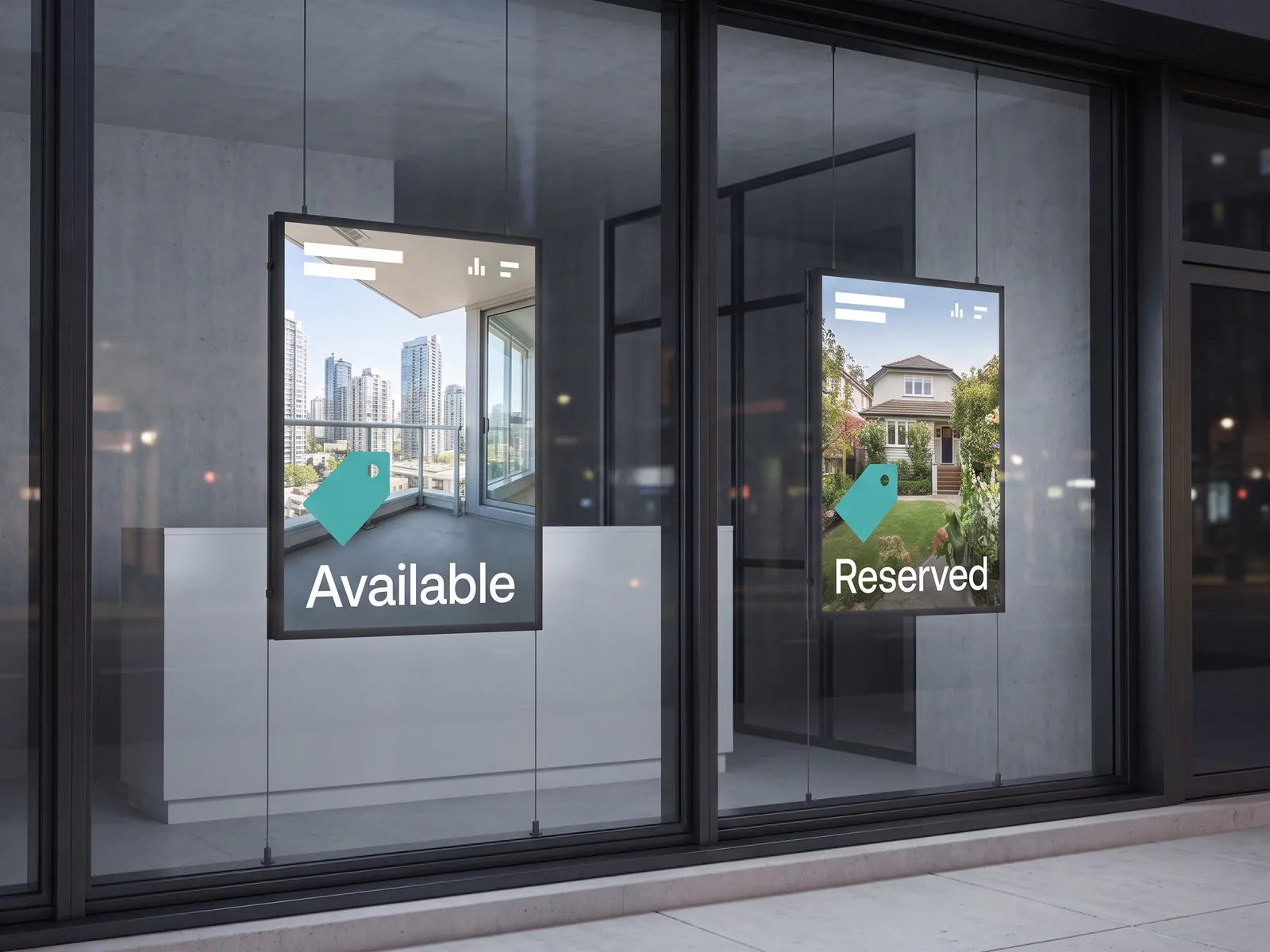
The backlit window LCD is one of the most recognised formats in real estate, and it remains one of the highest-traffic touchpoints an agency has — visible to passers-by 24 hours a day. High-brightness commercial panels (typically 2,500 nits or above) remain readable even in direct summer sunlight. viewneo manages these displays through the same CMS as every other screen in the branch, so a single content update reaches the window, the reception kiosk, and the sales-suite display simultaneously. See the hardware page for compatible high-brightness display options.
How do interactive kiosks work in a branch?
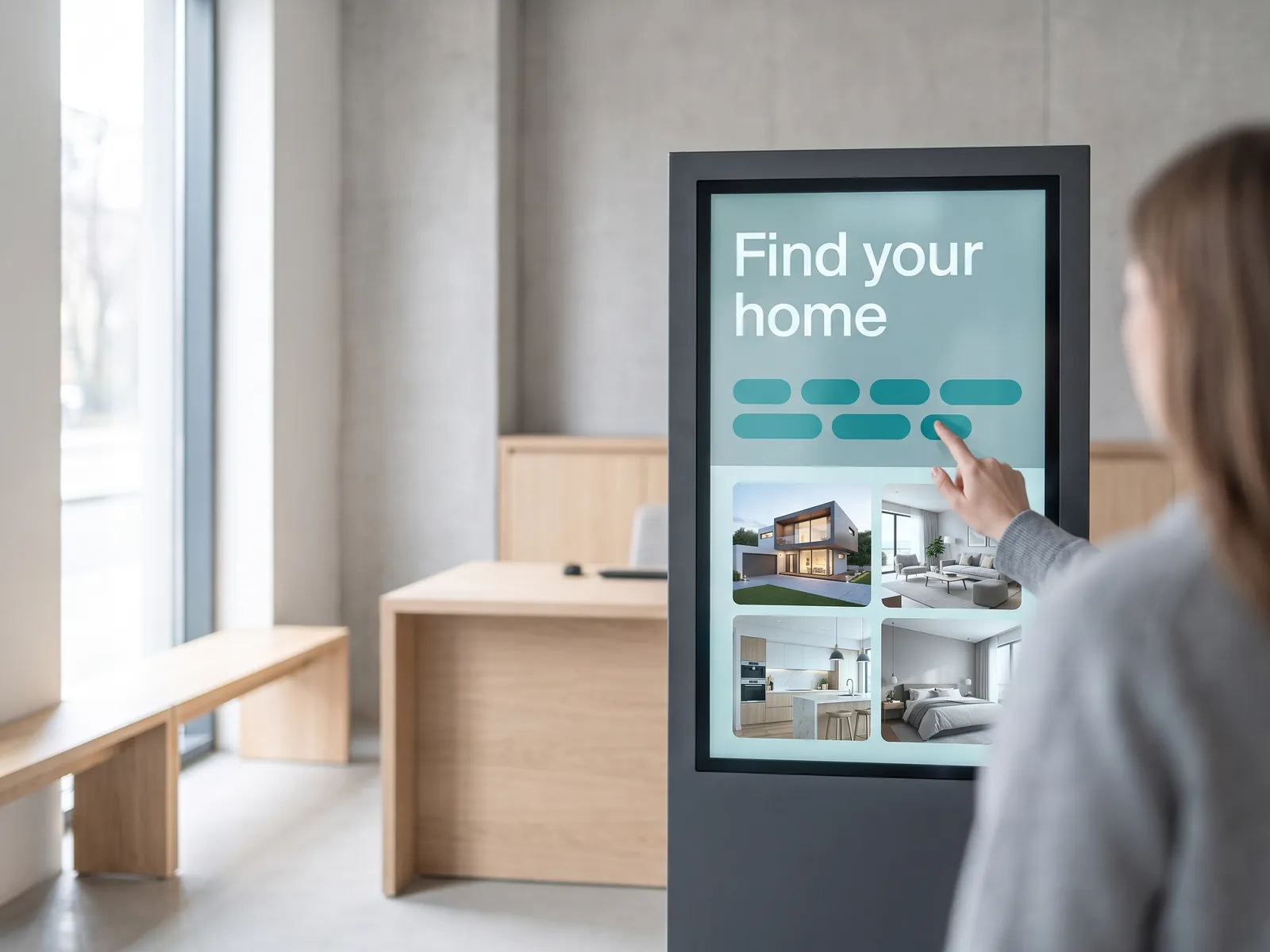
A touch kiosk in the reception area extends the branch’s capacity without adding headcount.
- Self-service portfolio search. Visitors can search the full portfolio by price, location, number of bedrooms, and property type — all without waiting for a consultant to become available.
- Floor plans and virtual tours. Visitors can view floor plans and virtual-tour links, and request a brochure or appointment directly from the kiosk.
- Synced with the CMS. The kiosk content is managed from the viewneo CMS alongside all other screens: update a listing in your property system and the kiosk reflects the change immediately.
- Captures intent data. For branches with high walk-in traffic, a kiosk also captures intent data that can feed back into the agency’s sales process.
What do new-development sales suites need?
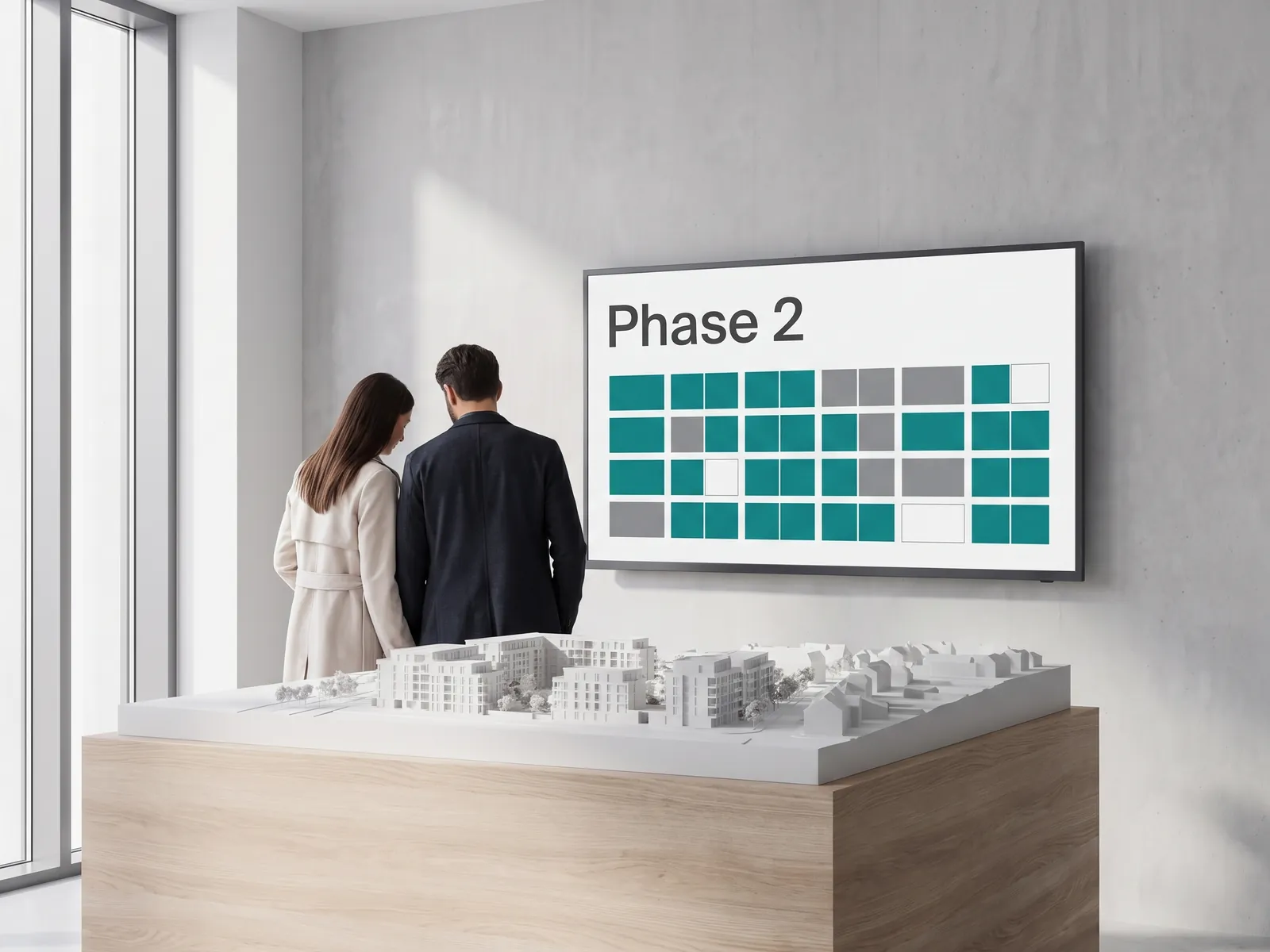
A sales suite for a new development has different requirements from a high-street branch — buyers are making large purchasing decisions, and the presentation must handle floor plans, pricing matrices, phase availability, material and finish options, and sometimes a full development model.
- Real-time availability during launch events. Large-format landscape or portrait displays managed through viewneo Enterprise allow the sales team to update availability in real time as reservations are taken — no printed sheets, no whiteboard, no risk of showing a unit that has already sold.
- Multi-screen layouts. viewneo Enterprise also supports multi-screen layouts, so a sales suite can run a dedicated display per building phase and a summary board in the same room, all from one content schedule.
Lobby and building communication for property managers
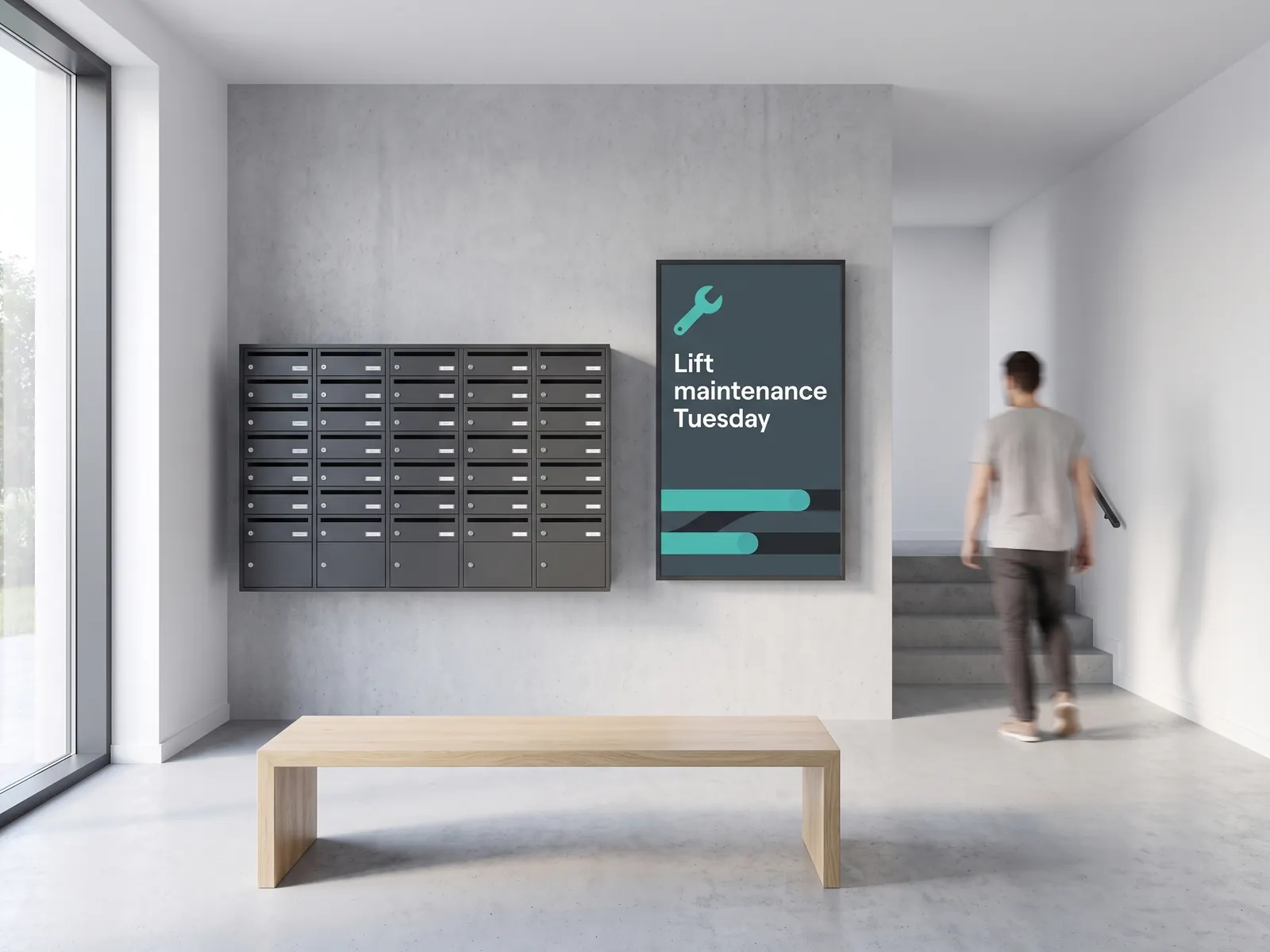
Property managers of residential and commercial buildings have a separate set of signage requirements: notice boards, visitor directories, planned-maintenance alerts, parking information, and emergency notices — and viewneo handles all of these from the same platform as the agency’s branch screens.
- Entrance and lobby split. A digital door signage setup at building entrances can display access information for residents and visitors while the lobby screen runs building-wide notices.
- Central management, local overrides. Content for individual buildings is managed centrally, with local overrides available for building managers who need to post a one-off notice quickly.
What a typical real estate viewneo setup includes
- Software: viewneo Enterprise — multi-branch scheduling, user roles, region management
- Integration: Open Interface (API plugin) — live listing feeds from your property system
- Hardware: high-brightness window displays and commercial touch panels — see Hardware
- Solutions: digital door signage for lobby and entrance screens
- Pricing: compare plans to find the right tier for your branch count
Get started
See how viewneo fits a single flagship branch or a national franchise network. Book a demo and we will walk through a content setup for your locations — or compare plans on the pricing page to get an overview of what is included at each tier.