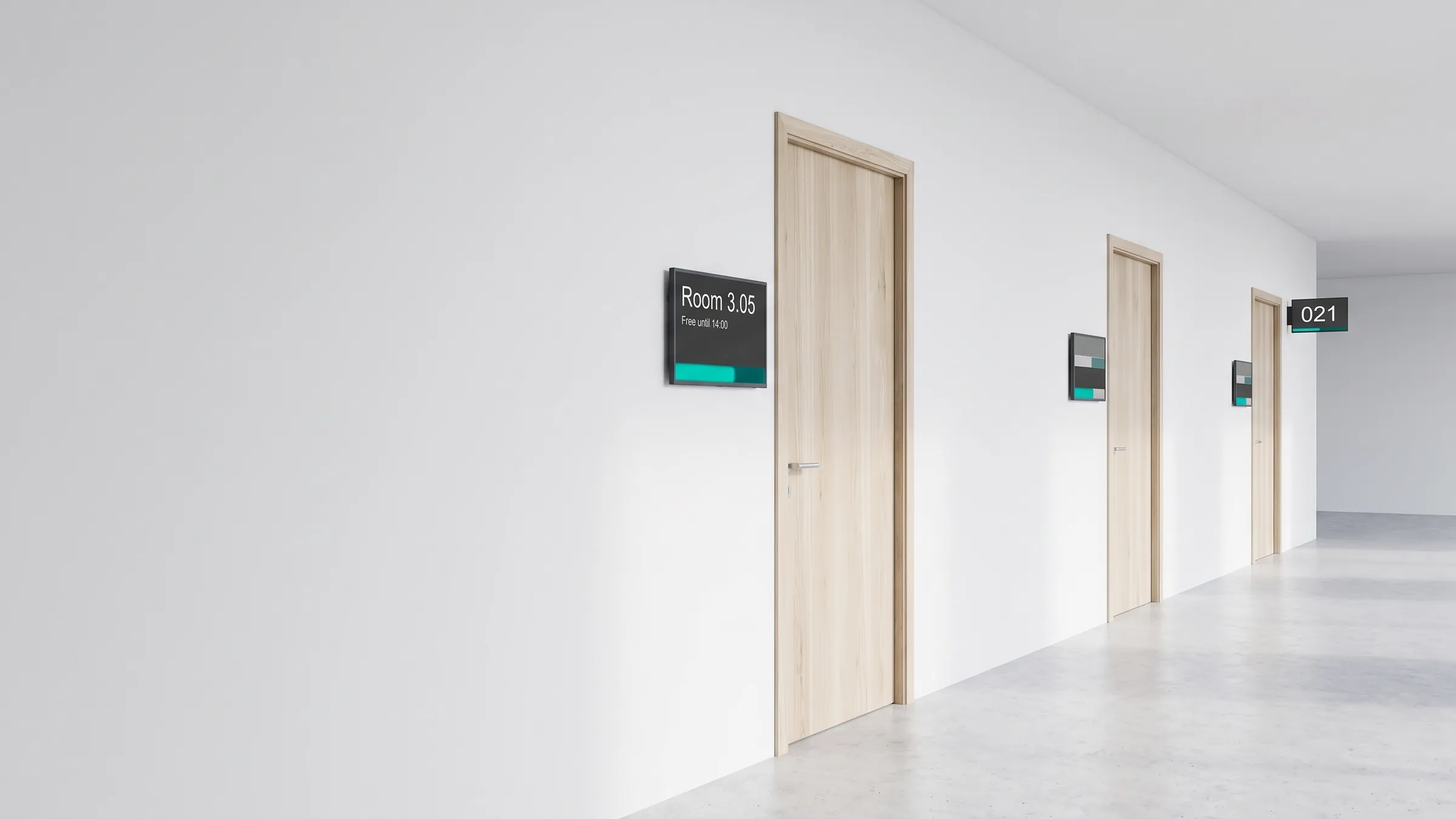
An office corridor with a room-sign display beside each door; the nearest shows that room 3.05 is free until 14:00

Solutions

Digital door & room signage

From a room-status display to a full visitor management system — integrated with your calendar, not bolted on as another isolated tool.

The use case

A public-authority building opens for the day. At the entrance, a screen shows the current waiting numbers; outside each meeting room, a small panel shows whether it is free, who has it booked, and for how long; at the reception desk, a cordless button calls the next visitor to the right office. None of these are separate systems bought from separate vendors — they all run on one viewneo account, share one content library, and are managed by one team. When an event changes, the calendar updates the door panels and the lobby screen at the same time.

That integration is the point. Standalone room-signage products do one job and stop at the door; with viewneo, the same screens that show room status also carry departmental information, wayfinding, and announcements. The solution suits government and public institutions, and any office that wants meeting-room and visitor signage to behave as one connected system.

What’s in the bundle

  • Software: viewneo Enterprise — manages every door panel, lobby screen, and waiting display from one account
  • Plugin: Calendar — connects room signage to your existing calendar for automated bookings and notices
  • Hardware: viewneo 4K Signagebox behind each display, plus cordless smart buttons for the waiting system
  • Optional: the viewneo Butler to switch an occupancy backlight or other devices on each room’s status

On the door panel

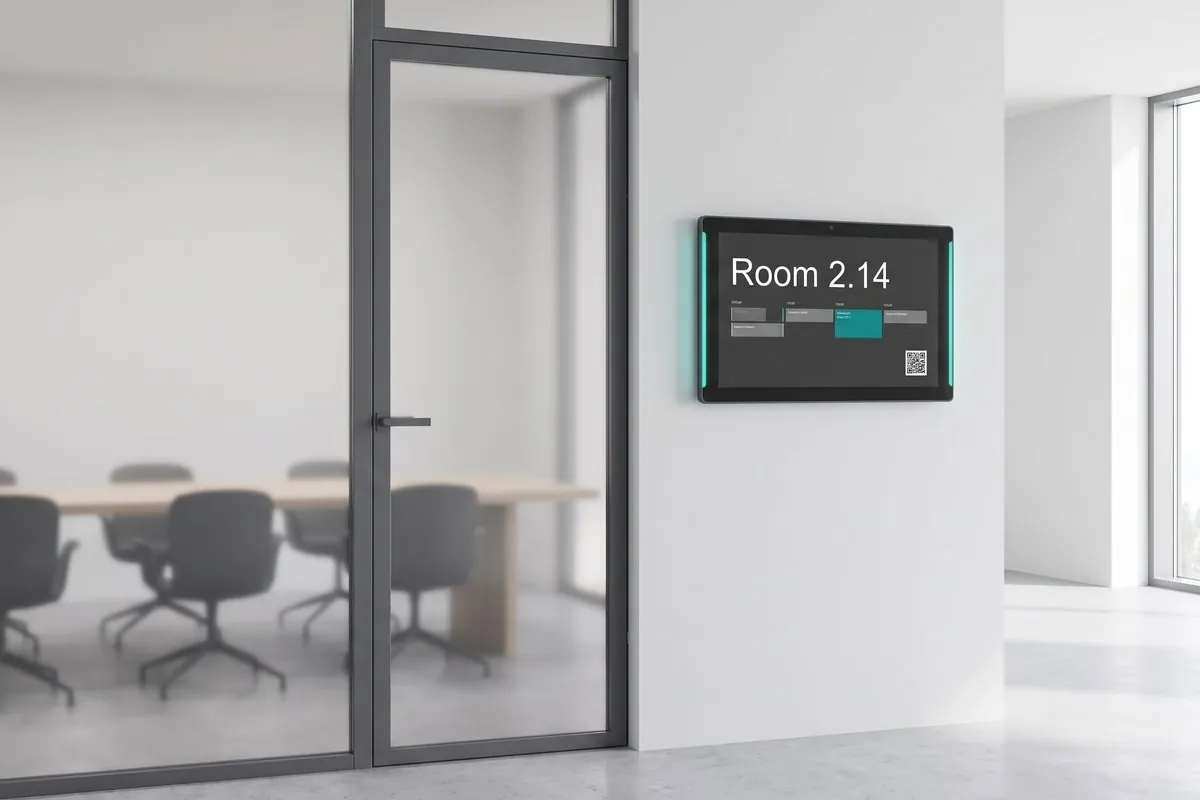
The panel beside each room is fully configurable. It can show the room name and current booking, the time, the weather, or your own branding, and its layout adapts to your existing design rather than forcing a fixed template. An optional coloured backlight signals free or occupied from down the corridor, so people can read availability before they reach the door. Dynamic QR codes let authorised staff book the room straight from their phone — no app to install and no separate booking terminal to maintain. Between bookings the same panel can carry departmental notices, so a screen is never sitting idle.

How it works

  1. Connect the calendar — link your existing calendar so room status, bookings, and notices update automatically.
  2. Place the panels and buttons — mount a display at each door and the lobby; set cordless smart buttons loosely on each desk.
  3. Manage from one CMS — configure what each screen shows, from time and weather to room bookings, and let the same screens carry other information between bookings.

Get started

Tell us how many rooms and desks you need to cover and which calendar you use, and we will scope the panels, players, and buttons. Talk to a solutions engineer or see the pricing page.
Where it's deployed

A wall-mounted room sign with a teal occupancy light beside a glass meeting-room door

Calendar integration

Room status straight from your calendar

Room signage connects to your existing calendar, so bookings, notices, and free/busy status update automatically with no manual entry. When an event changes, the calendar updates the door panels and the lobby screen at the same time.

  • Connects to your existing calendar
  • Bookings and notices update automatically
  • Door panels and lobby screen stay in sync
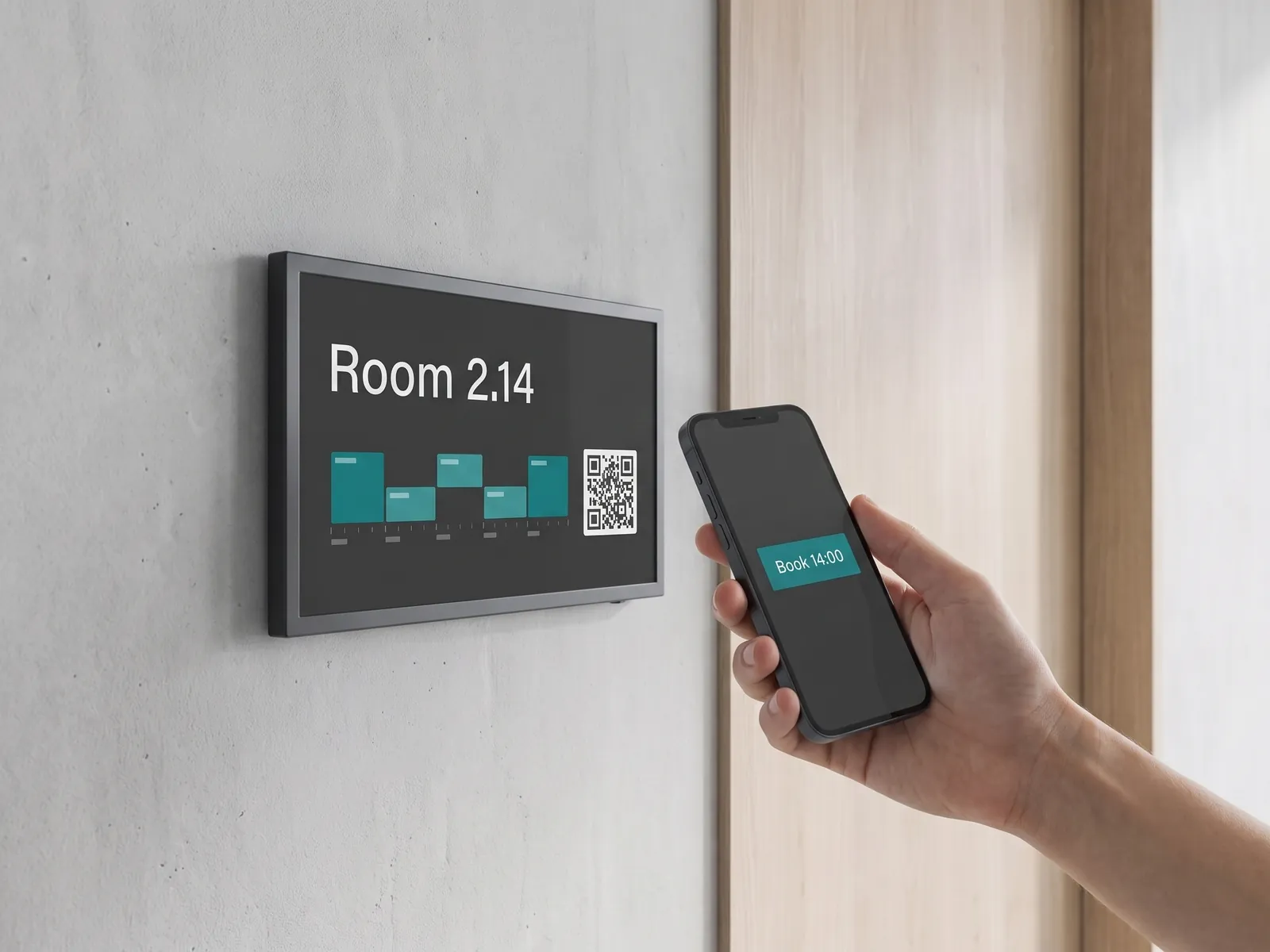
A hand holds a phone up to the QR code on a room sign to book the room for 14:00

Dynamic-QR booking

Book the room from your phone

Authorised people scan the dynamic QR code on the door to book the room from their phone — no app to install and no separate booking terminal to maintain. An optional coloured backlight signals free or occupied from down the corridor, so people read availability before they reach the door.

  • Scan the QR on the door to book
  • No app and no booking terminal
  • Optional backlight shows free or occupied
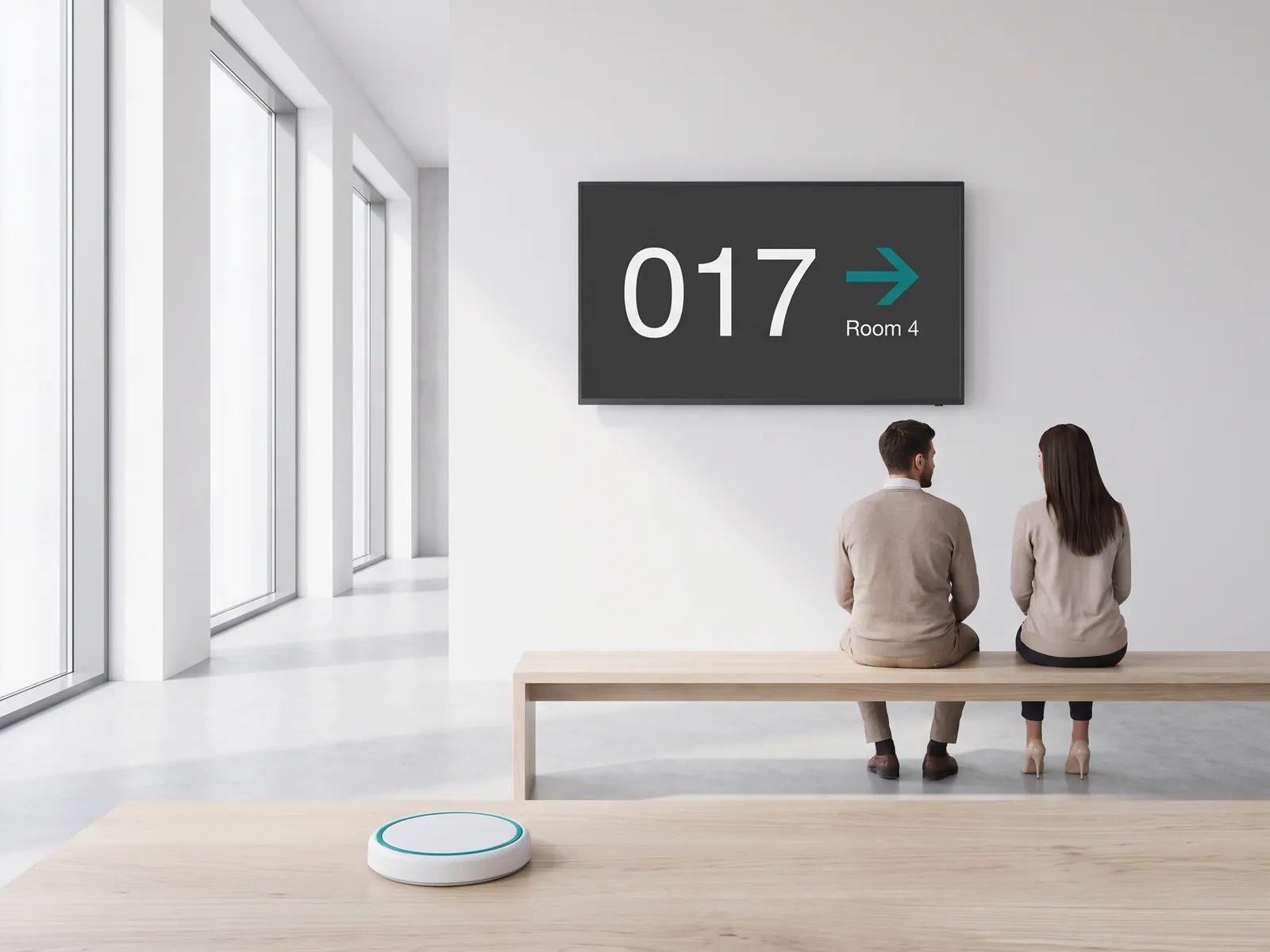
A waiting display calls number 017 to room 4, with a wireless call button on a desk in the foreground

Cordless waiting system

Call the next visitor, no wiring

Battery-powered smart buttons sit loosely on each desk and call the next visitor to a free office — no wiring, fully flexible. Because the waiting system is part of the same digital signage account, the same screens can also show information from other departments.

  • Battery-powered cordless smart buttons
  • Call the next visitor to a free office
  • Runs on the same signage account

Frequently asked questions

Who is door and room signage typically deployed for?
Public-sector offices and reception areas — see Government — and any organisation with meeting rooms or visitor desks, including internal communications teams across multiple sites.
Can I deploy it without replacing our existing displays?
Yes. viewneo works with standard professional displays and room-signage panels (for example from Philips), driven by a viewneo 4K Signagebox. You add the software layer rather than replacing hardware.
Does it connect to our calendar system?
Yes — connecting room signage to an existing calendar is core to this solution, so notices for room assignments and events can be fully automated through the Calendar plugin.
How does the visitor waiting system work?
Visitors are assigned to the next free office via cordless smart buttons or from a computer. Because the waiting system is part of the same digital signage account, the same screens can also show information from other departments.
Preview of the new contboxx home page with a stele showing the weather

contboxx launches on 1 November

The new content platform contboxx goes live at contboxx.com on 1 November 2026 — with pricing, channels and sign-up. Here is a first look at the home page.