What the Broadcast Logo plugin does
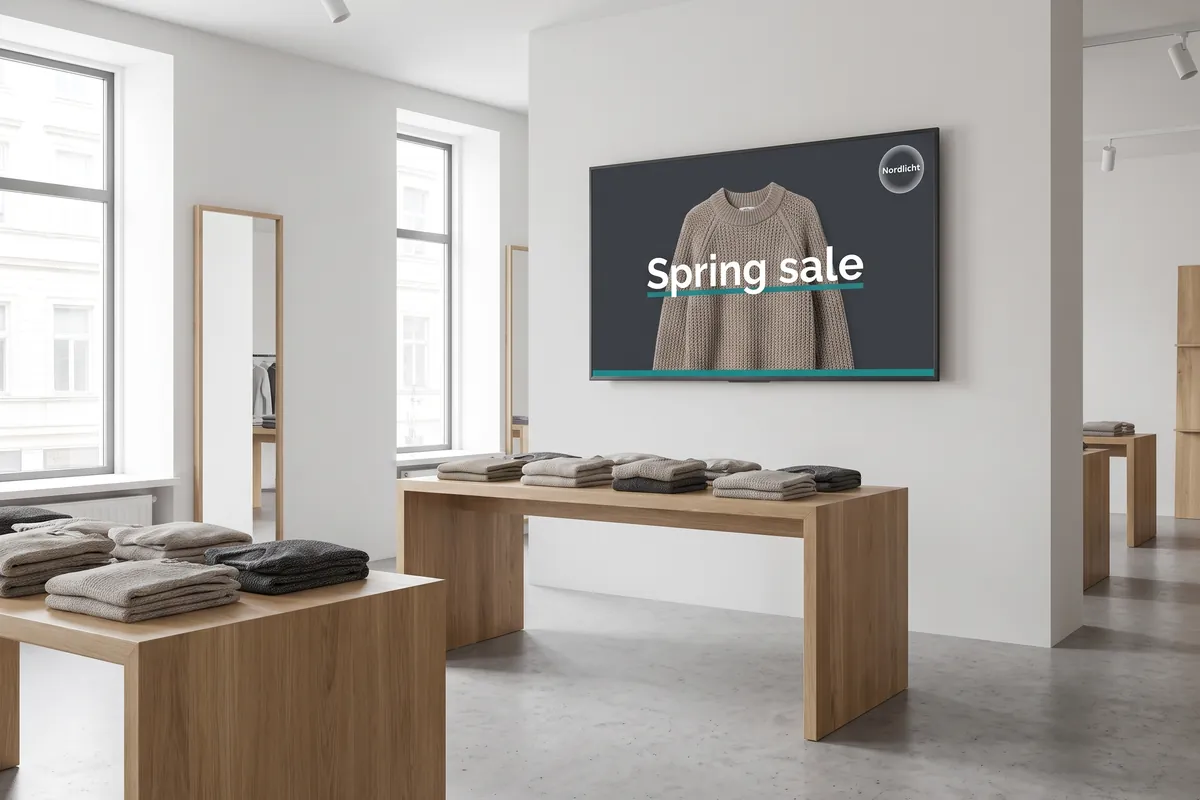
The Broadcast Logo plugin is a device-level branding tool that adds a persistent logo watermark to every screen managed by viewneo. Whatever content is in your playlist — video, image, social feed, or ticker — your logo stays on screen throughout. Any multi-screen network gains the consistent, professional appearance of a branded TV channel without additional design work per asset.
The plugin suits chain stores, franchises, and multi-site networks where maintaining a uniform brand presence across dozens or hundreds of screens matters. Upload once, configure the position and transparency, and every device in the selected group carries the logo. When combined with the YouTube plugin, it ensures that even third-party video content carries your brand mark.
Because the logo is applied at the device level — not embedded into each content file — you can update it centrally without touching your existing playlist assets. Replace the logo file in the CMS and all assigned devices pick up the new version automatically. This is especially practical during rebrands or seasonal campaigns where a logo change must roll out across a large screen network quickly.
How it works
- Upload your logo — In the viewneo CMS, upload a PNG or JPEG file as your broadcast logo.
- Configure appearance — Set the position (corner or edge) and transparency level to suit your content mix. PNG files with a transparent background give the cleanest result over video.
- Activate per device or group — In device settings, enable the broadcast logo for individual screens or an entire device group; the logo appears immediately on all assigned devices.
- Update without republishing — When you replace the logo file, all assigned devices update automatically; no playlist republish is needed.
Example use cases
- Retail chains — Brand every display across all store locations with the company logo so customers always know whose screen they are looking at.
- Franchise networks — Ensure that franchisee-operated screens carry the master brand logo, regardless of the local content being shown.
- Corporate internal communications — Watermark internal company news and announcement screens with the company logo to reinforce organizational identity.
- Event venues — Add a sponsor or event logo as an overlay on all screens during a conference or trade show without rebuilding any content.
- Healthcare facilities — Display the hospital or clinic logo on all patient-facing screens for consistent identification across wards and waiting areas.
Why device-level branding matters
Embedding a logo into each piece of content creates a maintenance burden: every asset needs to be updated when the logo changes. Device-level branding with the Broadcast Logo plugin decouples the brand mark from the content, so your creative team can produce content without worrying about logo placement, and your screen operators can manage branding centrally.
Compatible with
- viewneo Professional and viewneo Enterprise — bookable per player, transferable to other players
- Logo formats: PNG, JPEG