

Plugins · Media

YouTube + viewneo

Add any public YouTube video to your viewneo playlist and play it on your screens — viewneo adjusts duration and quality automatically.

What the YouTube plugin does

The YouTube plugin is a media integration that lets you add any publicly available YouTube video to your viewneo playlist using only the video URL. Once added, viewneo handles playback duration, resolution selection, and scheduling — there are no extra steps. Any business can put engaging video content on its screens without producing or hosting video itself.

The plugin works well wherever ambient or instructional video improves the visitor experience. A product demonstration, a brand story, a safety briefing, or a destination overview — if it exists as a public YouTube video, it can appear on your screens within minutes of being added to a playlist. It pairs naturally with the broadcast-logo plugin, which overlays your brand logo on every piece of content — including YouTube videos — so every screen carries your visual identity.

viewneo selects the best available resolution for each screen automatically, so the same playlist runs equally well on a compact entry-level display and on a large-format 4K screen without any manual quality adjustment. The plugin respects the schedule you set in the CMS, so a product launch video runs prominently during peak hours and gives way to general-purpose content at quieter times.

How it works

  1. Copy the video URL — Find any public YouTube video and copy its URL.
  2. Add to playlist — In the viewneo CMS, add the YouTube plugin to a playlist and paste the video URL.
  3. Set and schedule — viewneo detects the video duration automatically; adjust if you want to show only part of the video, then assign the playlist to your screens.
  4. Repeat for more videos — Add further YouTube plugin items to the same playlist to build a varied video sequence; viewneo plays them in order according to the schedule you define.

Example use cases

  • Travel agencies — Show aerial footage of holiday destinations to inspire clients waiting in your office.
  • Hotels — Play local sightseeing guides or fireplace ambience videos in lobbies and guest areas to enhance the stay experience.
  • Fitness studios — Motivate members during workouts by displaying training-motivation videos on gym floor screens.
  • Retail — Run brand story or product highlight videos on screens near point-of-sale areas to inform customers and support purchase decisions.
  • Corporate offices — Display onboarding or compliance training videos in break rooms and common areas so employees encounter them naturally during the working day.

Compatible with

  • viewneo Professional and viewneo Enterprise — bookable per player, transferable to other players
  • Any public YouTube video (Google / YouTube Data API)
  • Horizontal (16:9) screens recommended for full-screen playback
  • Unlimited public videos

    Link as many public YouTube videos as you need into a single playlist — there is no cap on the number of items.

  • Automatic duration detection

    viewneo reads the video length and sets playback duration accordingly; you can also trim it manually to show only the relevant segment.

  • Best-quality playback

    The plugin selects the highest available resolution the screen and network connection can support.

  • No production overhead

    Fill screens with engaging video content without filming or editing your own material — use publicly available YouTube content instead.

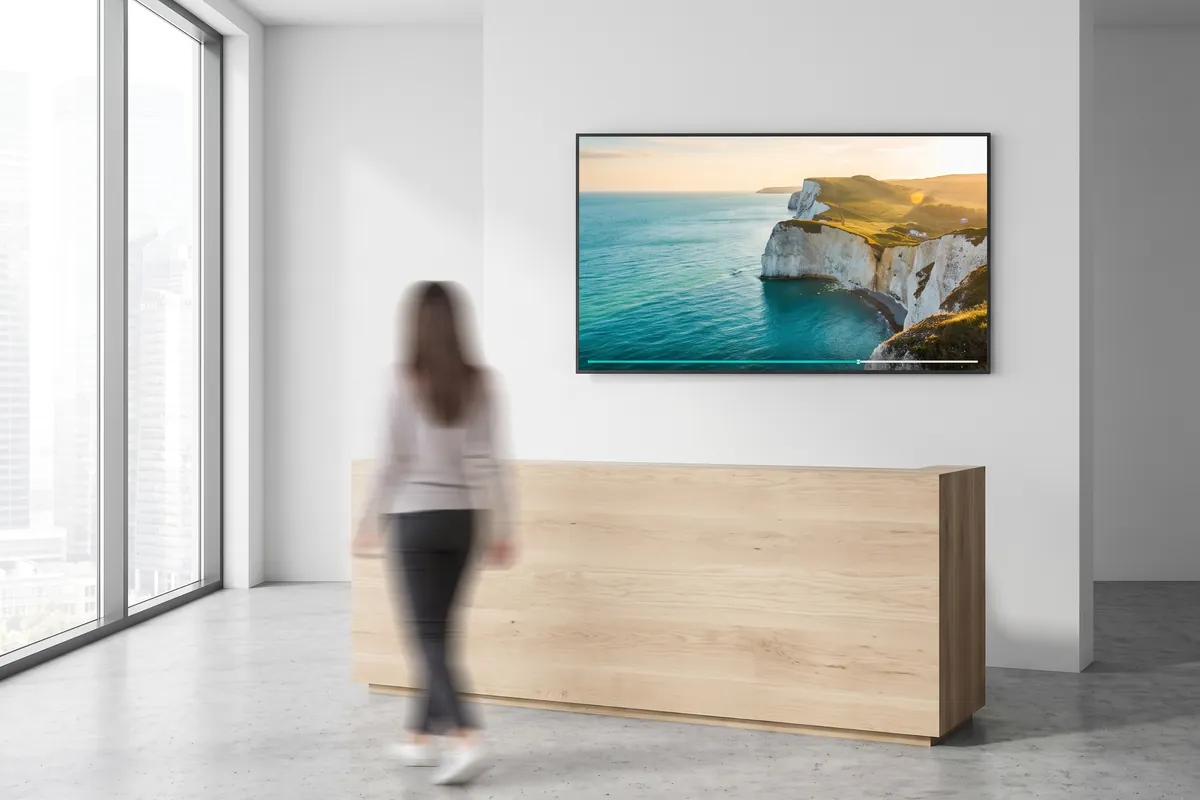
A travel agency display plays a full-screen video of a coastline with a thin progress bar along the bottom.

On screen

Your playlist, playing on every screen

Audiences see a steady rotation of public YouTube videos — brand stories, destination footage, or product demonstrations — delivered at the best resolution each screen supports.

  • Automatic duration detection keeps playlists flowing without manual timing
  • Resolution scales up or down to match any display size
  • Schedule video slots to run at specific times without extra steps

Frequently asked questions

What does the YouTube plugin cost?
$2.20 per player and month or $22.00 per player and year — depending on whether your subscription is billed monthly or yearly. The plugin can be booked from viewneo Professional, is enabled free of charge during the 30-day trial and can be re-assigned to another player at any time. All prices are on the pricing page.
Do I need a YouTube account to use this plugin?
No. You only need the URL of a public YouTube video. A YouTube account is not required to display publicly available content.
How is data shared between YouTube and viewneo?
viewneo fetches video stream data from YouTube (Google LLC) on your behalf using publicly available video URLs. The lawful basis is your legitimate interest in displaying public content on your own screens (GDPR Art. 6(1)(f)). Video data is served from Google's infrastructure in the US; Google participates in the EU–US Data Privacy Framework (DPF), which is the applicable transfer mechanism. An active internet connection is required for playback. No visitor personal data is collected or stored by this plugin.
Preview of the new contboxx home page with a stele showing the weather

contboxx launches on 1 November

The new content platform contboxx goes live at contboxx.com on 1 November 2026 — with pricing, channels and sign-up. Here is a first look at the home page.