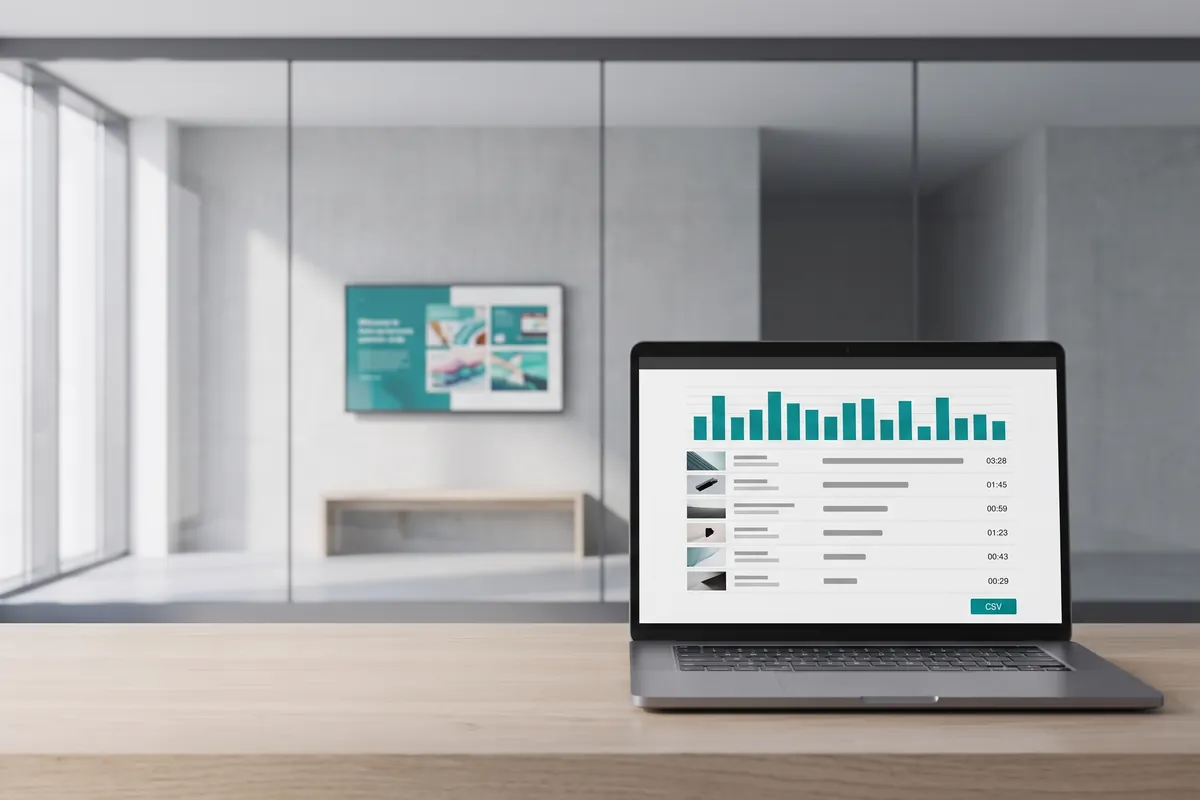
What the Reports plugin does
The viewneo Reports plugin is a native analytics layer that gives you full visibility into what is happening across your digital signage network. From a single view in your account, you can see which content ran, on which device, and when — including playlist-level detail and system events for every player. This makes it straightforward to verify campaign playout, audit scheduling accuracy, and diagnose device issues without travelling to each location.
Reports is built on top of viewneo playback data and captures three categories of information: content performance, playlist execution, and device health. For teams managing screens across multiple sites, the device event log is particularly valuable — it shows exactly when something went wrong and on which player, so you can act immediately. It works alongside other operational plugins like the calendar plugin to give a complete picture of your screen activity.
How it works
- Open Reports in your account — Navigate to the Reports section of your viewneo dashboard; data is collected automatically by your players.
- Choose a report type — Select content, playlist, or device reports and apply filters for date range, device group, or specific device.
- Analyse or export — Review the results in the dashboard or download a CSV file for further analysis.
Example use cases
- Campaign verification — Confirm that a time-sensitive promotion ran exactly as scheduled on every screen at every location.
- Operational monitoring — Identify players with recurring errors or missed playouts across a large device estate before they affect campaigns.
- Advertising proof-of-play — Generate downloadable records of content playout times for clients or internal stakeholders who need documented evidence.
Compatible with
- viewneo 4K SignageBox (optimised; third-party players are not currently supported)
- viewneo Professional and viewneo Enterprise — bookable per player, transferable to other players