What the Facebook plugin does
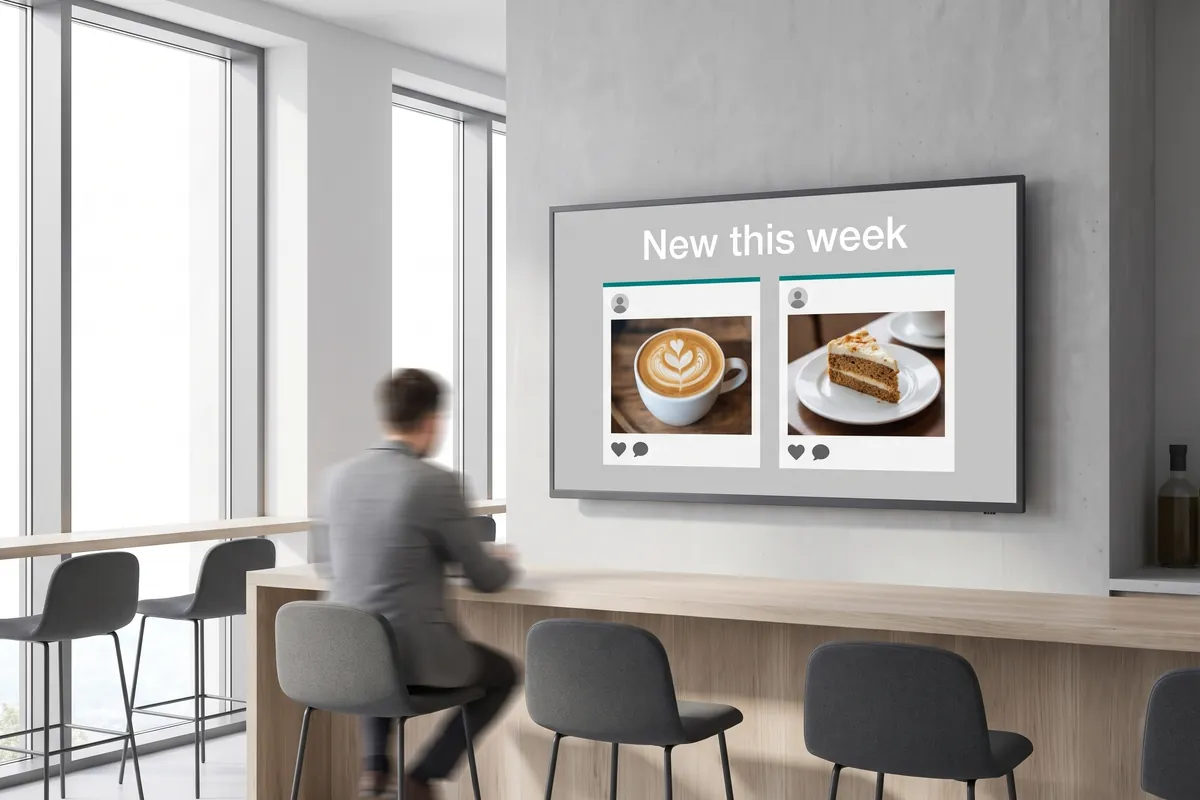
The Facebook plugin is a social media integration that connects your public Facebook Page to viewneo and displays your posts on digital screens automatically. Each time you publish on Facebook, the content reaches your screens without any additional action — useful for businesses that already maintain an active Facebook presence and want that content visible in-store or on campus.
Only public Facebook Pages are supported; private profiles cannot be connected. You can link several pages within a single viewneo account, which suits multi-brand organisations or agencies managing more than one location. A group with separate regional Facebook Pages can feed each location’s screens from the correct page without creating separate viewneo accounts.
The plugin handles portrait and landscape orientations automatically, so whether your screens are mounted vertically at a retail entrance or horizontally in a corporate corridor, the layout adjusts without additional configuration. The built-in offline fallback ensures that a temporary network interruption does not leave screens blank — viewneo skips the Facebook slot and continues with the next item in the playlist. For teams that also run Instagram, the Instagram plugin works in the same way and the two can be scheduled side by side in the same playlist.
How it works
- Connect your page — In the viewneo CMS, add the Facebook plugin to a playlist and enter your public Facebook Page URL.
- Authorise access — The viewneo Super User logs in with Facebook admin credentials to grant API access for that page.
- Schedule and display — Assign the playlist to one or more screens; posts appear automatically as you publish them on Facebook.
- Add more pages if needed — Repeat the connection step for each additional public Facebook Page; all pages run within the same viewneo account.
Example use cases
- Retail chains — Display current promotions from your store’s Facebook Page on in-store screens without duplicating content across systems.
- Corporate offices — Keep employees informed about company news and updates by streaming the company Facebook Page to lobby or corridor displays.
- Restaurants — Publish daily specials or event announcements on Facebook once and have them appear on the in-restaurant screen automatically.
- Healthcare and clinics — Share waiting-room relevant updates, such as seasonal health advice posts, directly from the practice’s Facebook Page to patient-area screens.
Compatible with
- viewneo Professional and viewneo Enterprise — bookable per player, transferable to other players
- Public Facebook Pages (Meta Graph API)