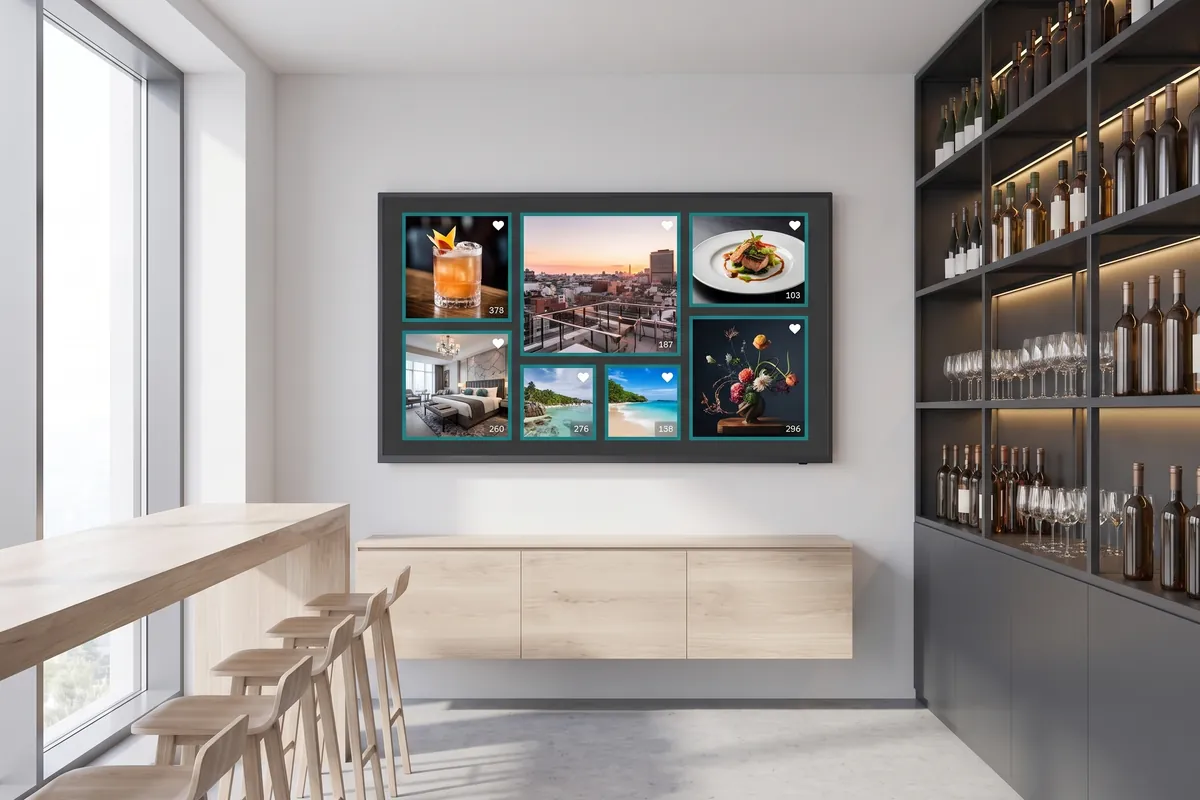
What the Instagram plugin does
The Instagram plugin is a social media integration that pulls the latest posts from your Instagram profile into viewneo and displays them as a live photo wall on your screens. The layout can be a regular grid or a dynamic arrangement with different image sizes — both update automatically when you publish new content, so there is no manual step between posting and displaying.
The plugin suits any business with a strong visual presence: restaurants showcasing dishes, fitness studios sharing member achievements, fashion boutiques presenting new arrivals, or travel agencies bringing destinations to life. Because the wall refreshes on its own, your screen content stays current without any extra administrative work — publishing to Instagram is the only step your team needs to take.
The background color and gradient options let you adapt the display to your brand guidelines rather than using a generic white or black frame. This makes the photo wall feel like a designed screen element rather than an embedded feed. It works alongside the Facebook plugin, so you can combine social channels in the same playlist without switching between tools.
How it works
- Add the plugin — In the viewneo CMS, add the Instagram plugin to a playlist and connect it to your Instagram account.
- Choose a layout — Select a regular grid or a randomised photo wall; set your preferred background color or gradient.
- Assign and go — Assign the playlist to the relevant screens; the wall refreshes automatically as new posts appear on your profile.
- Combine with other content — Add the Instagram plugin item alongside other playlist entries so social posts alternate with scheduled promotions, announcements, or other plugins.
Example use cases
- Gastronomy — Let your guests share their dining experience on Instagram and display those posts on a live photo wall in the restaurant.
- Fitness studios — Motivate members with a wall of inspiring workout posts pulled directly from your studio’s profile.
- Fashion boutiques — Turn your shop window or fitting-room display into a live lookbook fed by your Instagram account.
- Hotels and hospitality — Show guest experiences and destination imagery from your property’s Instagram profile on lobby and corridor screens to create an inviting atmosphere.
- Event venues — Display live event photos on screens throughout the venue as your team posts them, giving attendees a real-time visual record of the occasion.
Compatible with
- viewneo Professional and viewneo Enterprise — bookable per player, transferable to other players
- Instagram (Meta Graph API)