What the Kiosk Mode plugin does
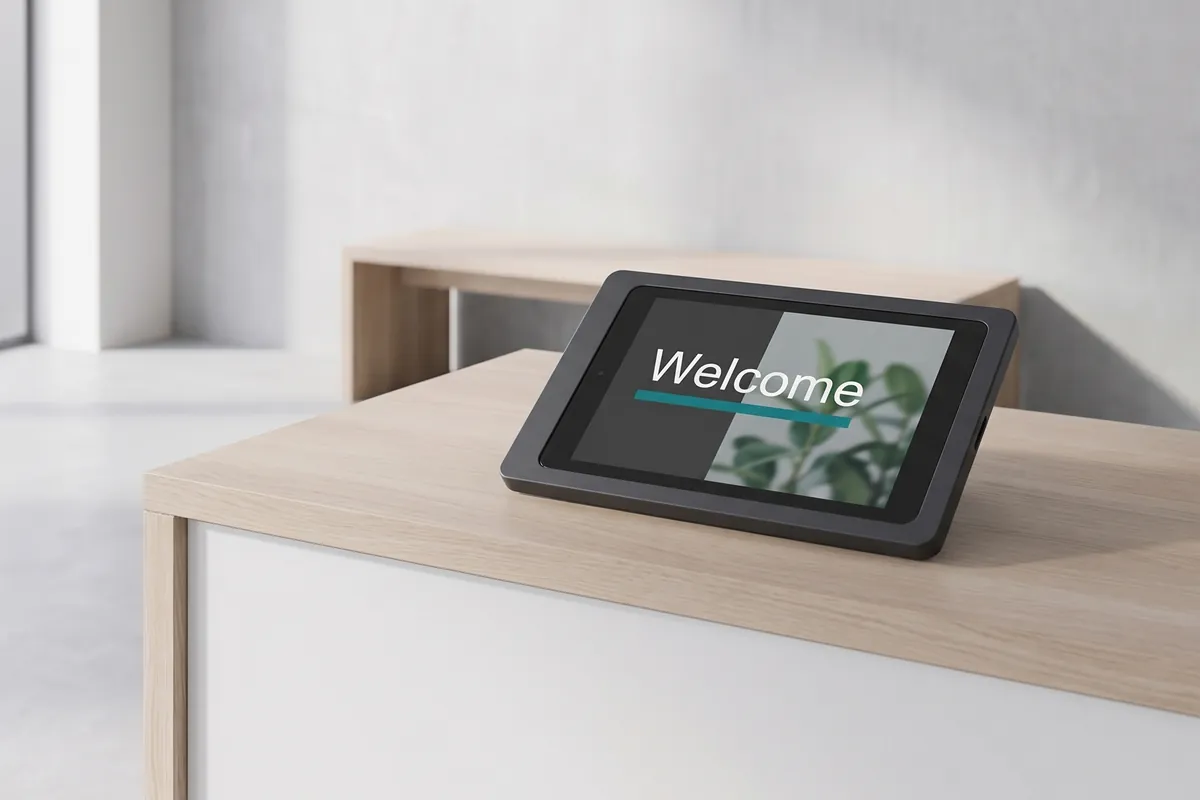
The Kiosk Mode plugin is a device-lockdown tool that turns any iPad or Android tablet into a dedicated signage display by locking the device to the viewneo player. Customers and visitors see your content as intended — playlists play uninterrupted, the operating system stays hidden, and no accidental or intentional touch input can disrupt the display. Activating the plugin through viewneo takes a matter of minutes and requires no mobile device management software.
Beyond locking the screen, the plugin adds a movement alarm that sounds if the device is physically displaced. This is a practical safeguard for tablets mounted in retail environments, trade show booths, or public information points where hardware theft or tampering is a consideration. For multi-screen setups where you want multiple tablets to show content in unison, the Screen Sync plugin pairs well with Kiosk Mode.
How it works
- Install the viewneo player — ensure the viewneo player app is installed and signed in on the iPad or Android tablet you want to lock.
- Activate the plugin — enable the Kiosk Mode plugin for the device in your viewneo account.
- Configure the lock settings — choose whether to enable the movement alarm and define any additional restrictions. The device will lock to the player on the next app launch.
Example use cases
- Retail shelf displays — tablets showing product information at shelf height are locked so customers cannot accidentally navigate away or open other apps.
- Trade show kiosks — demonstration devices stay in presentation mode throughout the event, preventing staff from having to reset them.
- Waiting room information screens — tablets in clinics or service reception areas show scheduled content without risk of patients or clients accessing device settings.
Compatible with
- viewneo Professional and viewneo Enterprise — bookable per player, transferable to other players
- iPads (with viewneo iOS player installed)
- Android tablets (with viewneo Android player installed)