
Plugins · Hardware control

RS-232 + viewneo

Control screen power remotely via the RS-232 serial interface, so your displays turn on and off on schedule without anyone being on site.

What the RS-232 plugin does

The viewneo RS-232 plugin is a hardware-control add-on that schedules screen power on and off times from the viewneo CMS, using the RS-232 serial interface as the command channel. Instead of relying on physical timers or asking staff to switch displays manually, you set a schedule once and the system handles it. Screens in the same device group share one schedule, so a chain of retail locations or a floor of meeting rooms all follow the same routine without separate configuration.

The plugin is particularly useful for installations where screens are mounted in hard-to-reach positions or where staff hours and display hours do not align. Pair it with the Kiosk Mode plugin if you also need to lock touch input during operating hours.

How it works

  1. Connect player to screen — run an RS-232 cable from the viewneo player’s serial port to the matching port on the display. This is a one-time hardware step.
  2. Activate the plugin — enable the RS-232 plugin in your viewneo account and assign it to the relevant devices or device group.
  3. Set your schedule — define daily or weekly on/off times in the viewneo CMS. The player receives the schedule over the network and sends power commands to the screen at the configured times.

Example use cases

  • Retail stores — screens power on 15 minutes before opening and off 10 minutes after closing, every day, without staff involvement.
  • Corporate lobbies — lobby displays follow office hours automatically, saving energy overnight and at weekends.
  • Restaurant digital menus — kitchen or menu screens turn on with service and off at close, regardless of whether staff remember to switch them.

Compatible with

  • viewneo Professional and viewneo Enterprise — bookable per player, transferable to other players
  • Displays with RS-232 serial input
  • viewneo players with RS-232 port (physical cable connection required)
  • Scheduled power on/off

    Define turn-on and turn-off times for individual screens or entire device groups from the viewneo CMS.

  • Group control

    Apply a single schedule to a whole device group so all screens in a zone follow the same power routine.

  • Energy savings

    Screens power down automatically outside operating hours, reducing unnecessary energy consumption.

  • Serial interface control

    Power commands are sent over the RS-232 connection between the viewneo player and the display — no network dependency for the on/off signal.

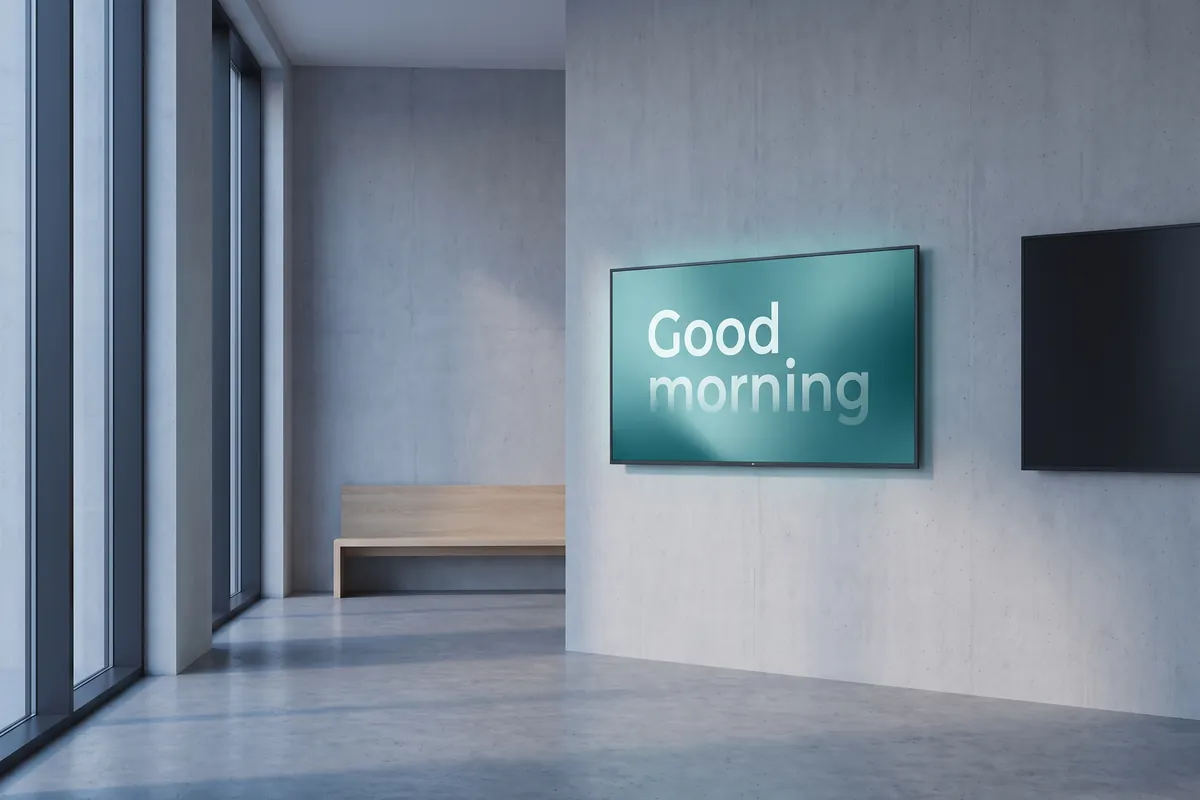
In an empty lobby at dawn, a wall display switches on with the words Good morning while a second display is still dark.

On screen

Scheduled power control, visible in the CMS

The viewneo CMS shows each device's on/off schedule at a glance, so operators can verify power times for any screen or group without visiting the site.

  • Set daily or weekly on/off times per device group
  • Screens power down automatically outside operating hours
  • No network dependency for the physical on/off signal

Frequently asked questions

What does the RS-232 plugin cost?
$3.00 per player and month or $30.00 per player and year — depending on whether your subscription is billed monthly or yearly. The plugin can be booked from viewneo Professional, is enabled free of charge during the 30-day trial and can be re-assigned to another player at any time. All prices are on the pricing page.
What hardware is required to use the RS-232 plugin?
Your viewneo player must be connected to the screen via an RS-232 cable. Both the player and the display need RS-232 ports. Check your screen's manual to confirm RS-232 support before activating the plugin.
How does the viewneo CMS communicate with the screen's power function?
The viewneo player receives the schedule from the CMS over the network, then sends the corresponding RS-232 serial command directly to the display via the physical cable. The on/off action itself does not require an internet connection.
Preview of the new contboxx home page with a stele showing the weather

contboxx launches on 1 November

The new content platform contboxx goes live at contboxx.com on 1 November 2026 — with pricing, channels and sign-up. Here is a first look at the home page.