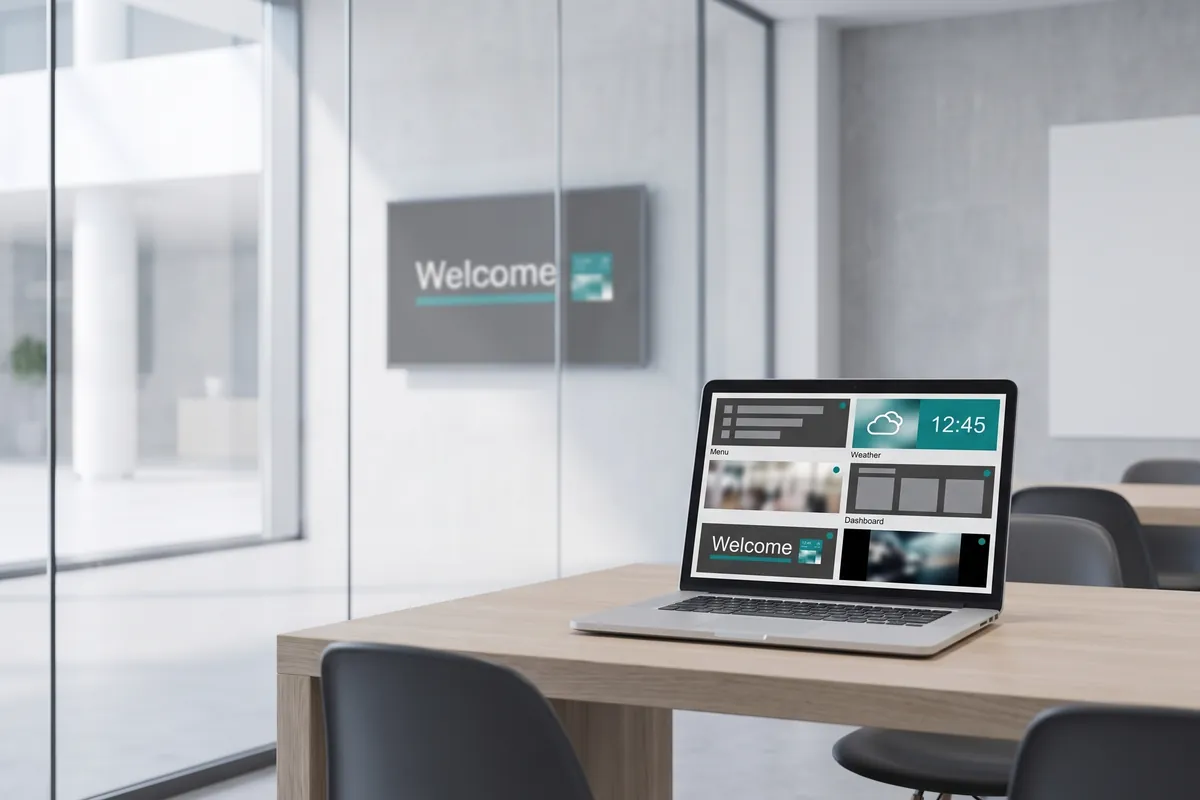
What the Live Preview plugin does
The Live Preview plugin is a remote monitoring tool that shows you a real-time snapshot of every screen in your network, accessible from any PC with a browser. When your digital signage network spans multiple sites, confirming that the right content is playing on the right screen usually means a phone call, a site visit, or waiting for a report — Live Preview for viewneo removes that friction entirely.
This is particularly useful alongside scheduled-content workflows. If you use the Display Timer plugin to control when screens are active, Live Preview lets you confirm at a glance that the correct content is running during those windows. Operators managing dozens of locations can check the entire network in minutes rather than hours.
The preview renders through the secure viewneo cloud, so you do not need to be on the same local network as the player. Whether you are at a different office, at home, or travelling, the current screen output is visible in the management interface. The preview is also useful during content rollouts: after publishing a new playlist, you can immediately verify that it is displaying correctly on the first few screens before the rollout reaches the rest of the network.
How it works
- Enable the report function — in device settings for each player, turn on the report function so the player sends status and playback data to the cloud.
- Install the Live Preview plugin — add it to your viewneo account from the plugin library.
- Open the live view — in the management interface, navigate to any device and open the preview panel to see a real-time snapshot of what is currently on screen.
- Monitor continuously or on demand — you can check individual screens as needed, or review the device list for any that are showing a fallback state or connectivity issue.
Example use cases
- Retail chain managers — verify that promotional content went live at all store locations after a campaign update, without leaving the office.
- Event coordinators — confirm that the correct schedule is running across venue screens minutes before doors open.
- IT administrators — spot a screen that has lost signal or shows a fallback image, then act before visitors notice.
- Content managers — after publishing an updated campaign, check that the new playlist is rendering correctly before the full rollout completes.
- Facilities teams — confirm that lobby and wayfinding screens are active and showing the correct information during operational hours.
What the report function covers
The Live Preview plugin works alongside the device report function in viewneo. The report function provides data on player status, current playlist, and network connectivity. Live Preview adds the visual layer — a live snapshot of the actual screen output. Together they give operators the technical data and visual confirmation to manage a dispersed network without site visits.
Compatible with
- viewneo 4K Signagebox (required for full functionality)
- viewneo Professional and viewneo Enterprise — bookable per player, transferable to other players