What the SAP plugin does
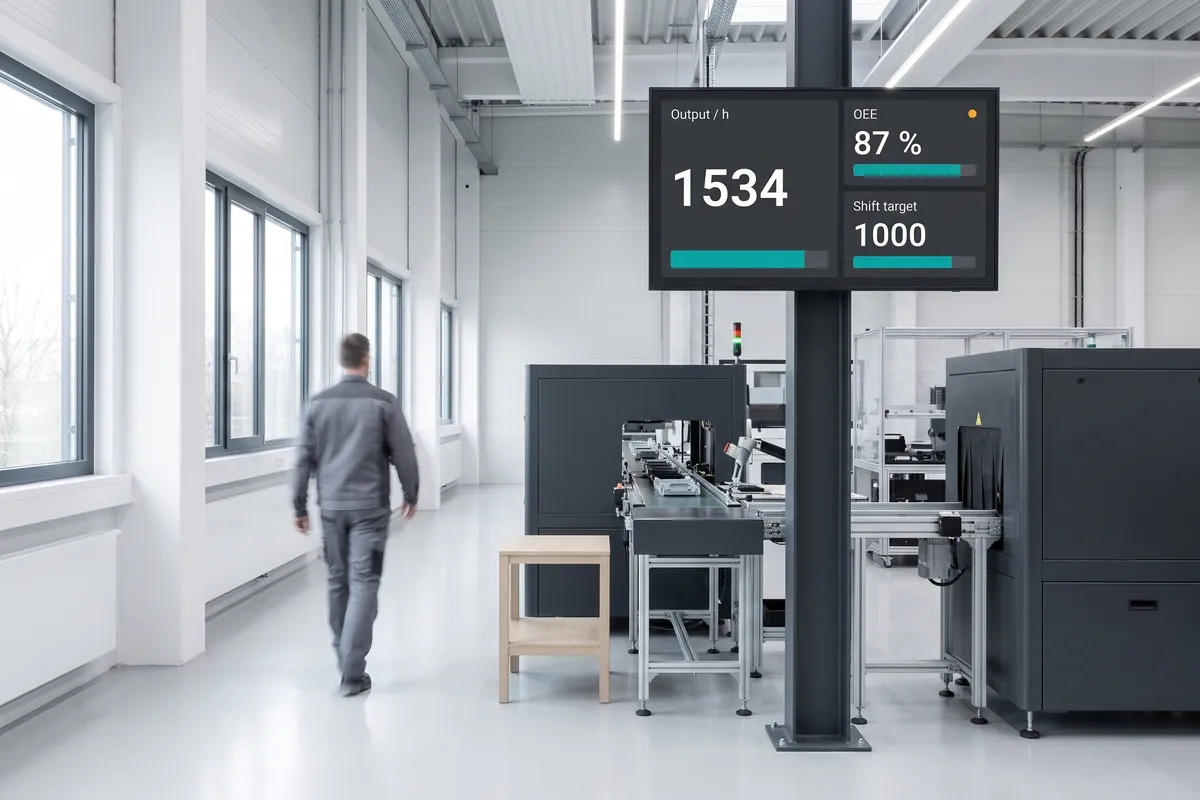
The SAP plugin for viewneo is an ERP integration that connects your SAP system to your digital signage network. Production figures, inventory levels, HR information, and business KPIs flow from SAP to your screens automatically — replacing manual reports and static notice boards with live, accurate data. Staff on the shop floor, in warehouses, and in offices all see the same up-to-date information at the same time.
viewneo manages the content scheduling and screen assignment, so the right SAP data appears on the right screen for the right audience. Organisations that also want to display analytics dashboards alongside SAP data can combine this with the Power BI plugin.
How it works
- Configure the SAP connection — your SAP administrator provides the API endpoint or OData service URL and authentication credentials. Enter these in the viewneo plugin settings.
- Select data to display — choose which SAP reports, data objects, or KPIs to surface: production output, inventory counts, open orders, shift performance, or HR announcements.
- Assign to screens — publish the data view to individual displays or groups. viewneo syncs content automatically on your configured refresh interval.
The SAP plugin works across multiple locations from a single viewneo instance. Each site, building, or department displays the SAP data relevant to its own operations while the central viewneo administrator manages all screens and data connections from one place. Where your SAP system requires approval workflows before data is shared externally, the connection can be scoped to read-only OData services so operational data is surfaced without modifying source records.
Example use cases
- Manufacturing floors — Display current production targets, output rates, and quality alerts on screens visible to the entire shift team.
- Warehouse operations — Show inventory levels and order status in real time to support picking and dispatch teams.
- Corporate reporting — Surface financial and operational KPIs on meeting-room or lobby screens to keep leadership and staff informed.
- HR information — Broadcast shift schedules, announcements, and policy updates directly from SAP HR to employee-facing screens.
- Supplier and goods-receipt areas — Show open purchase orders and expected delivery schedules in receiving zones so logistics staff work from current data rather than printed lists.
- Maintenance and asset management — Surface open work orders and equipment status from SAP PM modules on screens in technical areas, so maintenance teams see current job queues without logging in separately.
Compatible with
- viewneo Professional and viewneo Enterprise — bookable per player, transferable to other players
- SAP S/4HANA and SAP ECC
- SAP OData / REST API