What the Smart Playlist plugin does
The viewneo Smart Playlist plugin is a rule-based scheduling add-on that extends the standard playlist in viewneo with condition-based triggers. Instead of a fixed loop, you define when each piece of content should appear — by time of day, day of week, or a custom event — and the CMS handles the switching automatically.
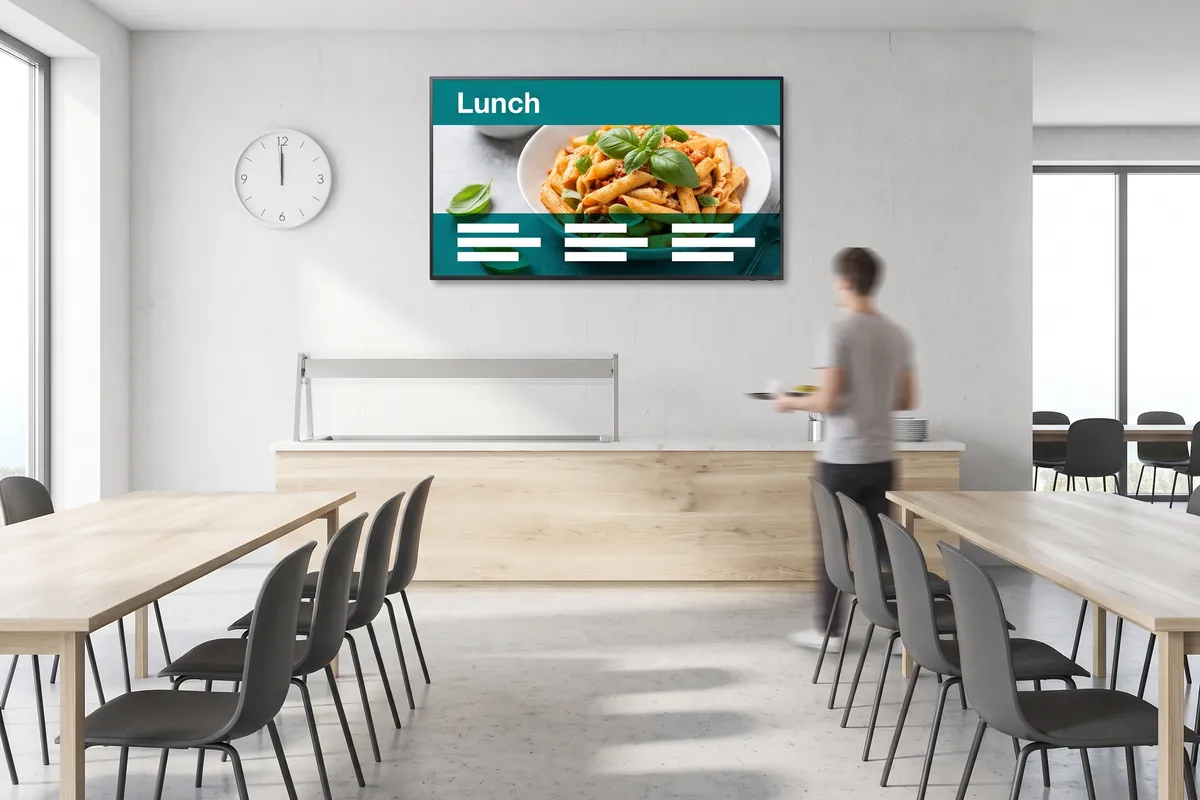
This removes the need to log in and manually change a playlist every time context changes. A cafe can show a breakfast menu in the morning and a lunch offer at noon without staff intervention. An office can display visitor welcome slides during business hours and energy-saving content outside them. Combine Smart Playlist with the templates plugin to automate both the design and the scheduling of content in one workflow.
Because the rule logic lives in the CMS rather than on the device, you can update conditions centrally and apply them to every screen in your network at once. There is no need to adjust each player individually. This is especially useful for multi-location operators who want consistent scheduling behaviour across all their sites without repeated manual work.
How it works
- Enable the plugin — add Smart Playlist to your viewneo account and open the events area in the CMS.
- Define your conditions — set the trigger (time, date, or event) and specify which content should play when the condition is met.
- Layer multiple rules if needed — conditions can be combined to build compound schedules, such as showing content only on weekday mornings or only during a specific date range.
- Publish and let it run — assign the smart playlist to your screens and the CMS handles all switching from that point on. You return to the CMS only when a rule needs to change.
Example use cases
- Food service venues — automatically switch between breakfast, lunch, and dinner menus at defined times without touching the CMS.
- Retail — show rain-gear promotions when weather conditions trigger the rule, or swap to a sale banner on weekends.
- Corporate lobbies — display visitor welcome content during working hours and an after-hours message in the evenings.
- Healthcare waiting areas — show patient information during clinic hours and general wellness content when appointments end for the day.
- Education — switch between class schedules, canteen menus, and event announcements according to a timetable set once in the CMS.
Why rule-based scheduling matters
Manual scheduling assumes someone remembers to change the content. Rule-based scheduling removes that dependency entirely. Once configured, the Smart Playlist continues to operate over weekends, public holidays, and staff absences without any intervention. Operators who have tested both approaches consistently report fewer content errors and less time spent on day-to-day playlist management.
Compatible with
- viewneo Professional and viewneo Enterprise — bookable per player, transferable to other players
- All screen types supported by viewneo