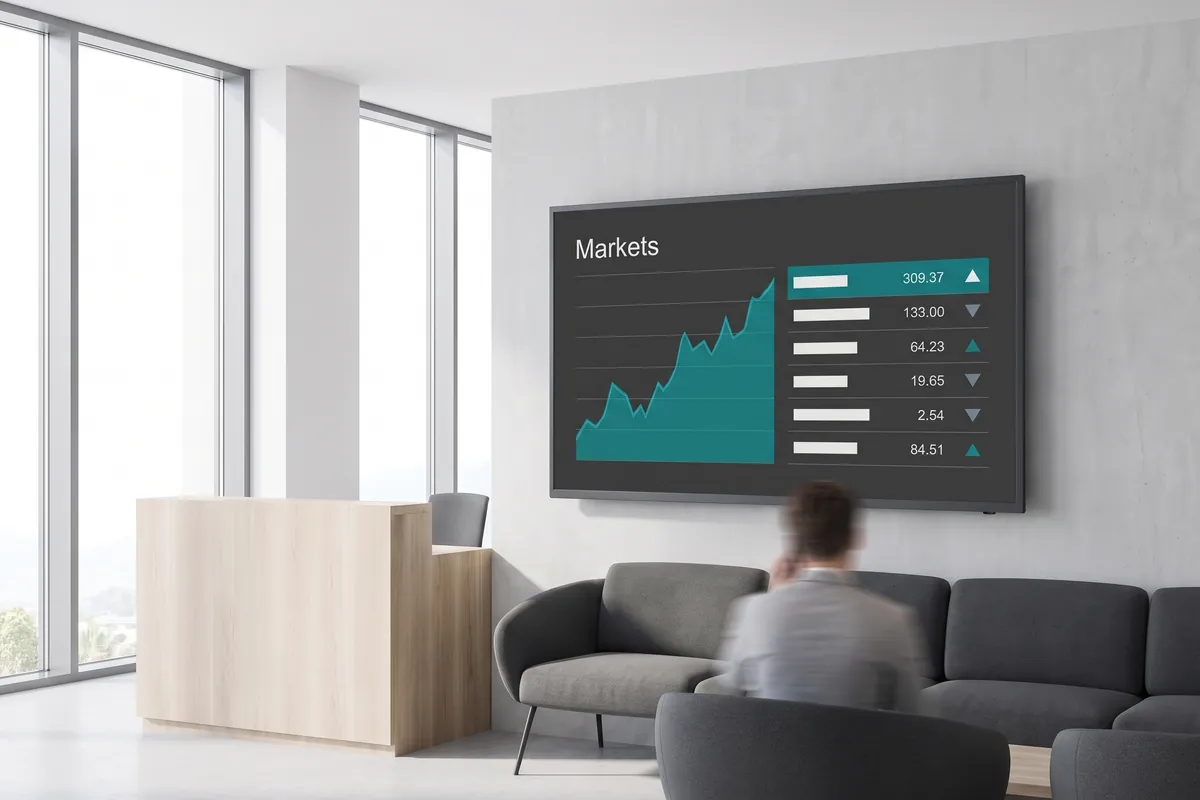
What the Stock plugin does
The viewneo Stock plugin is a live financial data widget that displays current prices, real-time market movements, and automatically generated financial news on your digital signage screens — in a layout built for readability at a distance. Connect your financial data credentials once, select the tickers or indices you want to track, and the plugin keeps every screen current without further input.
Financial data on shared screens does more than inform: it creates a common frame of reference for teams that make decisions based on market conditions. One well-placed display on a trading floor, in a branch, or in an executive area reduces interruptions from colleagues checking prices, and gives teams a faster starting point when conditions shift. The plugin’s built-in news feed brings context alongside the numbers, so viewers do not need to switch to a separate source.
This is a practical tool for any organisation that needs market data visible at a glance — from corporate offices to financial services branches. Within a viewneo playlist, it works well alongside the reports plugin for operational metrics on the same screens, or the live ticker plugin for scrolling headlines.
How it works
- Enter your API credentials — provide the API key from your financial data provider in the plugin settings; viewneo stores it securely and manages the connection.
- Select your assets — pick the specific stock tickers, indices, or asset classes you want to display. Choose a focused set of symbols for a single-chart view or a broader list for the table layout.
- Choose table or chart — select a detailed chart for a single asset or a multi-row table for a broader view; go live in minutes. Both layouts are optimised for viewing distance, so figures stay readable at several metres.
Example use cases
- Corporate offices — show real-time business metrics alongside relevant market indices to keep leadership teams informed.
- Retail store back offices — display current stock performance for suppliers or parent companies on break room screens.
- Financial services branches — give advisors and clients a live view of market conditions on client-facing displays.
- Trade fair and conference stands — run a live market ticker alongside product and service messaging to signal credibility in crowded halls.
- Co-working spaces — provide member companies with a shared market overview on common-area screens, adding tangible daily value to the environment.
Compatible with
- viewneo Professional and viewneo Enterprise — bookable per player, transferable to other players
- All common screen resolutions and orientations
- Video walls and multi-screen setups: the layout scales to display size without manual adjustment
The Stock plugin costs $2.20 per player per month or $22.00 per player per year.