
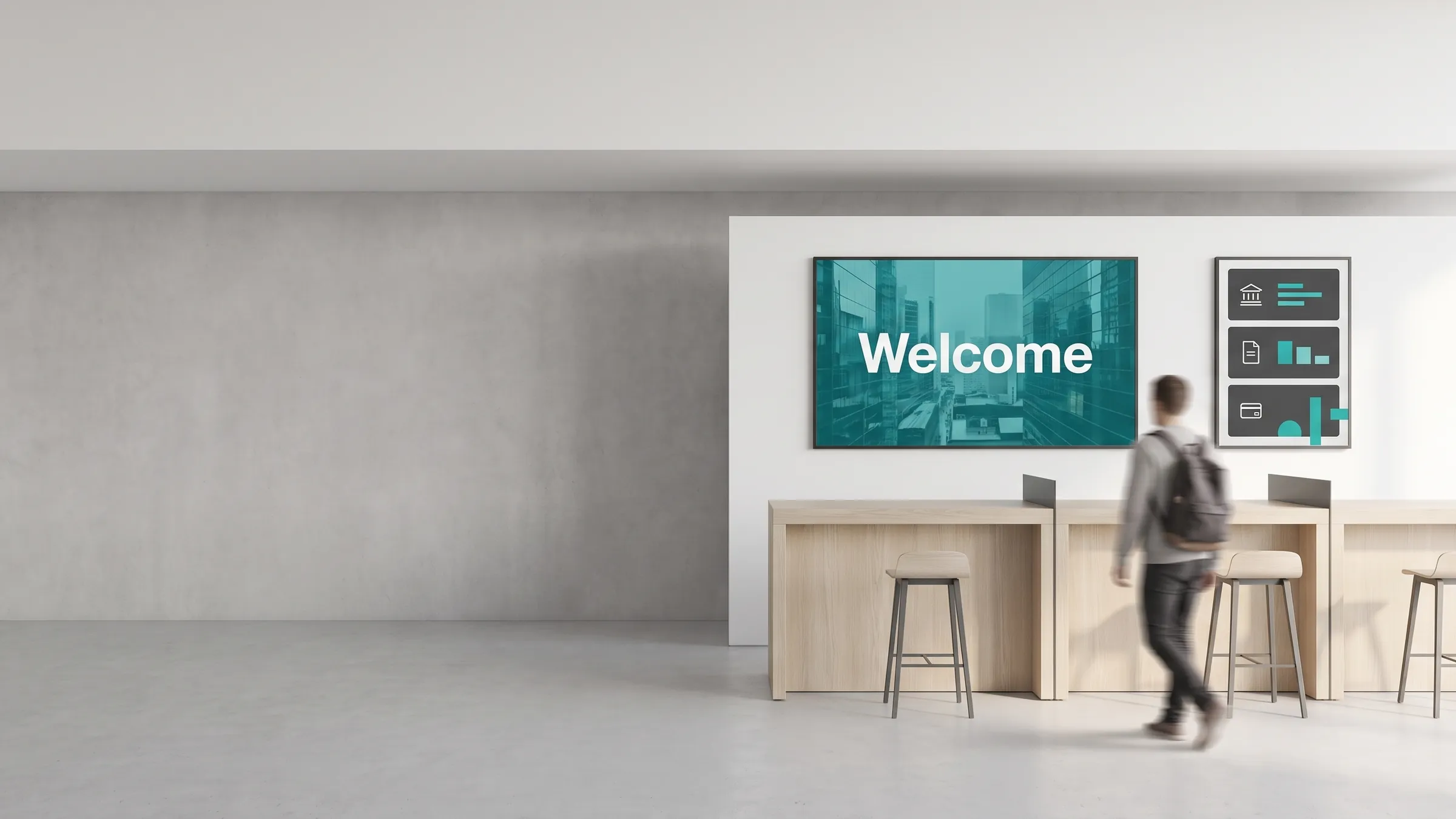
Digital signage is the use of internet-connected screens to display content — managed remotely from software. Instead of printing a poster, you publish to a screen. Instead of sending someone to swap a USB stick, you update content from a browser. That shift from static to dynamic, from physical to remote, is the core of what digital signage means.
What is digital signage?
Digital signage is a network of screens that displays images, video, live data, and interactive content — updated and scheduled from a central content management system (CMS). The screens can be in one location or spread across hundreds of sites worldwide. The content can change by time of day, day of week, audience type, or external data trigger.
Common synonyms you will encounter: digital out-of-home (DOOH), dynamic signage, electronic signage, or simply “screen content management.” They all describe the same core architecture.
Key characteristics of digital signage:
- Screens are connected to a network (wired or Wi-Fi)
- Content is managed from a cloud or on-premise CMS
- Updates are instant and remote — no physical media needed
- Scheduling, targeting, and data integration are handled in software
- Deployments range from a single screen to thousands across global sites
How does digital signage work?
Every digital signage setup has three components:
| Component | What it does | Examples |
|---|---|---|
| Screen | Displays the content | Commercial-grade LCD, LED wall, kiosk, video wall |
| Media player | Decodes and renders content; connects to the CMS | Windows PC, Android stick, dedicated signage player |
| CMS (software) | Stores content, builds playlists, schedules, and pushes to screens | viewneo, cloud-based or on-premise |
The workflow is straightforward:
- You upload content (images, video, live data widgets) to the CMS.
- You build a playlist and set a schedule — by screen, by time slot, or by audience rule.
- The CMS pushes the playlist to the media player.
- The media player renders the content on the screen in a continuous loop.
- When you change content in the CMS, the screen updates automatically.
For a step-by-step walkthrough of how this works in practice, see the how it works page.
What is digital signage used for?
Digital signage is used wherever there is a need to communicate visually with an audience in a physical space. The main use cases by industry:
| Industry | Typical use case |
|---|---|
| Retail | Promotional pricing, product spotlights, window displays, queue management |
| Hospitality | Digital menus, wayfinding, event boards, room signage |
| Healthcare | Waiting-room information, appointment notices, staff communications |
| Education | Campus wayfinding, timetables, event announcements, cafeteria menus |
| Corporate | Internal communications, KPI dashboards, meeting-room booking |
| Government | Public notices, transport information, emergency alerts |
| Events | Venue wayfinding, speaker schedules, sponsor content, live social walls |
For a full breakdown by vertical, see the industries section.
What hardware and software do you need?
Hardware:
- Commercial display — a screen rated for continuous operation (16/7 or 24/7). Consumer TVs are not designed for this duty cycle.
- Media player — a dedicated device that connects to the display (HDMI) and to the network. Some displays have a built-in player (“system-on-chip” or SoC). viewneo runs on Windows, Linux, macOS, and Android players.
- Network connection — wired Ethernet is most reliable; Wi-Fi works for most content types.
- Mounting hardware — wall mounts, floor stands, or kiosk enclosures depending on placement.
Optional hardware that expands capability:
- Sensors — presence sensors that trigger content when someone approaches
- RFID readers — product-level interaction triggers for retail smart-store setups
- IoT gateways — connect physical environment data to content rules
Browse the viewneo hardware range to see players, sensors, and IoT modules.
Software:
- CMS — the platform where you create, schedule, and manage content. This is the core software purchase.
- Plugins / integrations — extend the CMS with live data sources (weather, social feeds, Power BI, etc.)
- Analytics — report on what played, when, and on which screens
How much does digital signage cost?
Figures are typical European market estimates in euros. Digital signage cost breaks down into three categories:
1. Hardware (one-time per screen)
| Item | Typical range |
|---|---|
| Commercial display (43-55”) | €300–1,200 |
| Dedicated media player | €100–400 |
| Mounting hardware | €50–200 |
2. Software (recurring subscription)
Entry-level cloud CMS plans typically start at €10–30 per screen per month. Enterprise plans with advanced scheduling, role-based access, and analytics cost more. See viewneo pricing for current rates.
3. Content creation (variable)
If you create content in-house using a CMS template editor, this cost is near zero. Custom video or animated creative adds production cost.
Rough total for a single-screen deployment: €500–2,000 one-time hardware + subscription from roughly €15/month.
Large deployments benefit from volume pricing on both hardware and software. The per-screen cost drops significantly at 10+ screens.
How do you get started?
Getting a first screen live is a four-step process:
- Choose a CMS — evaluate platforms against your use cases, number of screens, and IT environment. Free trials are standard; with viewneo, one screen is even free forever.
- Acquire hardware — a commercial display and a compatible media player. viewneo supports a wide range of Android and Windows players, as well as its own dedicated hardware.
- Connect and pair — connect the media player to the display and to your network. Install the CMS app, and a pairing code appears on screen. Enter it in the cloud dashboard.
- Build and publish — create a playlist in the CMS, set a schedule, and publish. The screen updates immediately.
Most teams have their first screen live the same day they receive the hardware. For a detailed walkthrough, see how it works.
For larger deployments, plan for:
- Network assessment (bandwidth, VLAN requirements)
- Content governance (who approves what, which screens, which schedule)
- Hardware procurement (lead times, warranty, spare stock)
- Training for content editors and IT administrators
viewneo offers onboarding support and a product demo to walk through deployment planning for your specific environment.
Digital signage glossary
Key terms you will encounter when evaluating digital signage:
- CMS (Content Management System) — the software platform for creating, scheduling, and managing screen content
- Media player — the hardware device that connects to a display and runs the CMS app
- Playlist — an ordered sequence of content items that loops on a screen
- Zone layout — dividing a screen into multiple regions that display different content simultaneously
- Dayparting — scheduling different content for different times of day
- DOOH — digital out-of-home; the broader category that includes digital billboards and public screens
- SoC (System on Chip) — a display with a built-in media player, eliminating the need for an external box
- Proof of play — a log confirming that specific content played on specific screens at specific times
For a full glossary of digital signage terms, see the viewneo glossary.
Next steps
- Understand the full platform: how it works
- Compare software plans: pricing
- Browse hardware options: hardware
- See use cases by industry: industries