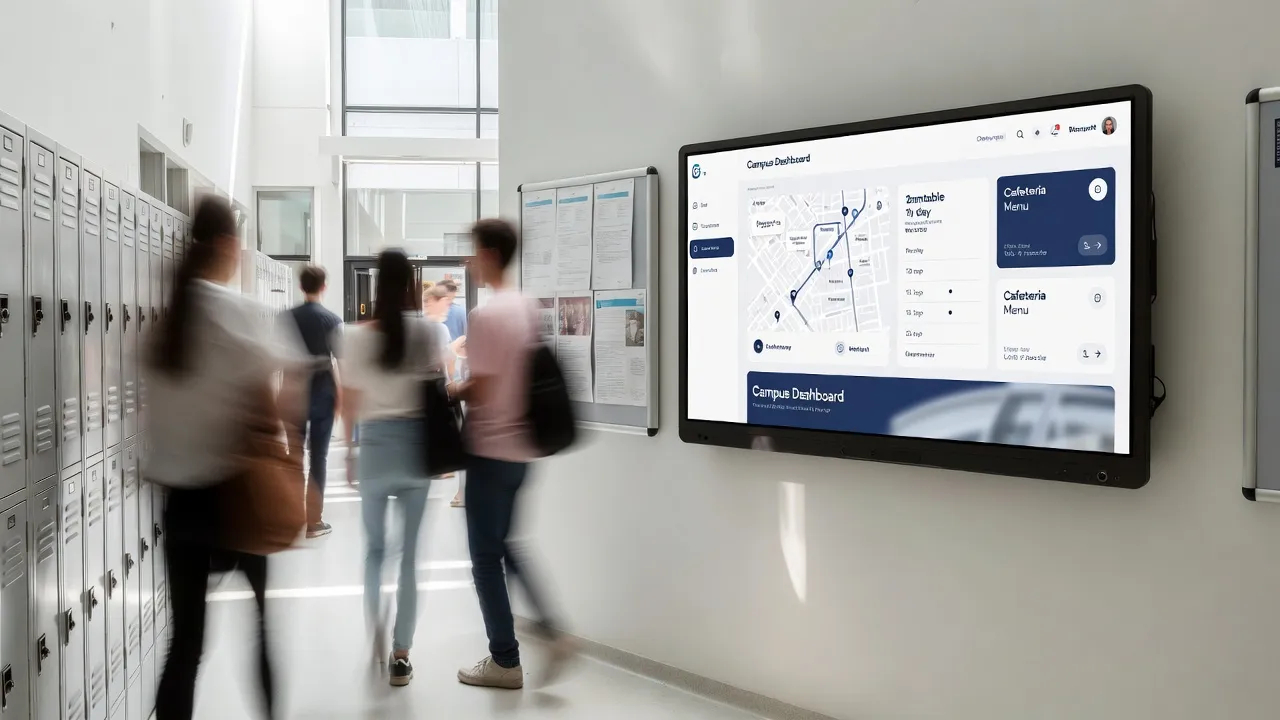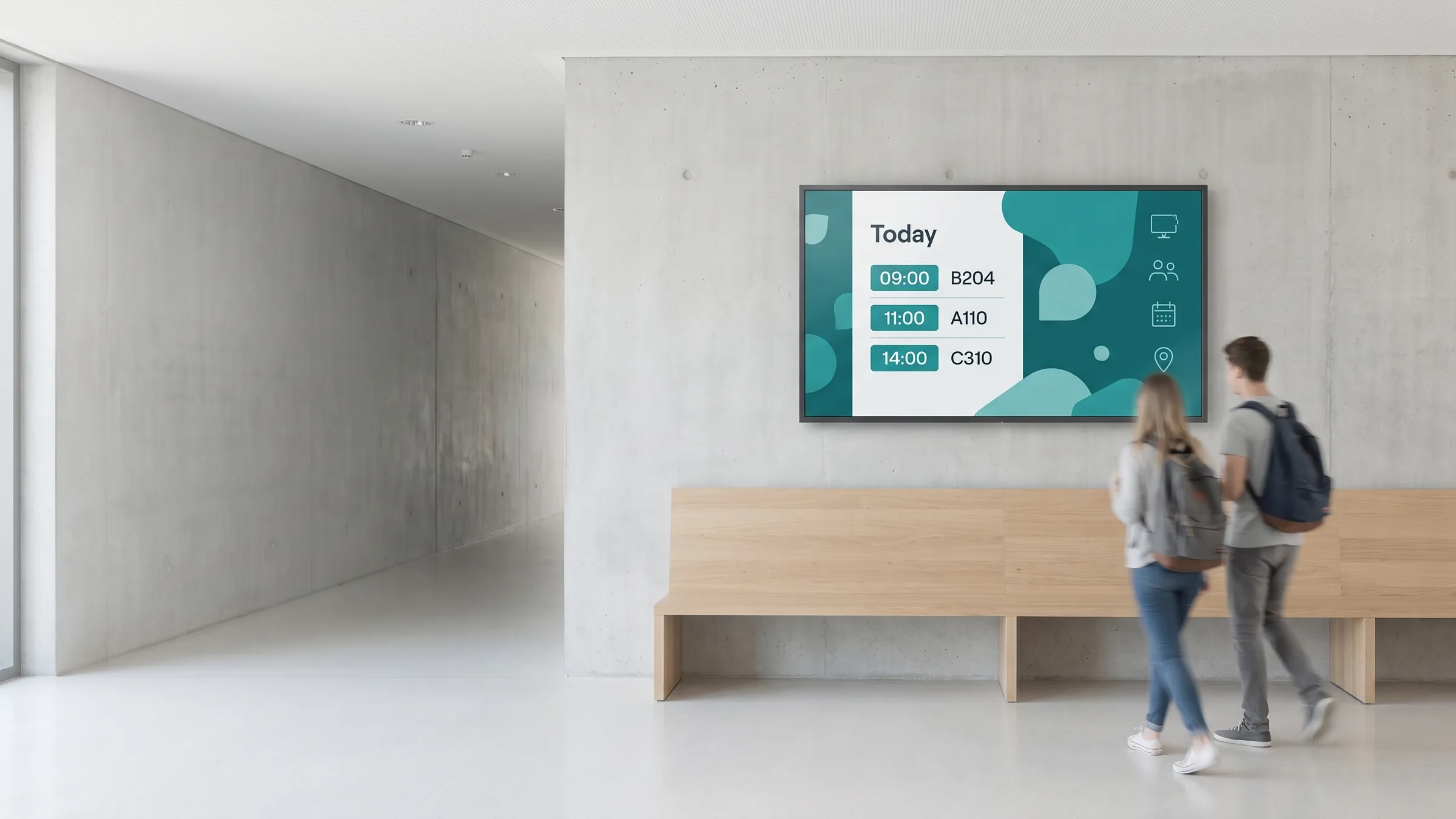
viewneo is a cloud-based digital signage platform for education — schools, colleges, and universities. It turns the screens across a campus into one managed network for announcements, event schedules, wayfinding, and emergency messaging, all controlled from a single dashboard so one team can keep every building current without printing leaflets or reprogramming displays.
The challenge in education
Campuses change daily: timetables shift, events move, results come in, and a printed notice board can’t keep up. Posters and leaflets are slow and expensive to reprint, information is scattered across buildings, and in an emergency there is no fast way to reach everyone at once. Every reprint is a recurring cost in staff time and materials, and the message is already out of date by the time it goes up. Meanwhile the people best placed to share news — staff and students — rarely have an easy tool to do it.
How does viewneo solve it?
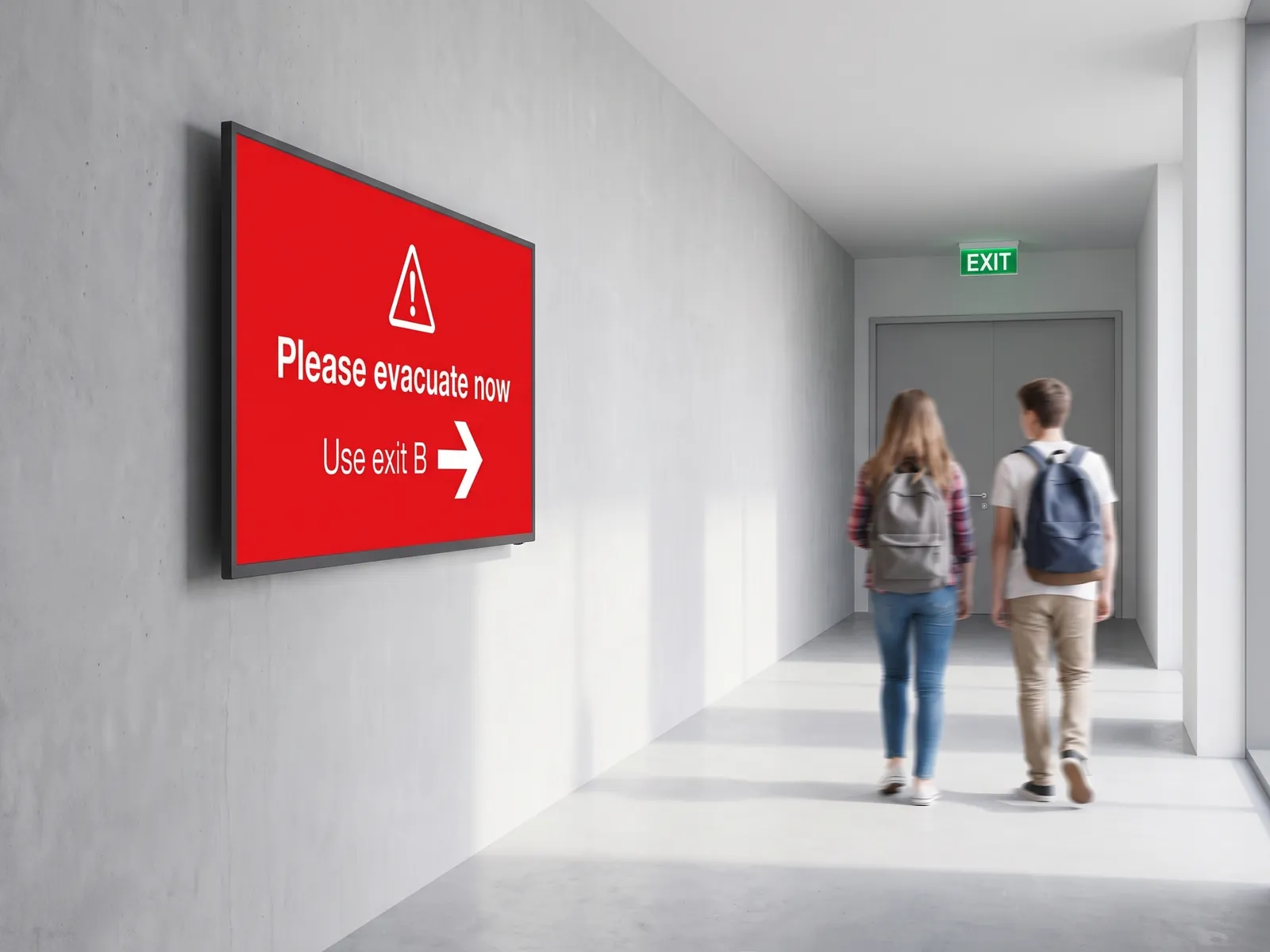
viewneo gives a school or university one place to run every screen. viewneo Enterprise is the control layer: build playlists, schedule by building or time, and push updates to one screen or the whole campus at once. The content designer makes animated slides in minutes, so staff — and even students — can contribute announcements without technical know-how. In an emergency, a priority message overrides every screen instantly, so safety instructions reach the whole campus in seconds.
Because hardware and software come from one place, screens run on plug-and-play players like the viewneo Butler or the viewneo 4K Signagebox, so you keep the displays you already have and simply add cloud control. Scheduling keeps term-time, exam-week, and holiday content rotating on its own, without anyone resetting a screen.
What can digital signage do on a campus?
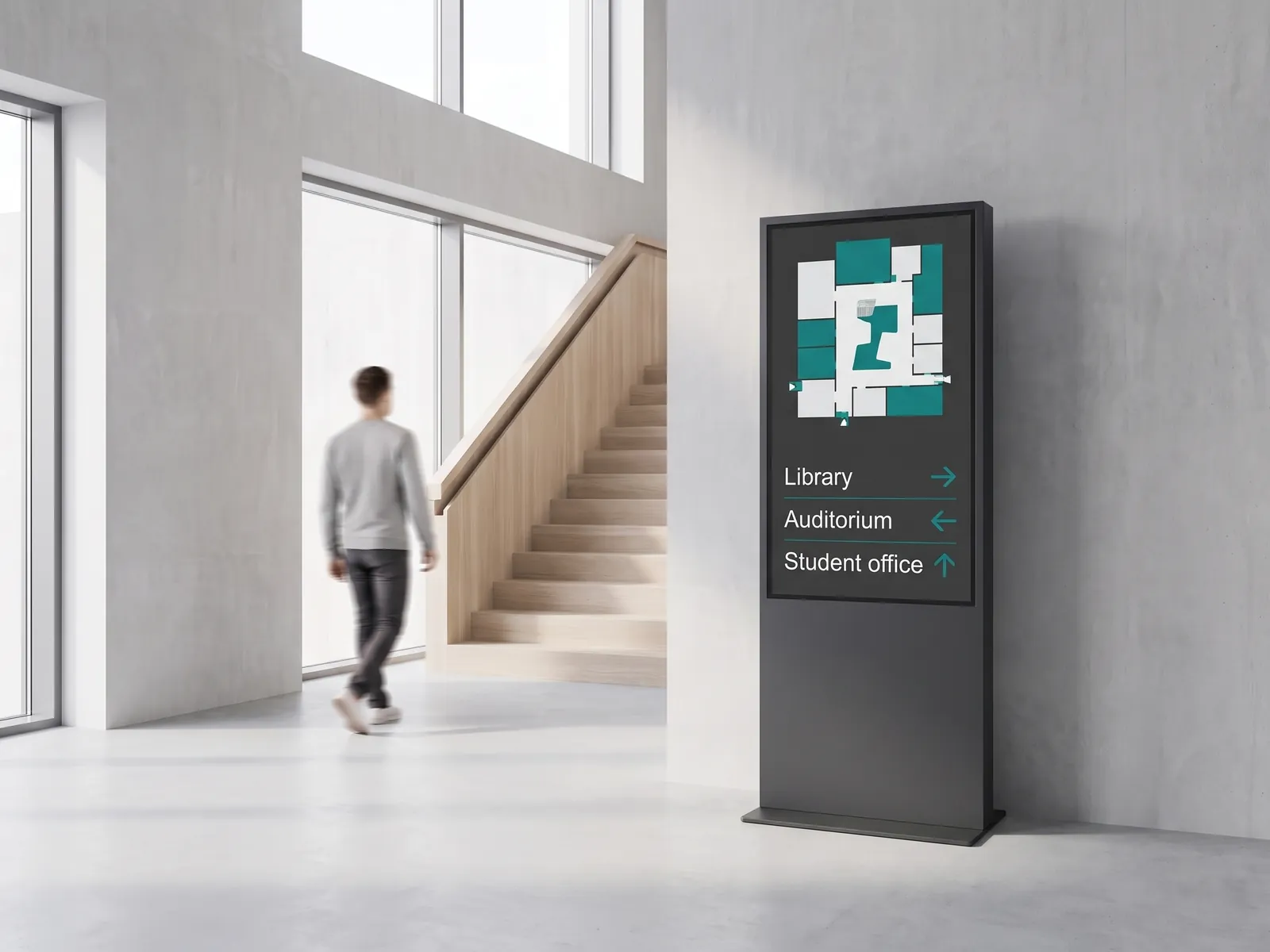
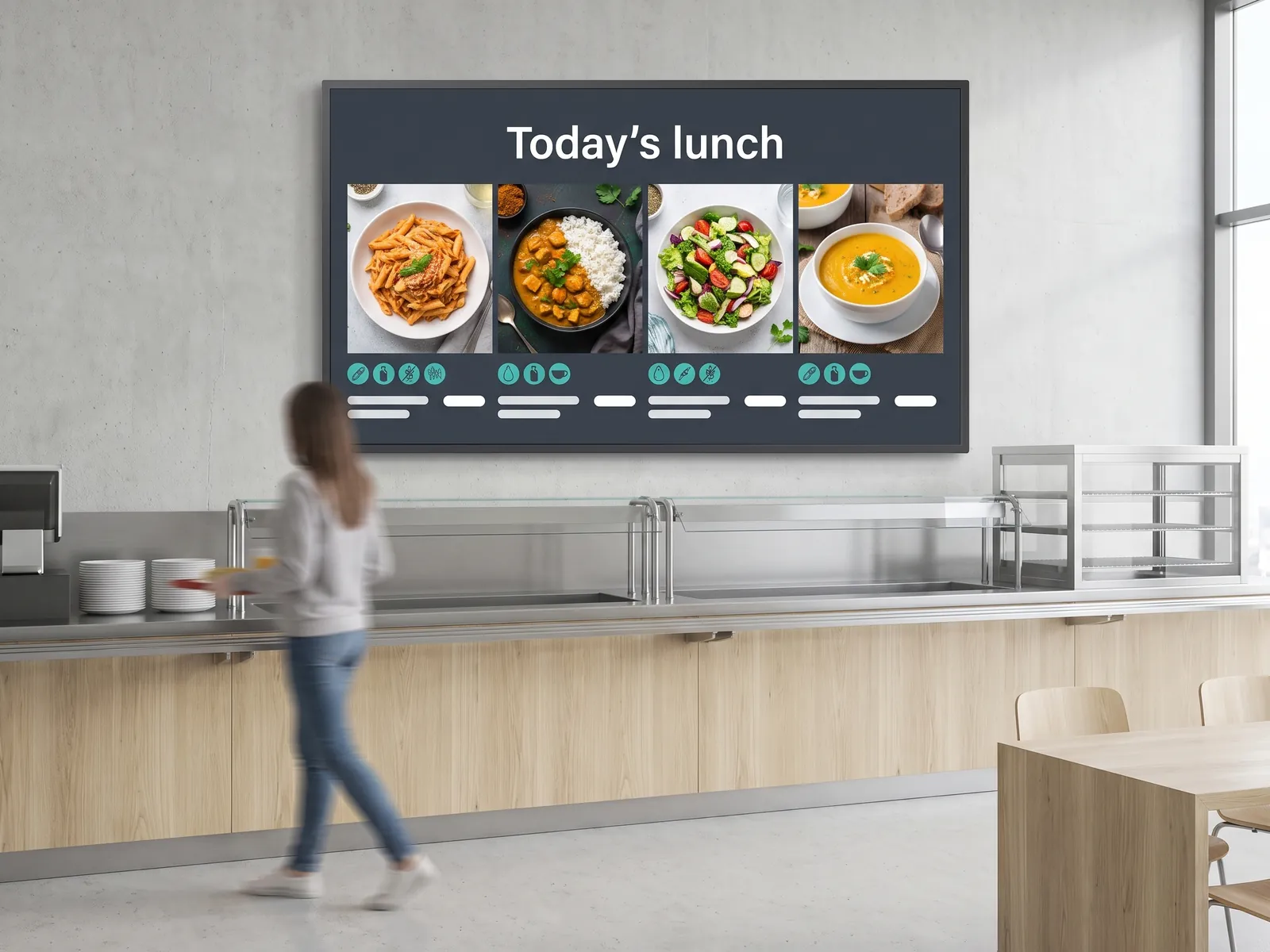
A campus screen network does several jobs at once. It builds school spirit by sharing event schedules, sports results, and social feeds that highlight recent wins. It streamlines wayfinding so students and visitors find the right room — digital door signage labels lecture halls and offices, while multiscreen installations anchor entrances and atriums. In the cafeteria, digital menu boards show daily specials, nutrition, and allergens. And across all of it, central control means a single update reaches every relevant screen without anyone walking the halls.
Why do schools and universities choose viewneo?
- Build awareness and school spirit. Promoting events, results, and celebrations across campus screens raises turnout and gives the whole community a shared noticeboard.
- Improve safety. A priority override reaches staff, students, and visitors with clear instructions the moment an emergency starts, on every screen at once.
- Save time and money. Cloud updates replace the recurring cost of printing leaflets, programmes, and posters — and the slow distribution that goes with them.
- Centralise control. One dashboard runs every building, and scheduled, automated updates keep content current with little technical know-how.
Because staff and students can both build slides in the content designer, the screens stay lively without adding work for the IT team — the people closest to campus life are the ones keeping it current.
What our education customers run
A typical viewneo education stack:
- Software: viewneo Enterprise — playlists, scheduling, multi-building management
- Hardware: viewneo Butler or viewneo 4K Signagebox media players
- Wayfinding: digital door signage for rooms and offices
- Large displays: multiscreen installations for entrances and halls
Get started
See how viewneo fits your school or campus — from a single building to a multi-site institution. Book a demo and we’ll walk through an announcements, wayfinding, and emergency-messaging setup, and you can compare plans on the pricing page.