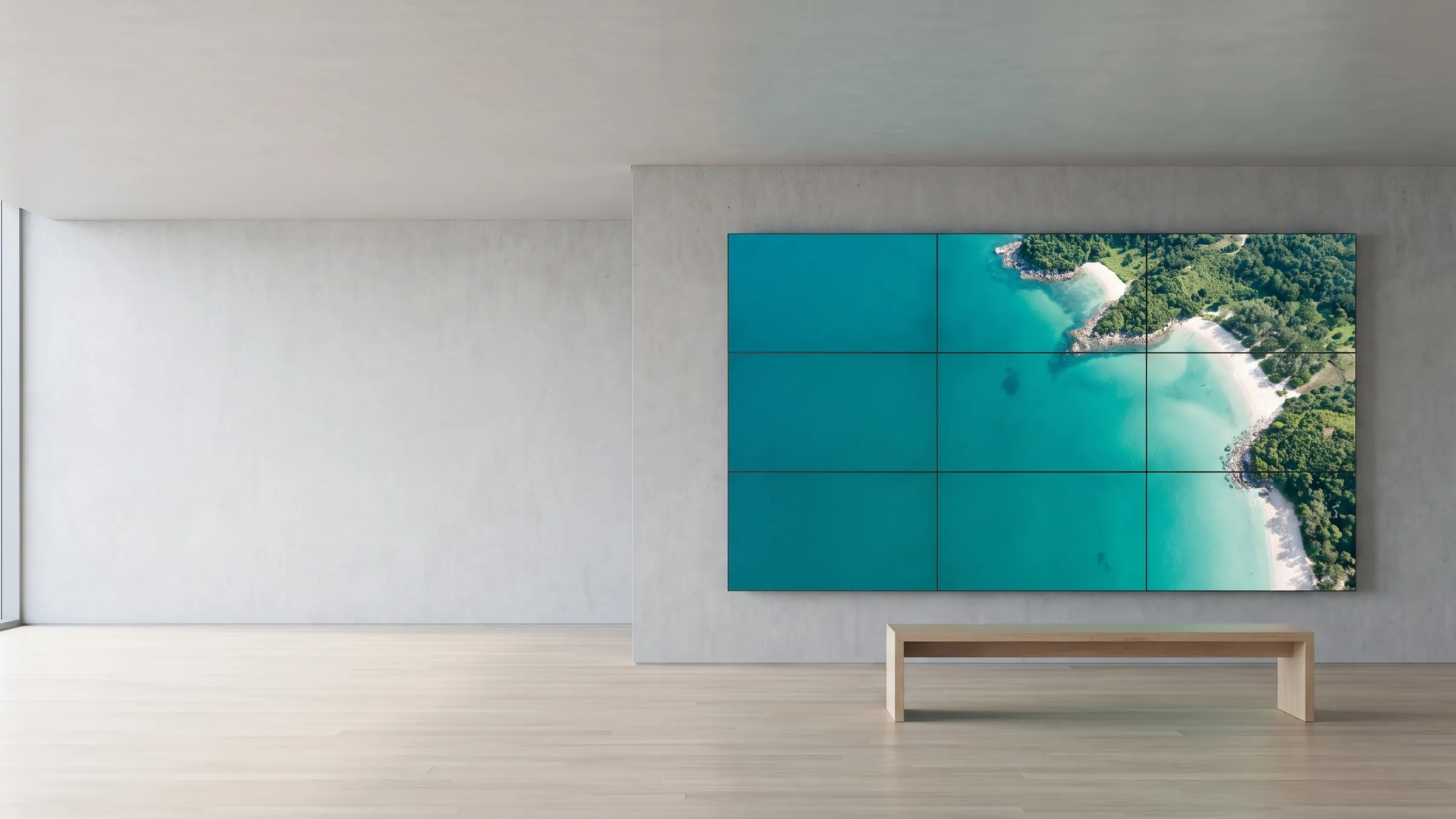
A 3x3 video wall in a bright showroom shows one continuous aerial image of a teal coastline

Solutions

Multi-screen installations

From a single screen to a video wall that doubles as artwork — every panel keeps full 4K resolution, with no splitters and no scalers.

The use case

A flagship store wants a wall of screens behind the till that plays one cinematic brand film, then breaks into separate panels — one with the week’s offers, one with a social feed, one with store opening hours. A traditional video-wall controller can show the single film, but splitting the signal drops every panel to a fraction of its resolution, and showing different content per panel means more hardware. With viewneo, each screen runs its own player and the wall does both: one synchronised image when you want impact, independent content per panel when you want information. The same building blocks scale down to a single portrait screen and up to a room-sized installation.

This solution suits anyone who needs presence on the wall — retail and smart stores, hospitality lobbies and venues, and corporate spaces — without the cost and rigidity of dedicated video-wall hardware.

What’s in the bundle

  • Software: viewneo Enterprise — the CMS that designs the content and manages every screen
  • Plugin: Screen Sync — distributes and synchronises content across panels over the network
  • Hardware: one viewneo 4K Signagebox per panel, with one acting as the sync master
  • Optional: the Live Ticker and YouTube plugins for per-panel dynamic content

The layouts you can build

  • Single screen — portrait or landscape; the format follows the content, and any player can rotate the image 90 degrees remotely.
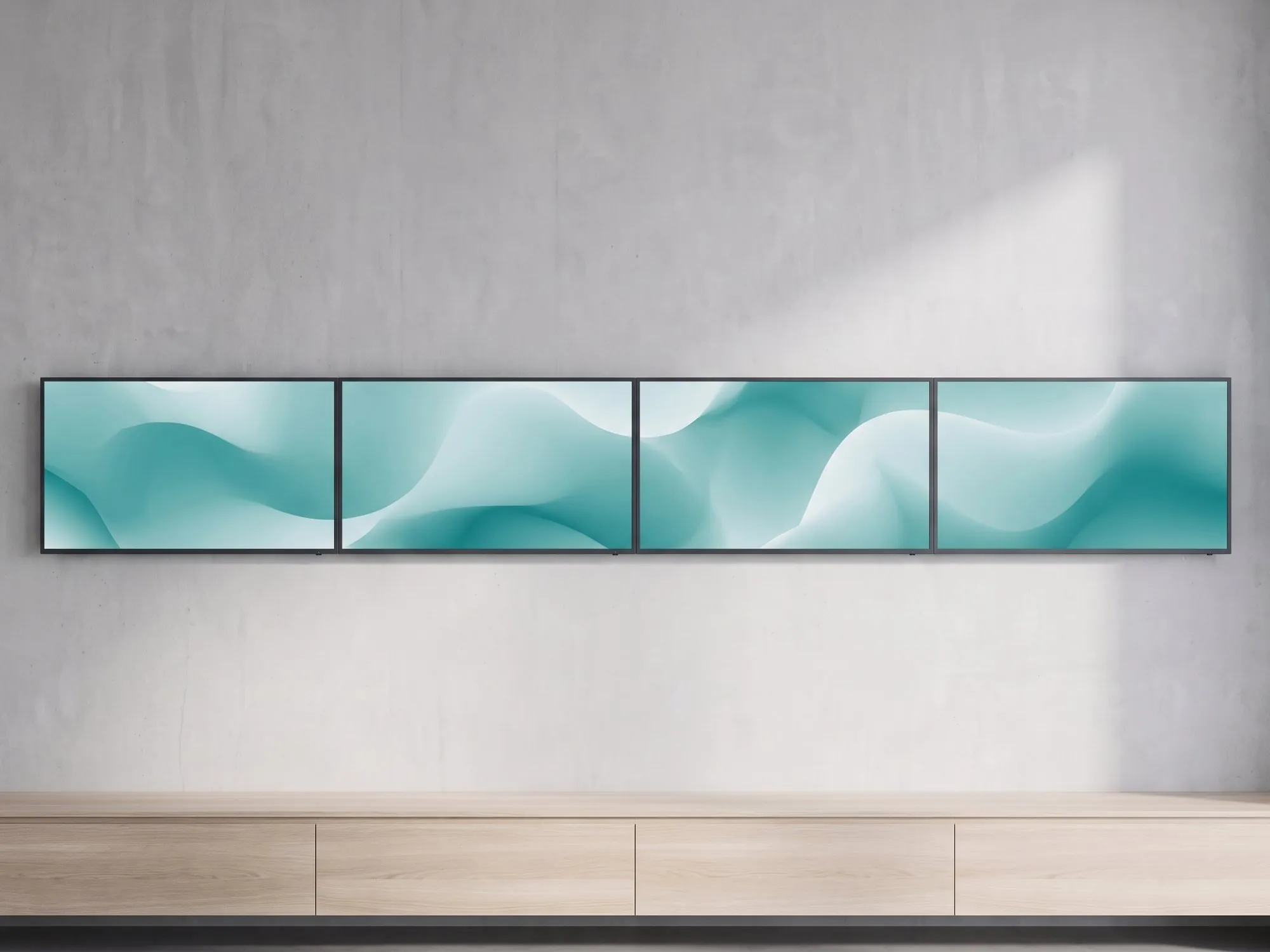
  • Banner — one row of several screens for panoramas and wide formats that the standard 16:9 cannot do justice to.
  • Video wall — a classic 2x2, 3x3, or larger grid for high-impact landscape content.
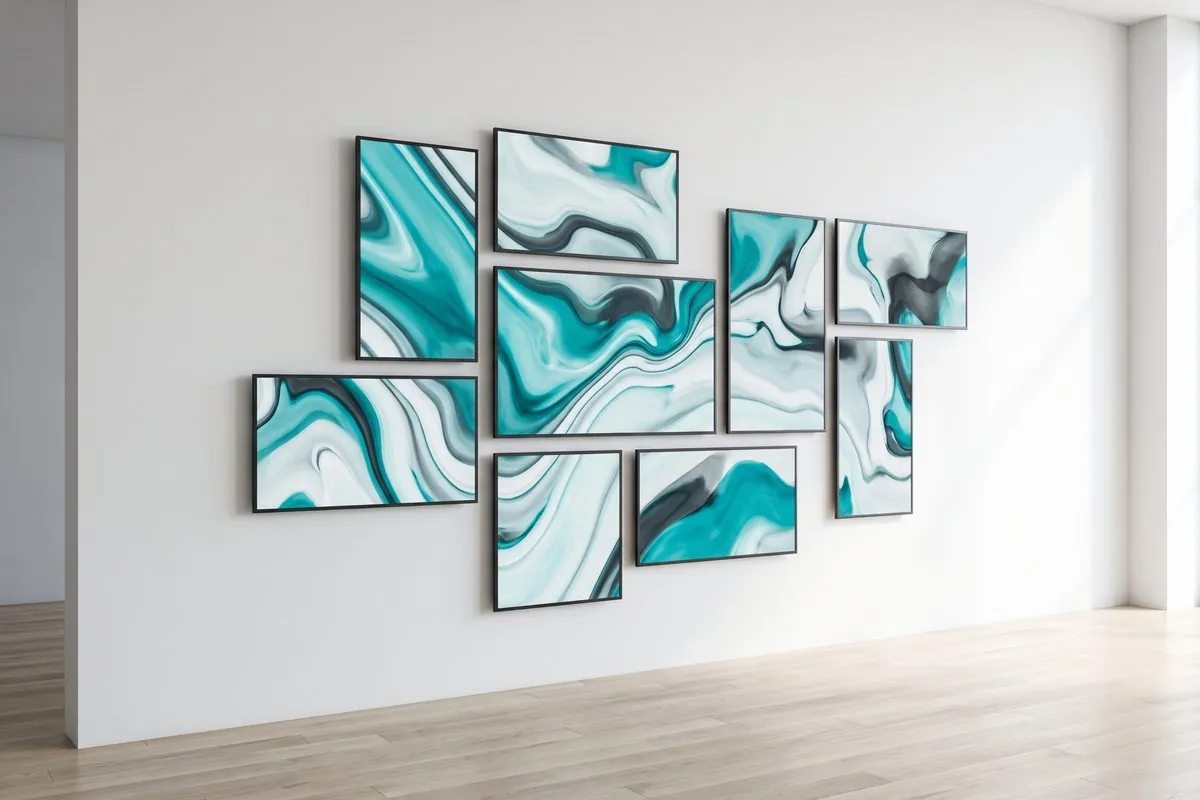
  • Art wall — screens arranged freely as a composition; with one player per screen there is no splitter, and each panel can run individually or as part of the whole.

How it works

  1. One player per panel — connect a 4K Signagebox to each screen and nominate one as the sync master that keeps timing aligned.
  2. Design once in the CMS — build a playlist in viewneo Enterprise that treats the wall as a single canvas or as independent zones.
  3. Sync over the network — Screen Sync stretches, mirrors, or splits the content across panels, with each screen at full 4K.

Get started

Planning an LED wall? The online LED wall configurator estimates what your project costs. There is no fixed maximum number of synchronised players per wall: it depends on your setup and network, and a dedicated network with minimal other traffic is recommended for stable synchronisation.

Tell us the wall size, the room, and the content you have in mind, and we will scope the right number of players and the layout. Talk to a solutions engineer or compare plans on the pricing page.
Where it's deployed

A panorama banner of four landscape screens on a concrete wall, each panel showing part of one teal artwork

One player per panel

Every panel at full 4K

Each screen runs its own 4K Signagebox, so every panel keeps full Ultra HD resolution instead of sharing one split signal. Four UHD panels become a 16K wall — a splitter-based setup would divide one player's resolution across all screens.

  • One 4K Signagebox behind each screen
  • Full Ultra HD on every panel
  • Four UHD panels make a 16K wall
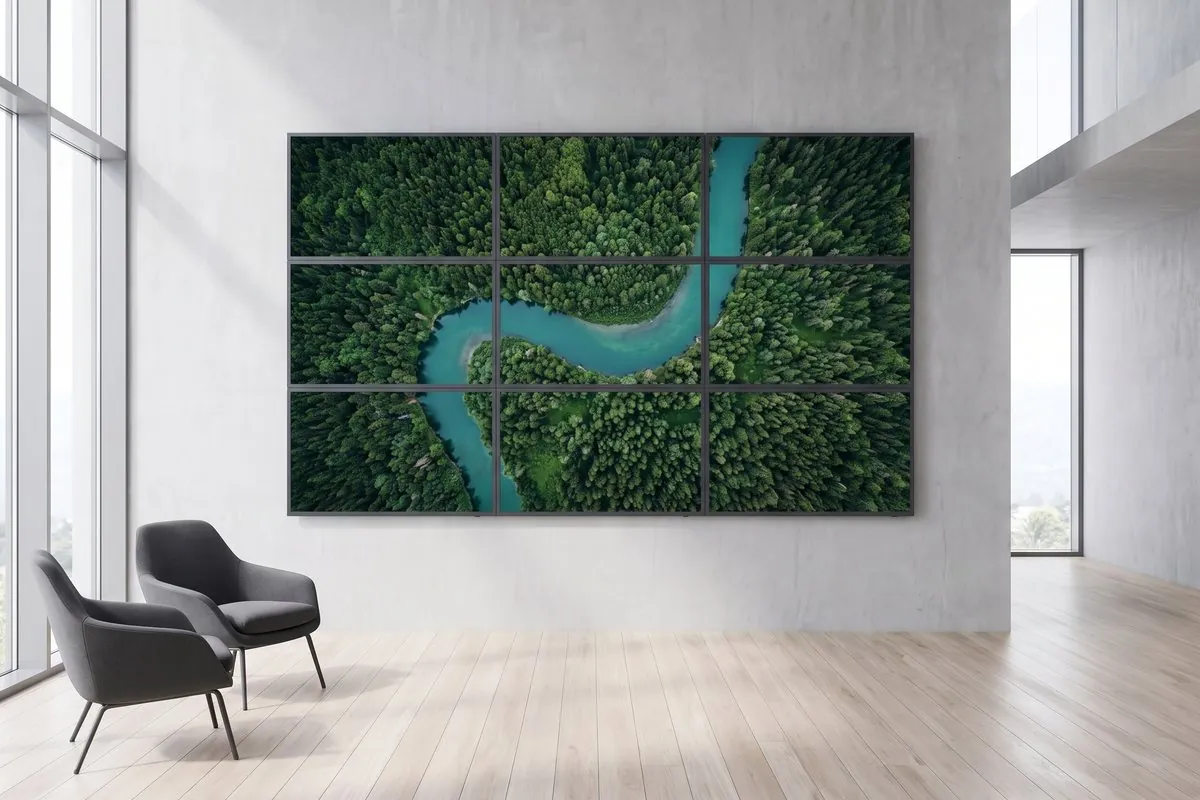
A 3×3 video wall of nine monitors shows one continuous aerial river landscape in an atrium

No splitters or scalers

Sync over the network, no controller

Screen Sync distributes one image across all panels over the network, so there is no video-wall controller, splitter, or scaler to buy. Nominate one player as the sync master and it keeps timing aligned across the whole wall.

  • Content distributed over the network
  • No video-wall controller or splitter
  • One player acts as the sync master
A gallery-style art wall of freely arranged screens plays one teal abstract artwork in sync

Any layout

From a single screen to an art wall

Single portrait or landscape, a panorama banner, a 2x2 or 3x3 grid, or a freely arranged art wall — and you can mix synced and individual content. Stretch one image across the whole wall for impact, or give each panel its own content for information.

  • Portrait, banner, grid, or free art-wall layouts
  • Stretch, mirror, or split content per panel
  • Mix synced and independent zones

Frequently asked questions

Who are multi-screen installations typically deployed for?
Any setting that needs impact or scale — retail storefronts and flagship stores, hospitality lobbies and event spaces, and corporate receptions. The same approach scales from one screen to a large video wall.
Can I build a video wall without replacing my displays?
Usually yes. Standard professional monitors work; you add one viewneo 4K Signagebox per panel and the Screen Sync plugin. No video-wall controller, splitter, or scaler is required.
Will each screen keep its full resolution?
Yes. Because every panel has its own player, each keeps full 4K/Ultra HD — four UHD panels become a 16K wall. A splitter-based setup instead divides one player's resolution across all screens.
Can different panels show different content at the same time?
Yes. You can stretch one image across the whole wall, mirror content, or give each panel its own content — for example, one screen with a live ticker and another with a video — all managed from the viewneo CMS.
Preview of the new contboxx home page with a stele showing the weather

contboxx launches on 1 November

The new content platform contboxx goes live at contboxx.com on 1 November 2026 — with pricing, channels and sign-up. Here is a first look at the home page.