
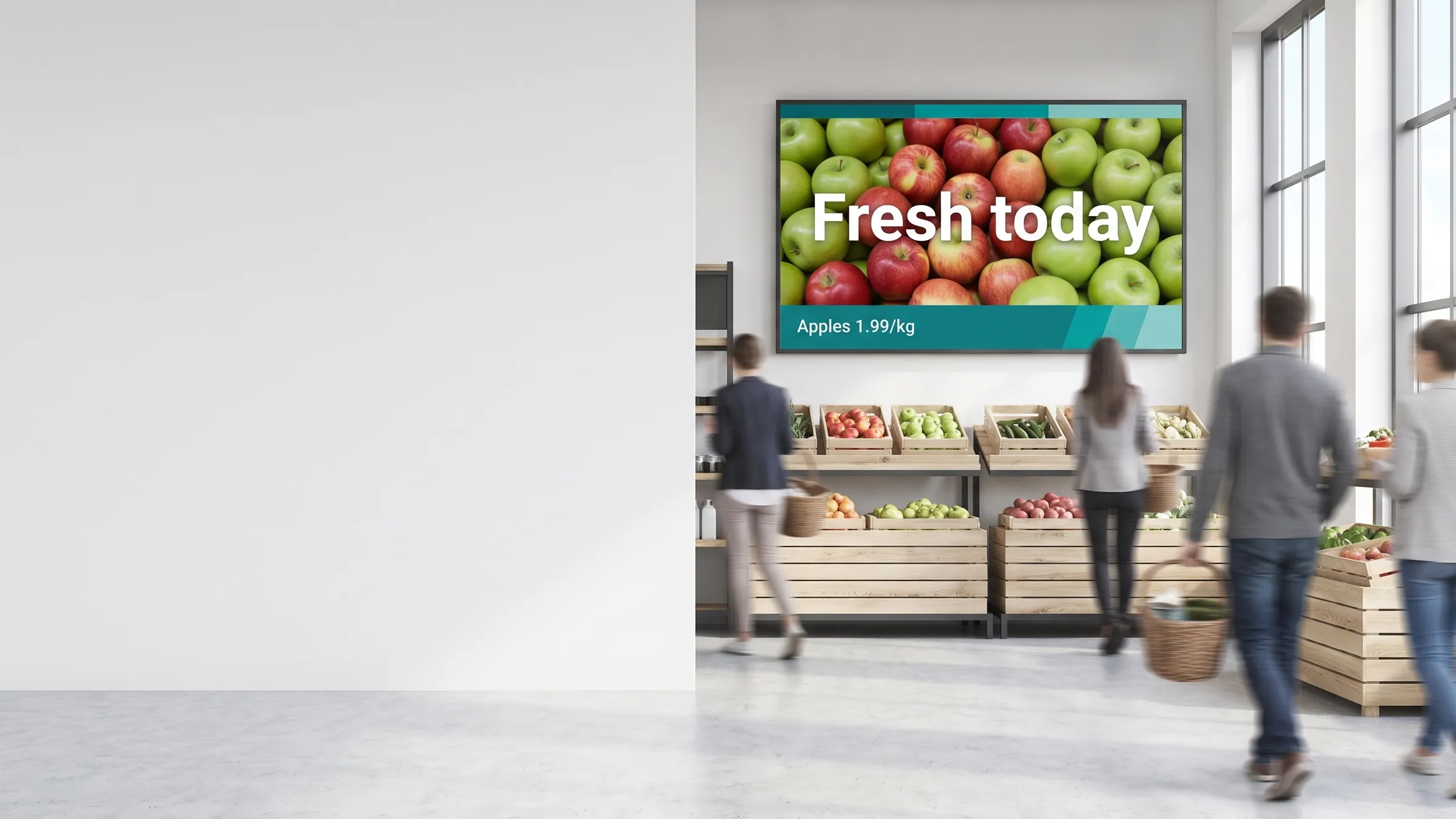
Digital signage best practices are the principles that separate screens people notice and act on from screens people walk past. This guide covers what works across retail, hospitality, healthcare, education, and corporate environments — from first content design decisions to long-term performance measurement.
If you are new to the medium, start with what is digital signage and then return here for the operational layer.
Design for the screen and the distance
A screen is not a printed poster and it is not a desktop monitor. Viewers are moving, often glancing, and typically at least two to four metres away. Design choices that work on paper frequently fail on glass.
Legibility fundamentals:
- Minimum font size: 40pt body, 80pt headlines (on a 1080p screen). Scale up for longer viewing distances.
- Sans-serif typefaces only for primary messages — Lato, Helvetica, and Inter hold legibility at distance. Reserve decorative fonts for decorative roles only.
- Contrast ratio: aim for at least 4.5:1 between text and background for WCAG AA compliance. Pale grey on white is invisible at three metres.
- Safe zones: keep all text and logos 5–10% inside the screen edge. Bezels, mounting misalignment, and overscan can cut the outer edge.
The 3x5 rule:
No more than three lines of text, no more than five words per line. Viewers decide within three to eight seconds whether content is worth reading. If your message cannot be parsed in that window, it will not be parsed at all.
Colour and contrast in real environments:
Bright ambient light washes out low-contrast screens. If screens are near windows or in high-lumen environments, test your designs under those actual lighting conditions before deploying at scale. Darker backgrounds with high-brightness text typically perform better in bright retail environments.
See how it works for the end-to-end content creation and publishing workflow.
Keep content fresh and scheduled
The single biggest driver of audience tune-out is stale content. Once viewers recognise content has not changed, they stop looking.
Dayparting — the right message at the right time:
Dayparting means scheduling different content for different time segments. A coffee shop might show breakfast promotions from 7–10am, lunch specials from 11am–2pm, and afternoon loyalty offers from 2–6pm. The same screen serves three distinct audiences in one day without any manual intervention.
Practical dayparting schedule structure:
- Define your audience segments and their peak times
- Create separate playlists for each segment
- Set start and end times in the CMS scheduler
- Review performance weekly and adjust timing based on footfall data
Content rotation:
Even within a time segment, rotate at least three to five pieces of content in a loop. Repetition of a single item creates fatigue. Rotation keeps the screen dynamic and increases the chance that a passing viewer catches something relevant on their specific visit.
Evergreen vs. time-sensitive content:
Maintain a library of evergreen content (brand messages, product education, ambient visuals) and layer time-sensitive promotions on top. When a campaign ends, the evergreen layer fills the gap automatically — no blank screens.
For content ideas by format and industry, see digital signage content ideas.
Less is more
Digital signage is ambient media. Viewers are not sitting down to read. Every element you add to a screen competes with every other element for a fraction of a viewer’s attention.
One message per screen, per slot:
Decide the single action or takeaway for each screen in each time slot before opening a design tool. “Drive trial of the new autumn collection” is a message. “Promote the autumn collection, remind viewers of opening hours, show the loyalty scheme points balance, and display the weather” is not a message — it is four messages on one screen, none of which will land.
Use visual hierarchy deliberately:
- One dominant element (image or headline) that stops the eye
- One supporting line (subheadline or short descriptor)
- One optional call to action (price, room number, QR code)
Anything beyond that structure should be cut. When in doubt, remove it.
Motion with purpose:
Animation draws the eye, but gratuitous motion is the fastest way to make a screen feel amateurish. Use transitions to signal a content change, not to decorate static elements. If an animation does not serve the message, remove it.
Use real-time data well
Live data feeds add genuine value when they are relevant to the viewer’s immediate context. They add noise when they are not.
When live feeds help:
- Queue information — current wait times calm queuing customers and reduce perceived wait
- Weather — contextually relevant for seasonal products (outerwear, sunscreen, hot drinks)
- Menu availability — mark items as sold out in real time so staff do not field questions
- KPI dashboards — factory floor, warehouse, or call-centre screens where the data motivates or informs the team present
- Event agendas — live schedule updates for conference or venue wayfinding
When live feeds add noise:
- Social media feeds with unmoderated content (a single off-brand post can run for hours)
- Stock tickers or news feeds irrelevant to the viewer’s context
- Live data widgets with no clear tie to viewer action or decision
viewneo’s products page and analytics tools show what playback and engagement data is available when live widgets are active. The glossary defines common terms like dayparting, proof of play, and DOOH if you need definitions.
Plan placement and hardware for the environment
The best-designed content fails on hardware placed in the wrong location. Site planning is not optional — it determines whether anyone sees the screen at all.
Placement principles:
- Eye-level at the point of decision: position screens where viewers are already pausing — at the queue, at the product shelf, at the reception desk, at the menu counter. A screen in a corridor between decisions misses the moment.
- Viewing angle: commercial displays typically have viewing angles of 170 degrees or more, but brightness and colour shift at the extremes. Test at the actual installation angle before committing to a mount.
- Dwell time matching: high-dwell locations (waiting areas, lifts, fitting rooms) support more detailed content. Low-dwell locations (entrances, corridors) require fast-read creative.
Hardware selection:
- Use commercial-grade displays rated for 16/7 or 24/7 continuous operation. Consumer TVs are not designed for this duty cycle and fail significantly faster.
- Match screen brightness to the environment: 300–500 nits for dim interiors, 700+ nits for bright retail, 1,000+ nits for semi-outdoor or high-ambient-light locations.
- Wired Ethernet is always more reliable than Wi-Fi for a content stream. Where only Wi-Fi is available, plan for content caching on the media player so a network dropout does not black the screen.
Browse viewneo hardware for players, media boxes, and environment-specific enclosures.
Measure and improve
Digital signage is measurable. The data exists — proof-of-play logs, schedule adherence, uptime reports, and (where analytics tools are active) viewer engagement signals. Use it.
What to track:
| Metric | What it tells you |
|---|---|
| Proof-of-play rate | Did the right content play at the right time on the right screen? |
| Schedule adherence | How often did the actual schedule match the planned schedule? |
| Uptime | What percentage of time was the screen active and displaying content? |
| Content cycle completion | Did the full playlist complete, or did a single item loop due to a missing asset? |
| Business metric correlation | Did promotions on screen correlate with sales uplift during that slot? |
Improvement cycle:
- Review proof-of-play logs weekly against your editorial calendar
- Identify gaps — content that did not run, screens that went dark, schedule failures
- A/B test creative variants on a subset of screens before rolling out across the network
- Update content based on performance, not only intuition
viewneo’s analytics module gives per-screen playback reports you can export and cross-reference with point-of-sale or operational data.
Common mistakes to avoid
Checklist — most frequent digital signage errors:
- Using a consumer TV for 24/7 commercial operation (fails in months, not years)
- Designing content at desktop resolution without testing on the actual screen at distance
- Launching with a single piece of content and no rotation plan
- Installing screens without a site survey (wrong height, wrong angle, unreadable in ambient light)
- Running live social feeds without a moderation filter
- Assigning content management to someone with no scheduled time to do it
- Ignoring proof-of-play data — running screens without confirming content actually played
- Over-animating — using motion for decoration rather than communication
- Violating the 3x5 rule — too many words per line, too many lines per screen
- Launching without a content governance plan (who approves, who publishes, who archives)
Each of these is common and each is avoidable with the planning steps covered above.
Next steps
- Understand the platform: how it works
- See what viewneo products cover: products
- Explore analytics capabilities: viewneo analytics
- Get content ideas by format: digital signage content ideas
- Start from the basics: what is digital signage
- Understand terminology: glossary