
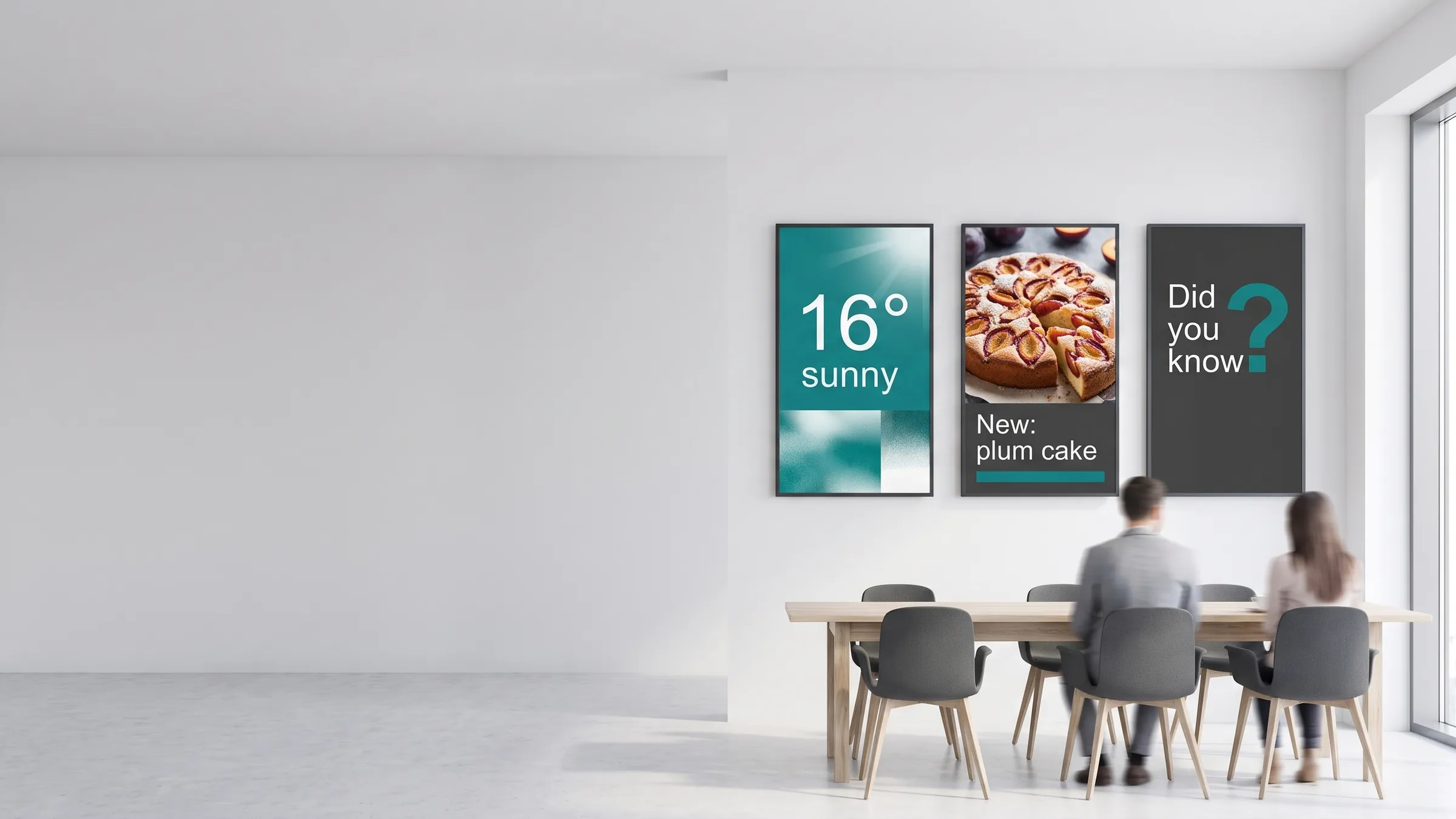
The best digital signage content is timely, useful, and easy to update — here are ideas you can put on screens today. Whether you manage one screen in a reception area or hundreds across a retail chain, the underlying principle is the same: show the right content to the right audience at the right moment.
viewneo runs in retail, hospitality, healthcare, education, and internal communications environments. The ideas below draw from all of these and link to the relevant industry pages and plugins where live-data connections are available.
Promotions and offers
Promotional content is the most common use of digital signage — and the one that delivers the fastest measurable return.
Ideas to use:
- Current week’s sale items with prices and end dates
- “Today only” flash offers displayed in the final hour before close
- Loyalty programme benefits and sign-up prompts
- Bundle deals with visual comparisons (“buy both for X”)
- Seasonal campaigns timed to swap automatically on a set date
- New arrivals or featured products with short video clips
Practical tip: Set a content expiry date on every promotional slide. viewneo removes expired content automatically, so screens never show a price that no longer applies. For retail environments, link promotions to your product data feed via a data integration plugin to keep pricing accurate without manual updates.
Wayfinding and directories
Screens near entrances, lifts, and building intersections reduce footfall confusion and free up front-desk staff.
Ideas to use:
- Floor plans with colour-coded zones
- Lift and staircase directories for multi-storey buildings
- Office or department directories updated from a spreadsheet
- Campus maps for universities and large hospital sites
- Event room allocations refreshed each morning
- Car park availability (where sensor data is available)
Healthcare facilities and government buildings benefit most from wayfinding signage. Directories updated from a central spreadsheet or database stay accurate without anyone touching the screen.
Menus and pricing
For food service environments, digital menu boards are the single highest-value application of digital signage.
Ideas to use:
- Full menu with photos, descriptions, and prices
- Daily specials updated each morning
- Allergen and nutritional information (regulatory compliance)
- “Available until” counters for limited items
- Breakfast, lunch, and dinner menus that swap by time of day
- Happy hour pricing activated on a recurring schedule
- Sold-out items automatically greyed out or removed
Restaurant and hospitality operators typically recover the cost of digital menu boards within a single season through reduced print costs and the ability to react to stock changes in real time. Connect viewneo to your POS or inventory system to automate price and availability updates.
Live data: news, weather, social, and KPIs
Static content loops go stale. Live-data widgets keep screens dynamic without requiring constant manual updates.
Ideas to use:
| Widget type | Where it works well |
|---|---|
| Local weather | Retail entrance, hospitality lobby |
| RSS news ticker | Waiting rooms, reception areas |
| Social media wall (Instagram, X) | Events, retail, restaurants |
| Real-time KPI dashboard | Warehouse floor, sales office |
| Power BI or Google Sheets embed | Operations, finance, management |
| Live sports scores | Sports bars, gyms |
| Currency or commodity prices | Financial services branches |
| Queue length and estimated wait time | Healthcare, government services |
The viewneo plugins catalogue includes integrations for social feeds, business intelligence tools, and data connectors that pipe live information directly into your playlist. No developer required — configure the widget in the dashboard and it updates automatically.
Employee and internal communications
Internal screens serve a different audience than customer-facing displays but follow the same content principles: timely, relevant, and actionable.
Ideas to use:
- Company news and announcements
- Health and safety reminders (updated from a central template)
- Production targets and live performance metrics
- Recognition boards — employee of the month, team achievements
- Event calendars and meeting-room availability
- HR deadlines: open enrolment, review cycles, training completions
- Emergency broadcasts and evacuation instructions
- Countdown timers to product launches or company milestones
Internal communications teams find that screens in break rooms, corridors, and production floors reach employees who don’t sit at a desk. viewneo’s scheduling tools allow head office to push content to every site while giving local managers a dedicated zone to add location-specific messages.
Events and schedules
Events content has a clear shelf life, which makes it well-suited to digital signage: it updates automatically and disappears when it expires.
Ideas to use:
- Conference session schedules updated from a shared calendar
- Speaker bios and room assignments for venue digital signage
- Countdown clocks to keynote sessions
- Live agenda for all-hands meetings or company events
- Sports fixture lists and results
- Performance schedules for theatres and entertainment venues
- Exhibition or trade show booth directory
For events venues and conference centres, viewneo connects to calendar and booking systems so that room signs and lobby directories reflect the current allocation without a manual refresh.
Queue and waiting-area content
Screens in waiting areas serve two purposes: reducing perceived wait time and delivering information that is relevant to the visit.
Ideas to use:
- Queue number display with audio chime option
- Estimated wait times updated from a ticketing system
- Service information relevant to the appointment type
- Health and safety guidance (particularly in healthcare settings)
- Short educational or product explainer videos (2-3 minutes maximum)
- Promotions for related services (“while you wait, learn about…”)
- Staff profiles and contact details
Research consistently shows that screens reduce perceived wait time. The content mix matters: a ratio of roughly 70% informational to 30% promotional tends to be best received in waiting rooms.
User-generated and social walls
Social content brings authenticity to screens and can be updated at zero marginal cost once the integration is set up.
Ideas to use:
- Instagram posts tagged with your brand or location hashtag
- Customer reviews from Google or Trustpilot
- User photos from a campaign hashtag displayed in a live wall
- Staff-submitted photos from events or team activities
- Product photos submitted by customers
- Social proof counters (“X customers served this month”)
Configure the social wall plugin once; viewneo pulls fresh content automatically. Set a moderation queue if the hashtag is publicly used to review posts before they appear on screen.
Getting started
The ideas above represent a starting point. The most effective digital signage programmes start with one screen type, measure how content performs, and expand from there. viewneo’s analytics tools record what played, when, and on which screens — giving you the data to decide what to show next.
Explore how viewneo works across industries: retail, hospitality, healthcare, education, internal communications. For a glossary of digital signage terminology, see the viewneo glossary.