viewneo is a cloud-based digital signage platform for gyms, fitness studios, leisure centres, and sports clubs. It connects every screen in your facility to a single dashboard, so class schedules, promotional offers, wayfinding signs, and motivational content are always up to date — without staff manually updating boards or printing new posters.
What is the challenge for fitness operators?
Fitness facilities communicate a lot of information to members every day: what is on, where to go, what is available, and what is coming up. Most of that communication still happens on printed posters, whiteboards, or static screens that someone has to update by hand. The result is outdated timetables at the entrance, different information in different areas of the building, and missed opportunities to inform members about promotions or new services at the moment they are most receptive — when they are already in the building.
Multi-site operators face an additional layer of complexity: keeping messaging consistent across clubs, pushing time-sensitive promotions to every location at once, and making sure a facilities manager at one site is not duplicating work done at another.
How does viewneo serve fitness and leisure?
viewneo gives fitness operators a single content system for every screen in the building. The browser-based CMS needs no specialist training — marketing managers, front-desk staff, and operations leads can all update content without touching a screen. Scheduling and dayparting mean the right content runs at the right time automatically: peak-hour motivational content during morning rush, membership offers at quieter times of day, and class recovery content after popular sessions.
The Open Interface connects viewneo to timetable and booking platforms via API, so class schedules update live the moment your front-desk system changes them. There is no separate step to push the update to screens — it happens automatically.
viewneo Enterprise handles multi-site operators: one login, one content library, and one scheduling workflow for every location. A head-office marketing manager can run a national membership campaign from a laptop and know it will appear correctly on every screen, in every club, within minutes.
What goes on the screens?
A typical fitness operator uses viewneo for several distinct content streams running in parallel:
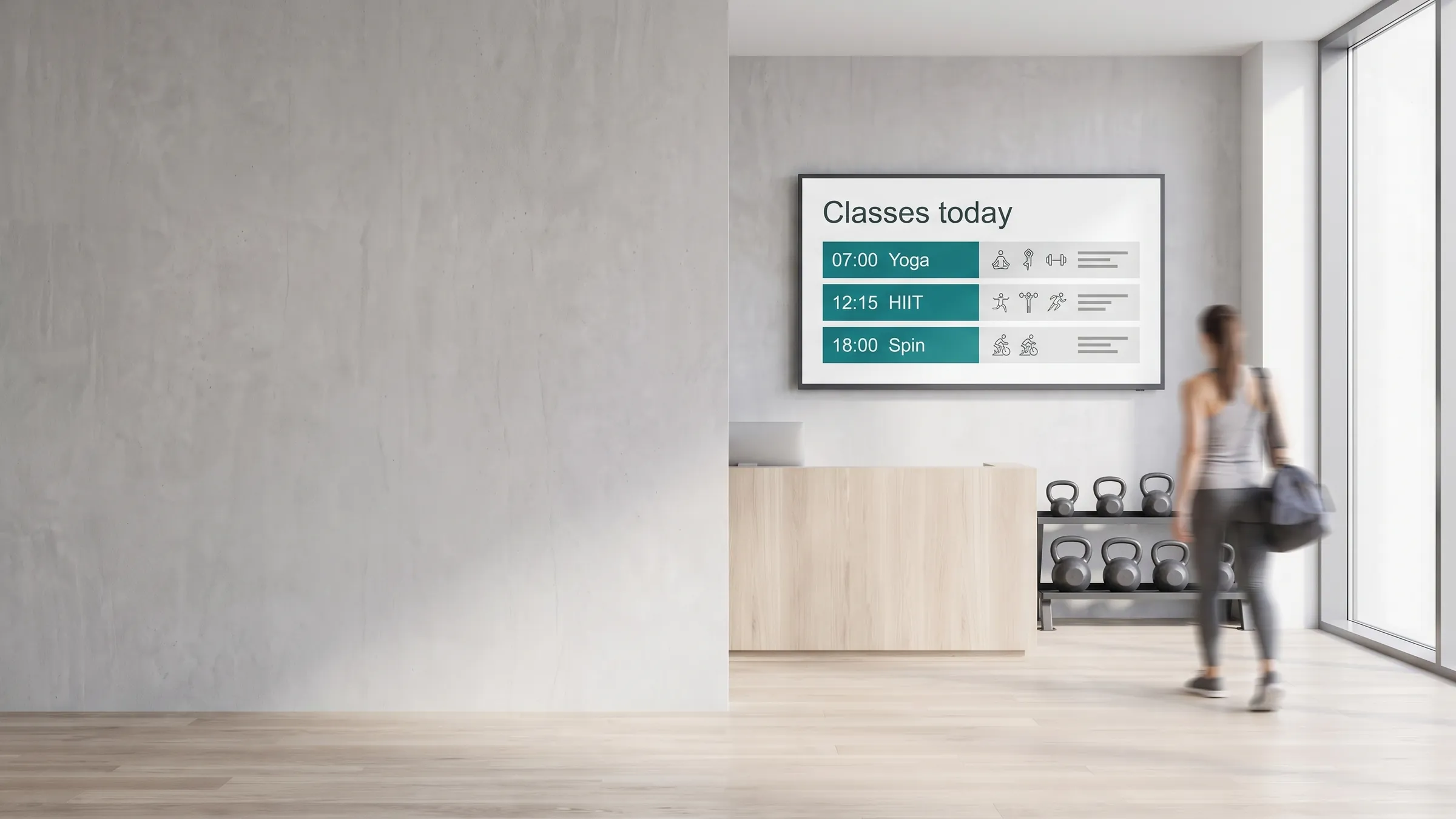
- Class timetables: live-updated from the booking system, shown on lobby and corridor screens
- Studio wayfinding: directional information at building junctions, floor plans at entrances
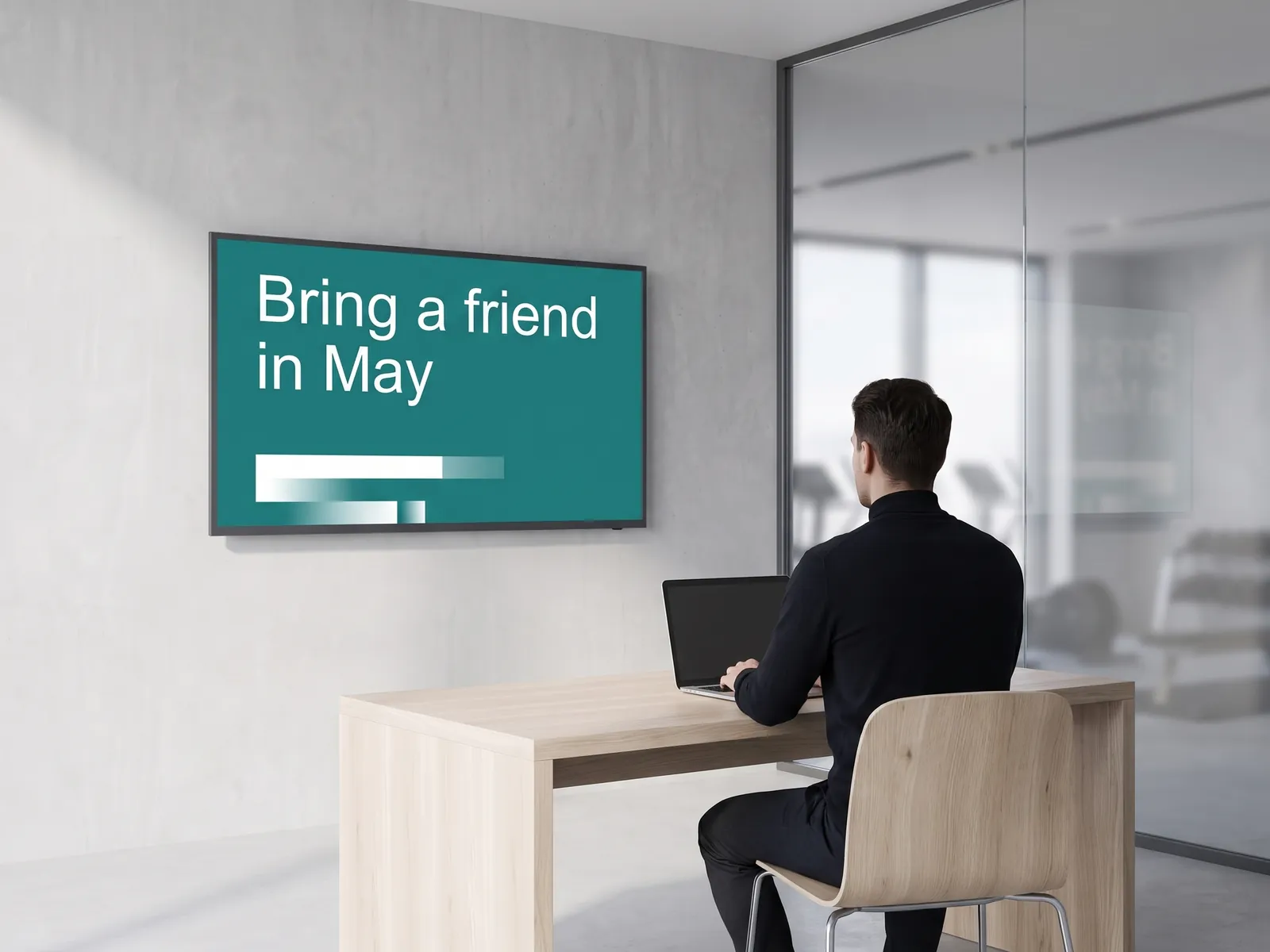
- Membership and promo offers: dayparted to run during the hours when new-member sign-ups are most likely
- Motivational and branded content: playlists of branded video, achievement callouts, and event announcements on gym-floor screens
- Operational notices: opening hours, facility maintenance, emergency information for reception and locker areas
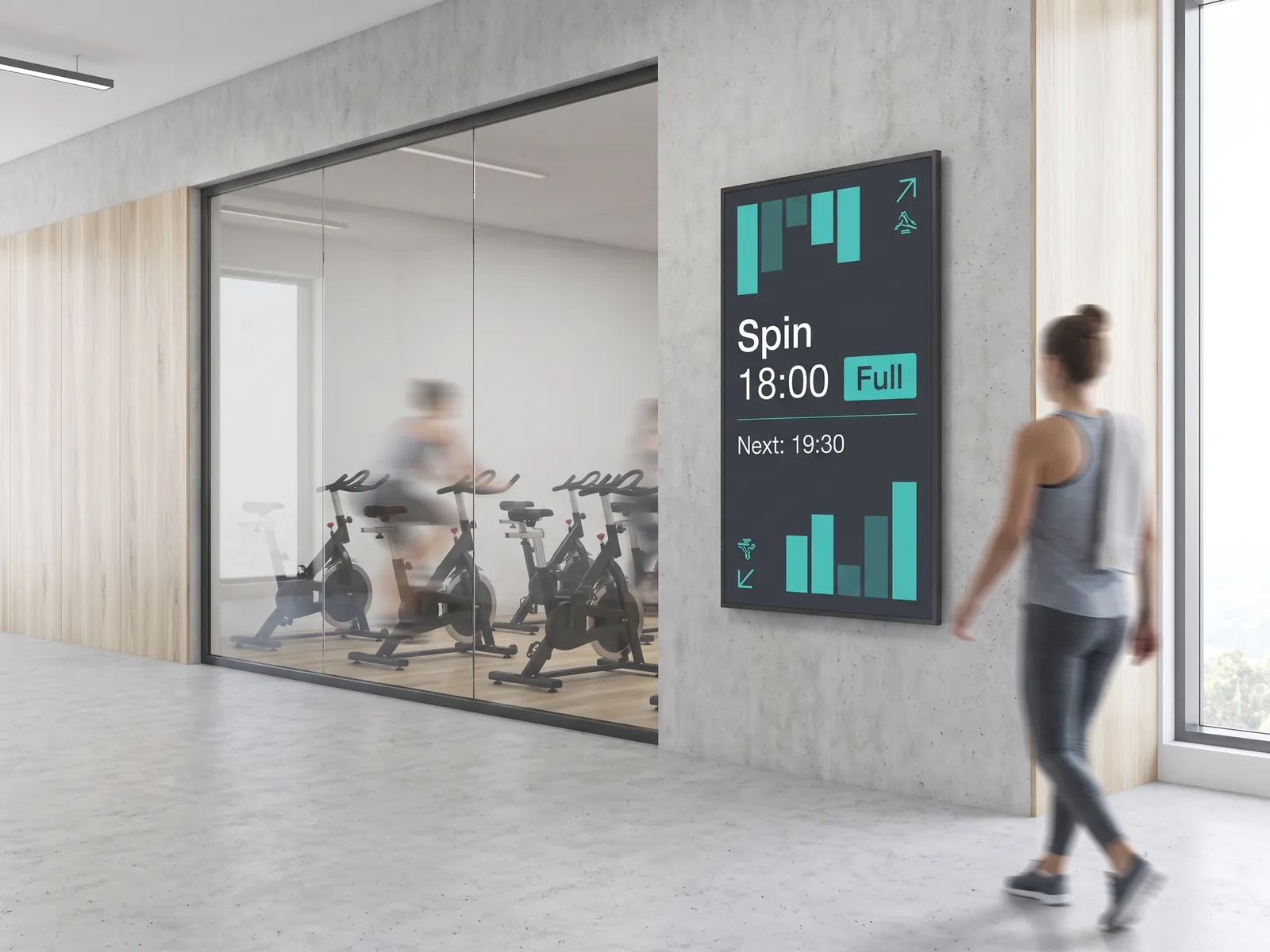
- Live class capacity: real-time occupancy outside studios, reducing queues at the front desk
Because all of these run through the same CMS, there is one place to look when something needs changing and one system for the IT team to support.
How does scheduling work for fitness content?
Dayparting in viewneo lets you pre-set which content runs at which time of day and day of week, without manual intervention. A membership campaign can be scheduled to run only during morning inductions and lunchtime visits; a recovery and hydration message can run automatically for the hour after the peak spin class. The schedule adjusts itself — staff do not need to be at a screen to make it happen.
Combined with the API integration for live timetable data, most of the day-to-day content management takes care of itself once the initial setup is complete.
Performance and reporting
viewneo records how your content performs: which screens are in use, which playlists ran, and where members engaged. This data helps operators refine the content mix over time, schedule high-value promotions in the slots where attention is highest, and demonstrate the value of the screen network to management.
What a viewneo fitness setup looks like
A typical viewneo deployment for a mid-size fitness operator:
- Software: viewneo Enterprise — scheduling, playlists, multi-site management
- Integrations: Open Interface — live timetable feeds from the booking platform
- Hardware: viewneo Butler media players on lobby, floor, and locker-area screens; see the full hardware catalogue
- Pricing: single studios and large chains both have plans — compare on the pricing page
For related use cases, see how viewneo works for retail environments with similar multi-screen and multi-location requirements.
Get started
Tell us about your facility — number of screens, locations, and what you need to show — and we will walk through a setup that fits. Book a demo or talk to our sales team.