viewneo is a cloud-based digital signage platform for transportation, logistics, warehousing, and supply-chain operations. It connects warehouse management systems, ERP data feeds, and operational sources to the screens your teams depend on — dock boards, KPI walls, departure screens, and control-room video walls — managed from a single browser-based CMS.
What is the core challenge in logistics and transport?
Operational visibility breaks down at the last metre. Data lives in WMS dashboards and ERP reports that floor workers cannot access, while information on physical noticeboards goes stale within hours. Gate assignments change, throughput targets shift at shift handover, safety incidents need immediate acknowledgement — and the teams responsible are rarely sitting in front of a computer. The result is miscommunication, delayed responses, and safety information that never reaches the people who need it.
How does viewneo solve operational visibility?
viewneo closes the gap between your data systems and the physical environment. The viewneo Open Interface API connects directly to your WMS, ERP, or any operational data source via standard HTTP. That data feeds into the CMS, which distributes it to screens across your site in real time. An operations manager updates a dock assignment in the WMS; the floor screen reflects it within seconds. A safety KPI crosses a threshold; the board changes colour automatically. No manual screen updates, no printed sheets.
For teams already using Microsoft Power BI, the Power BI plugin publishes existing reports directly to any screen in the network — so the data your planners already maintain reaches the floor without rebuilding anything.
Warehouse and distribution centre screens
A well-instrumented warehouse uses viewneo for three distinct screen types:
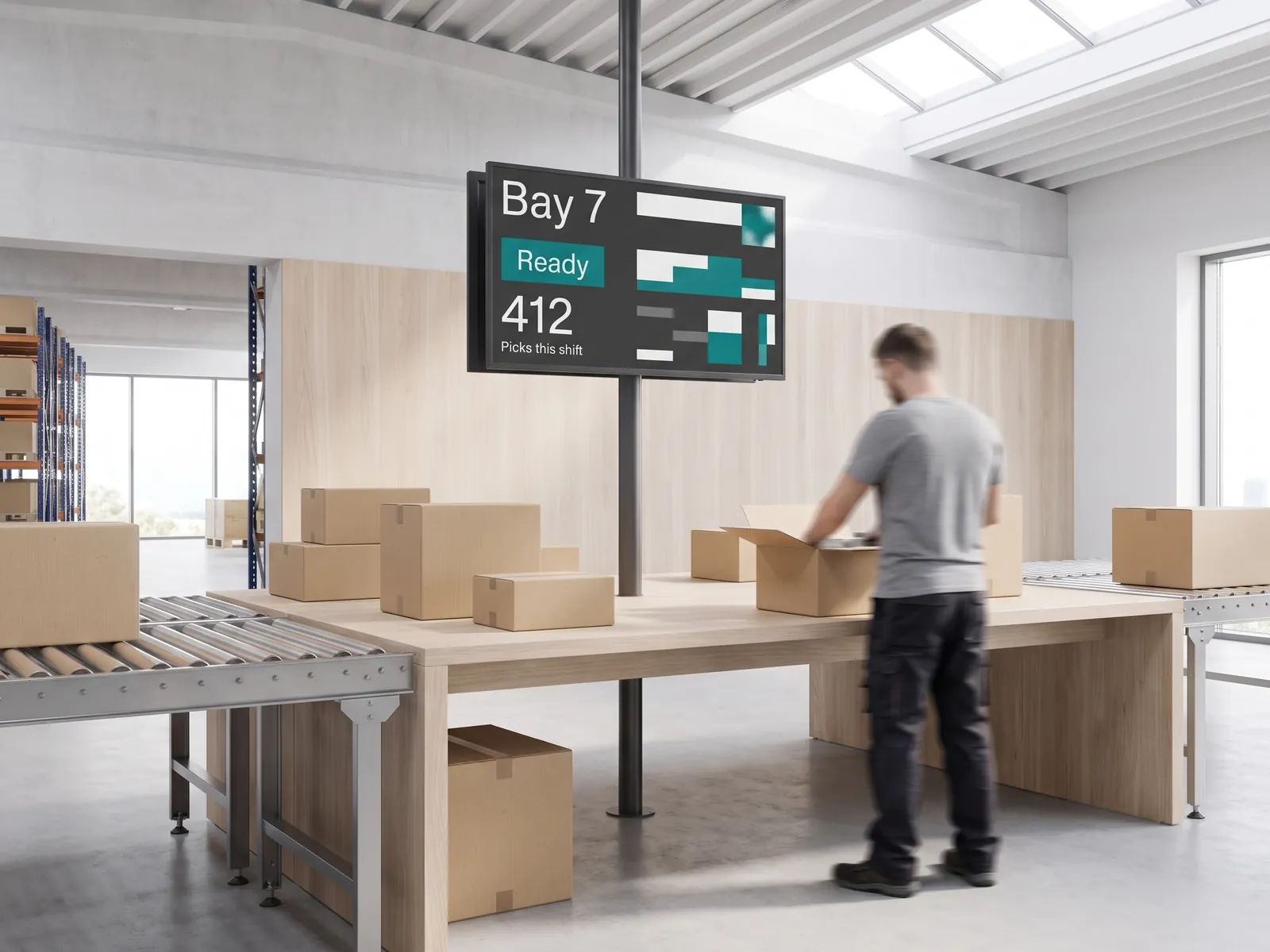
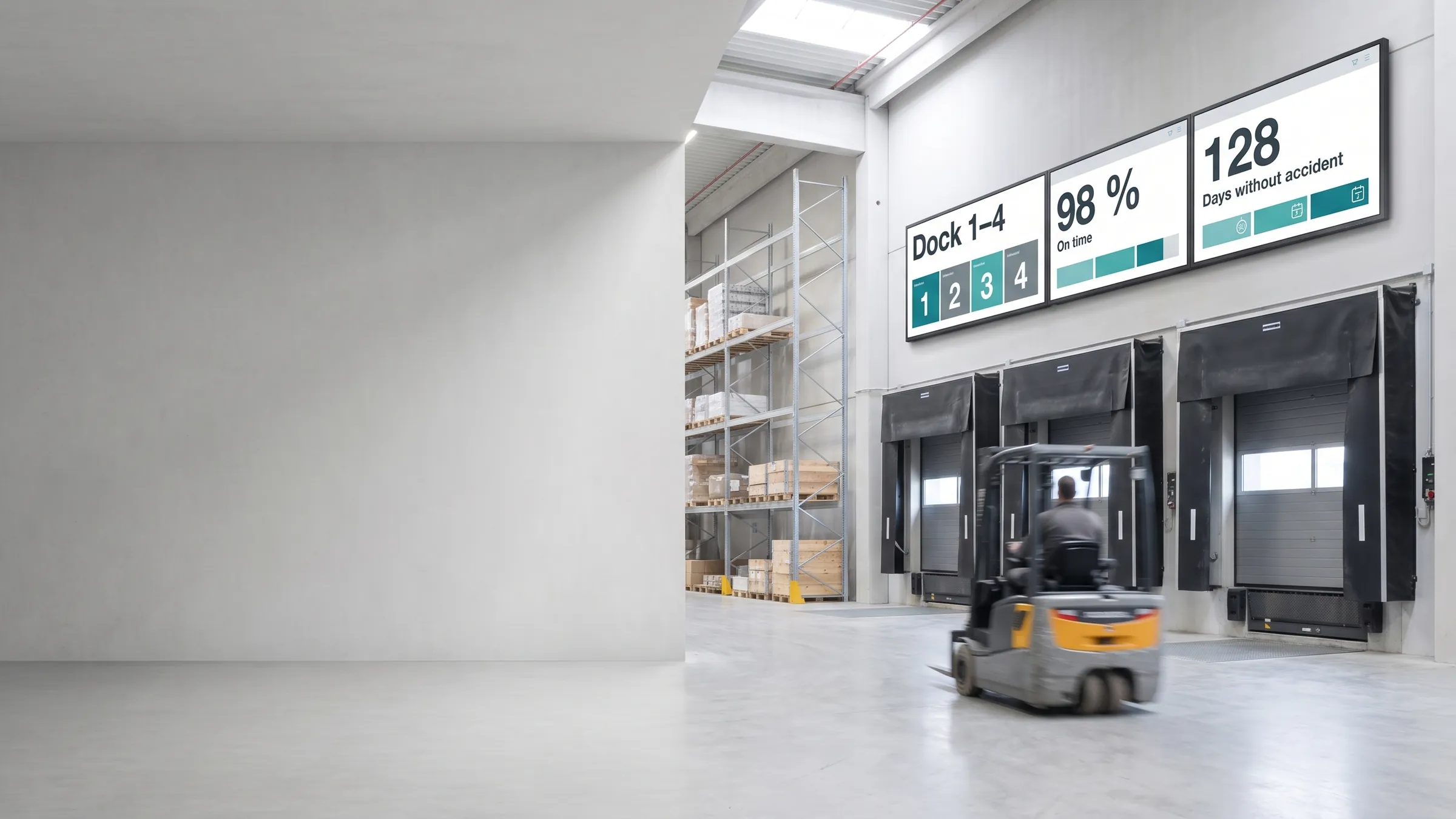
- Dock and door status boards — gate assignments, bay availability, inbound/outbound status pulled live from the WMS
- KPI and safety boards — throughput targets, pick accuracy, incident counters, and shift goals on large-format displays at every aisle and station
- Shift and rota screens — rosters, team announcements, break schedules, and compliance notices published from the CMS and updated without printing
Because scheduling and dayparting are built into viewneo Enterprise, routine content changes — shift handover boards, daily targets — happen automatically. Staff only intervene for unplanned events.
Transport hub and depot displays
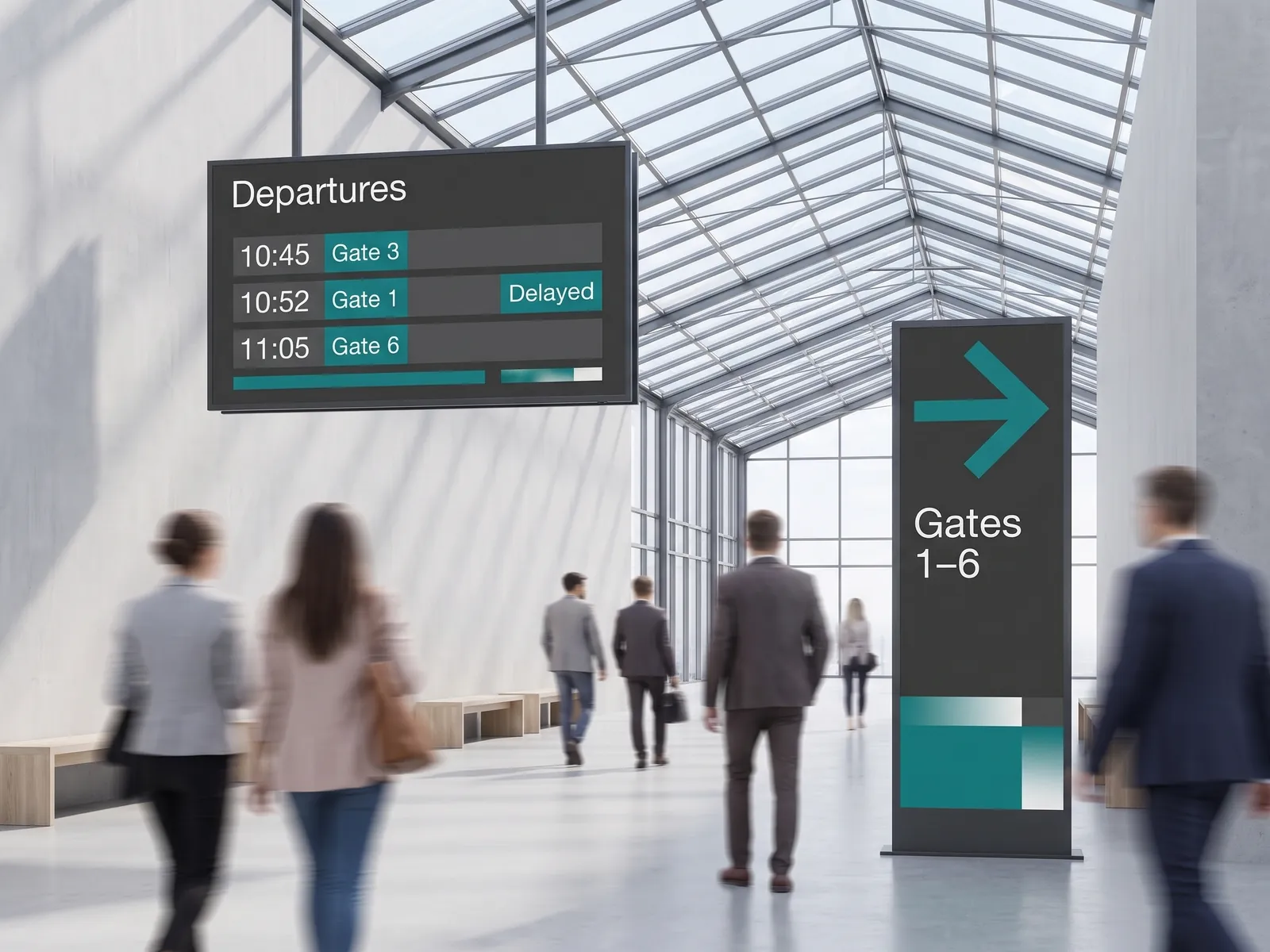
Bus depots, rail freight yards, and distribution terminals need departure boards and wayfinding that operations teams can update from any location. viewneo’s cloud CMS makes this straightforward: log in from a browser, change a gate assignment or platform notice, and every relevant screen updates in under a minute. Dayparting handles timetable-driven content automatically — the right information for the right time of day, without manual scheduling.
For multi-screen departure boards and terminal information displays, viewneo Screen Sync keeps several screens in perfect visual alignment across a single zone — no hardware splitter required.
Control-room video walls and supply-chain oversight
Supply-chain control rooms need a single visual overview of the entire operation. viewneo Screen Sync stitches multiple screens into a seamless video wall, each panel driven by an independent media player. The CMS controls layout, content, and source data from one interface. Operations teams can display live KPI feeds, route maps, logistics dashboards, and alert states across a wall of any size — and update any panel instantly when conditions change.
Always-on reliability
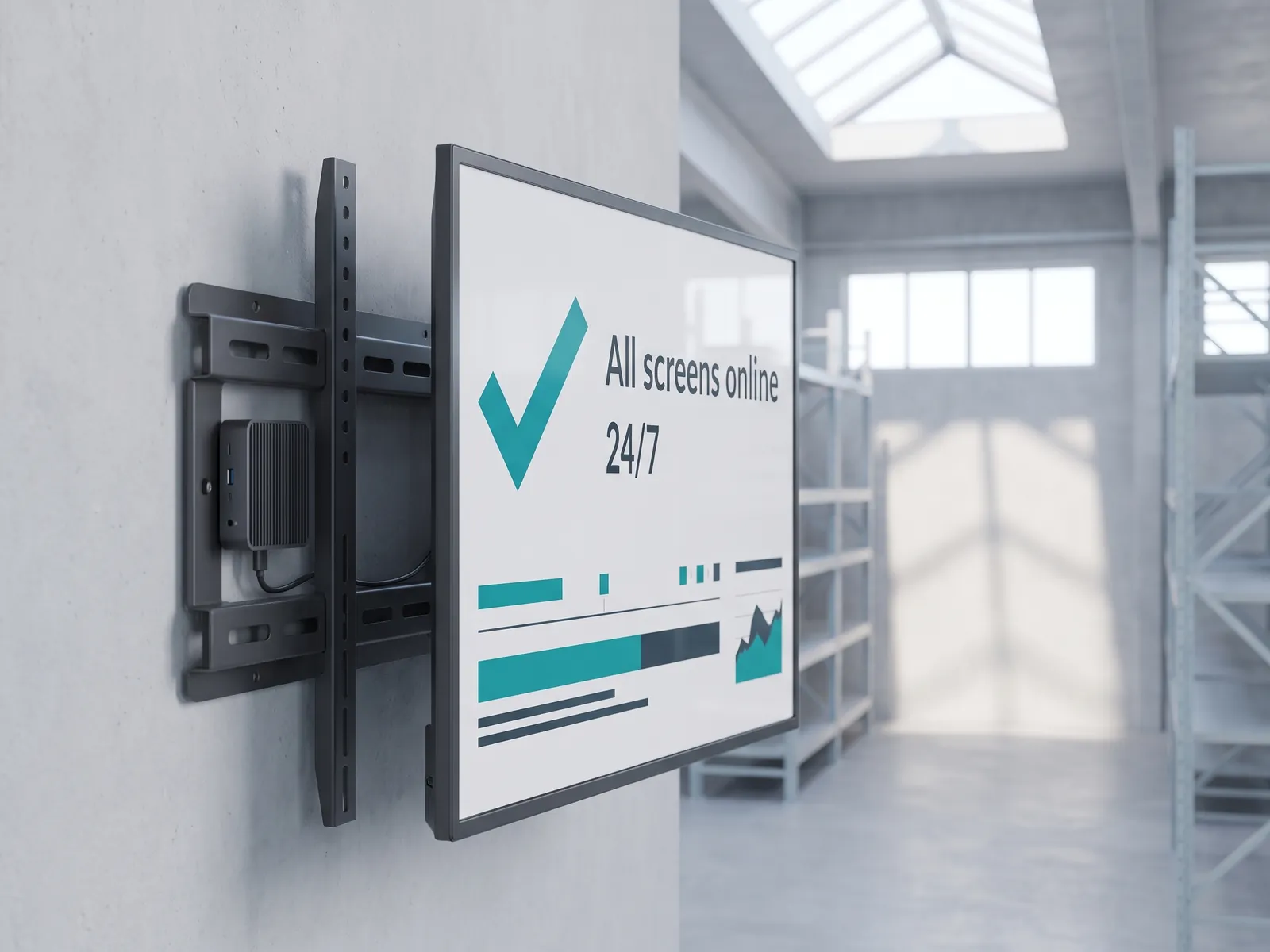
Warehouse and depot environments are unforgiving. Screens go dark during shift handover and no one notices until it matters. viewneo addresses this at two levels. First, player hardware runs 24/7 with local content caching — if the network drops, screens continue showing the last valid content rather than going blank. Second, the viewneo dashboard monitors screen uptime across every device in the network, so operations managers can see at a glance which players are online and when content was last delivered.
A typical viewneo logistics stack
- Software: viewneo Enterprise — CMS, scheduling, multi-site management
- Data integration: Open Interface API — live feeds from WMS, ERP, or any HTTP source
- BI dashboards: Power BI plugin — publish existing reports to floor screens
- Video walls: Screen Sync plugin — multi-screen control-room walls, no splitter
- Hardware: viewneo media players — 24/7 rated, remote-managed, auto-recovery
- Related use case: internal communications for office and break-room screens
Get started
See how viewneo fits your warehouse, depot, or control-room environment. Book a demo and we will walk through a setup for your specific layout — or review plans and pricing if you already know your screen count.