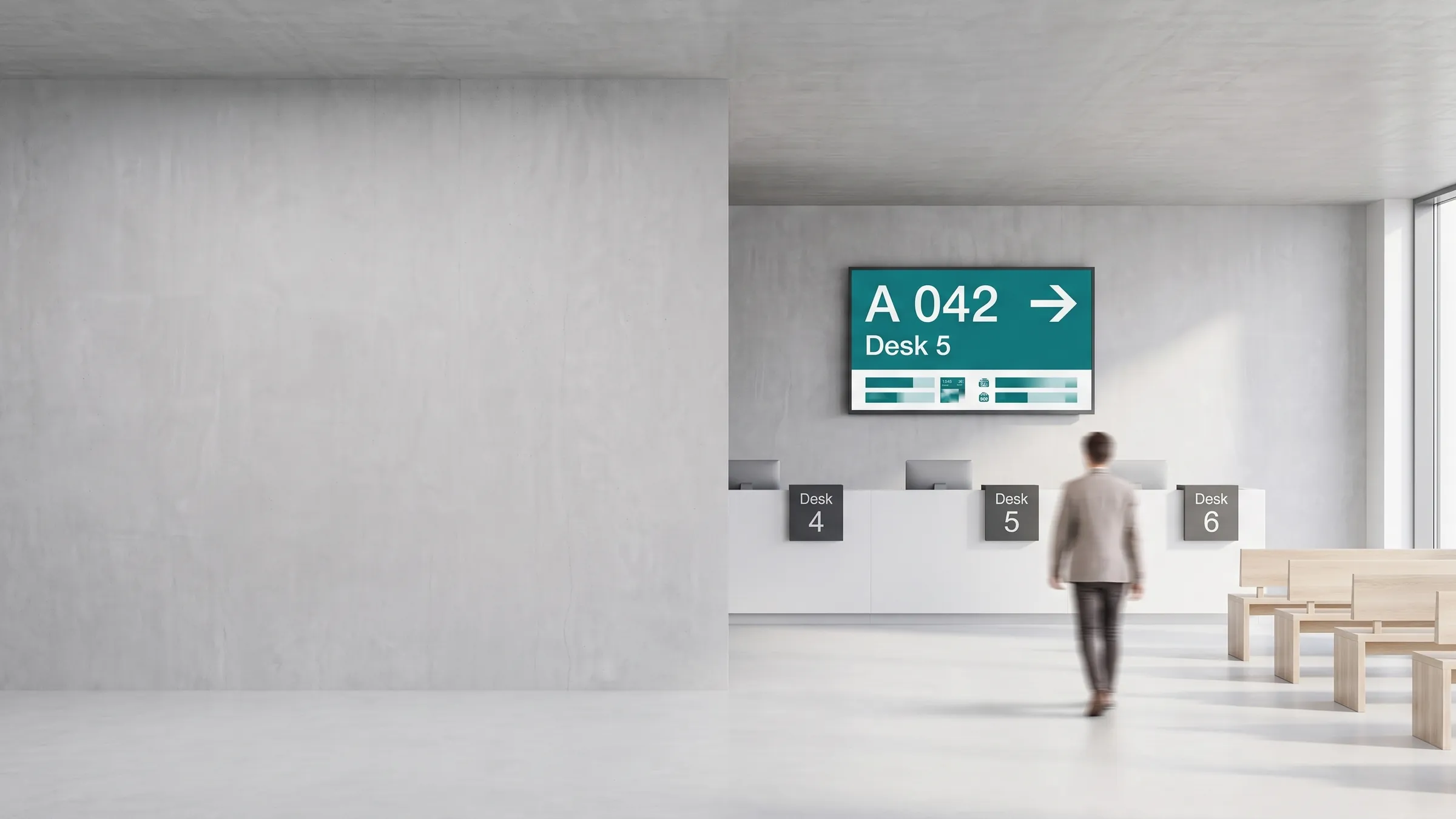
viewneo is a cloud-based digital signage platform for the public sector — government offices, authorities, and public institutions. It connects waiting systems, room signage, wayfinding, and dynamic notices into one modular system you control from a single dashboard, with the choice to run it as a GDPR-compliant cloud on a German server or on-premise on your own infrastructure.
The challenge in the public sector
Public institutions are under pressure to digitise: visitors expect fast, clear service, current events need to be communicated quickly, and budgets are tight. Most offices run a patchwork of isolated systems — one vendor for waiting queues, another for room displays, a notice board for everything else — none of which talk to each other. That makes every change slow, every integration expensive, and data-protection compliance harder to guarantee.
How does viewneo solve it?
viewneo replaces the patchwork with one ecosystem of hardware and software. There is no third-party software to license or stitch together, which is unusual in the digital signage market and protects the investment: the same system grows from a single info screen to interactive, web-connected terminals as needs change. Because it is modular, you pay only for the components you actually use, and viewneo Enterprise orchestrates everything — playlists, scheduling, and multi-site management — from one place.
From a classic waiting-area display to digital information columns in the entrance, viewneo gets the right information where it is needed. Screens run on plug-and-play players like the viewneo Butler or the viewneo 4K Signagebox, so installation and handling stay simple.
What can digital signage do in a public office?
A public-sector deployment usually combines four capabilities:
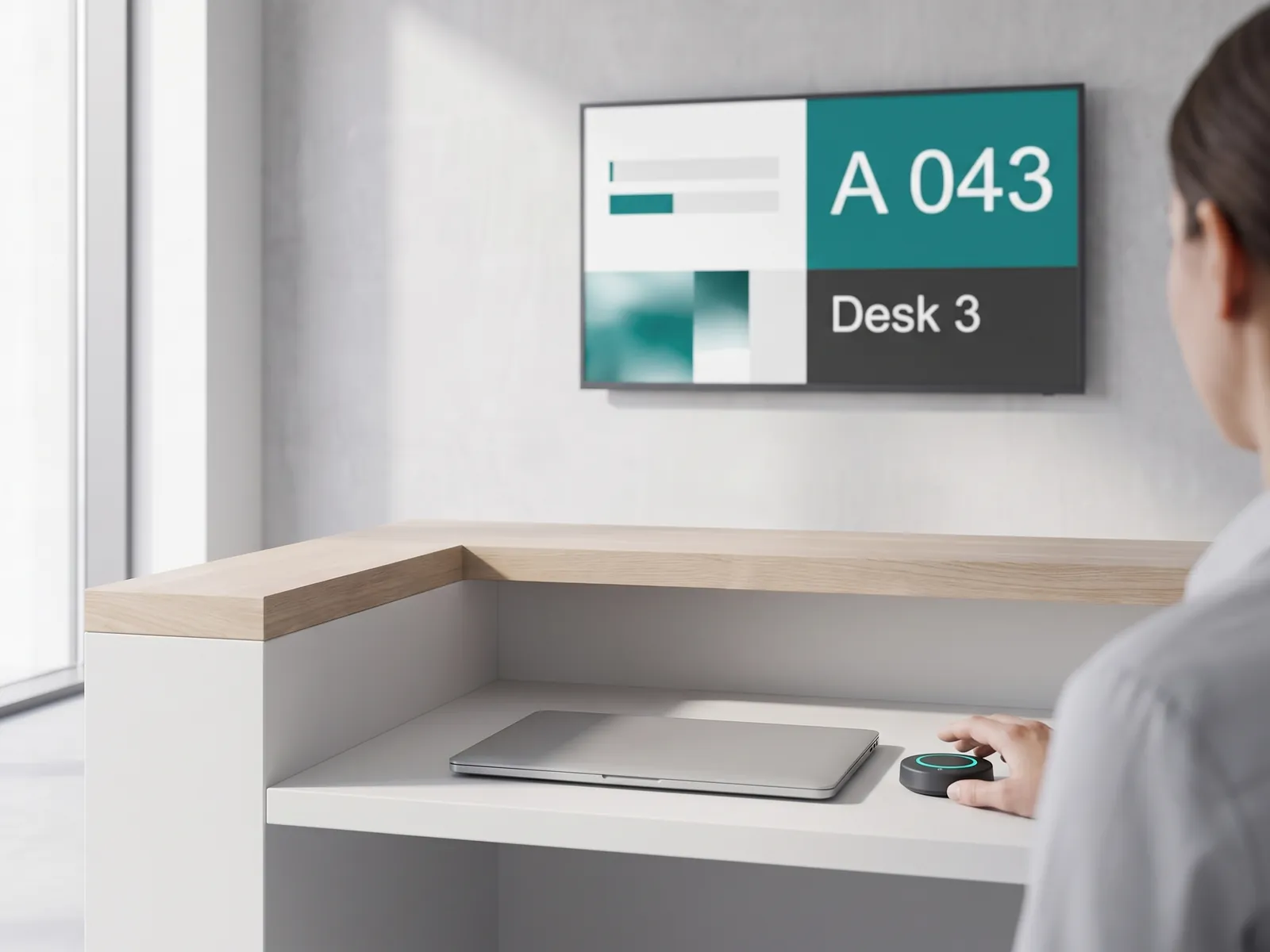
- Customer waiting system. Cordless smart buttons sit loosely on each desk; pressing one calls the next visitor and shows the office number on the waiting-area display. Because the waiting system is part of the same platform — not a separate vendor’s box — those screens can also carry information from other departments.
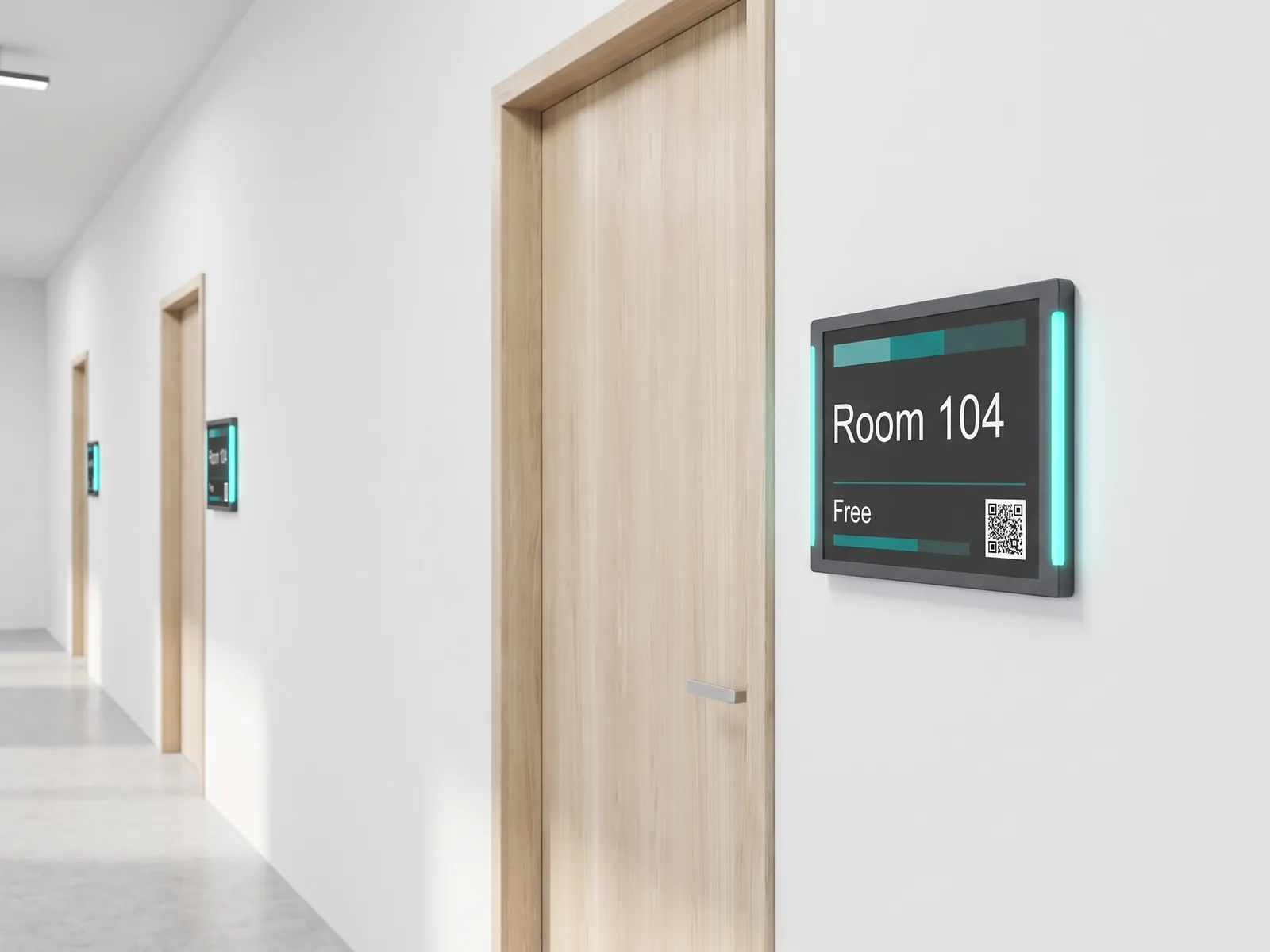
- Room signage. Digital door signage shows whether a room is occupied or free with a colour backlight, integrates with your existing calendar, and lets authorised people book a room by dynamic QR code from a smartphone. The display adapts to your own design, and what it shows — from the time to the weather — is configurable.
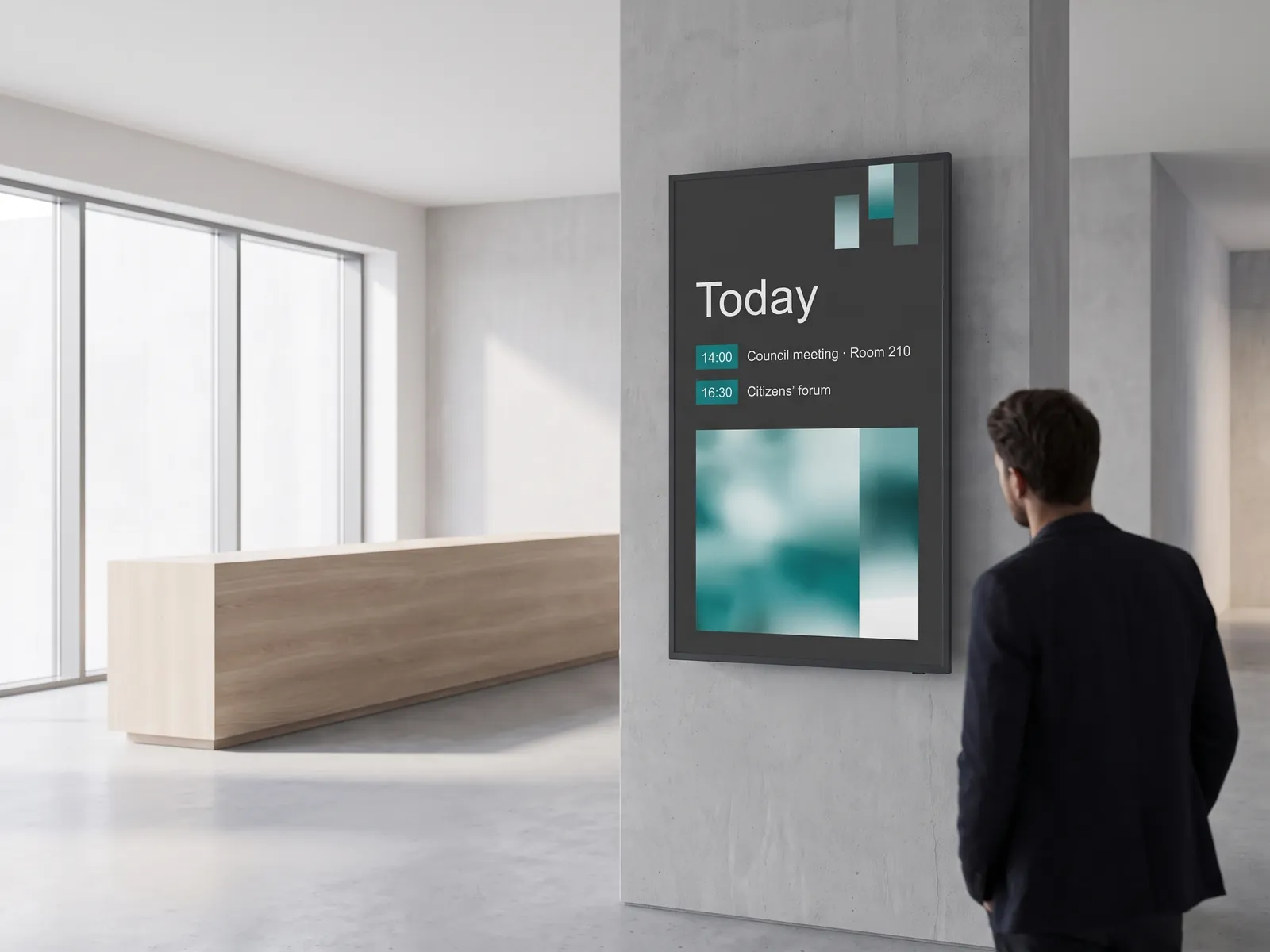
- Dynamic notices. Calendar integration automates room assignments and event notices, which minimises errors, saves work, and speeds up operations.
- Wayfinding and large displays. Orientation aids guide visitors through the building, and multiscreen installations anchor entrances and lobbies.
Cloud or on-premise?
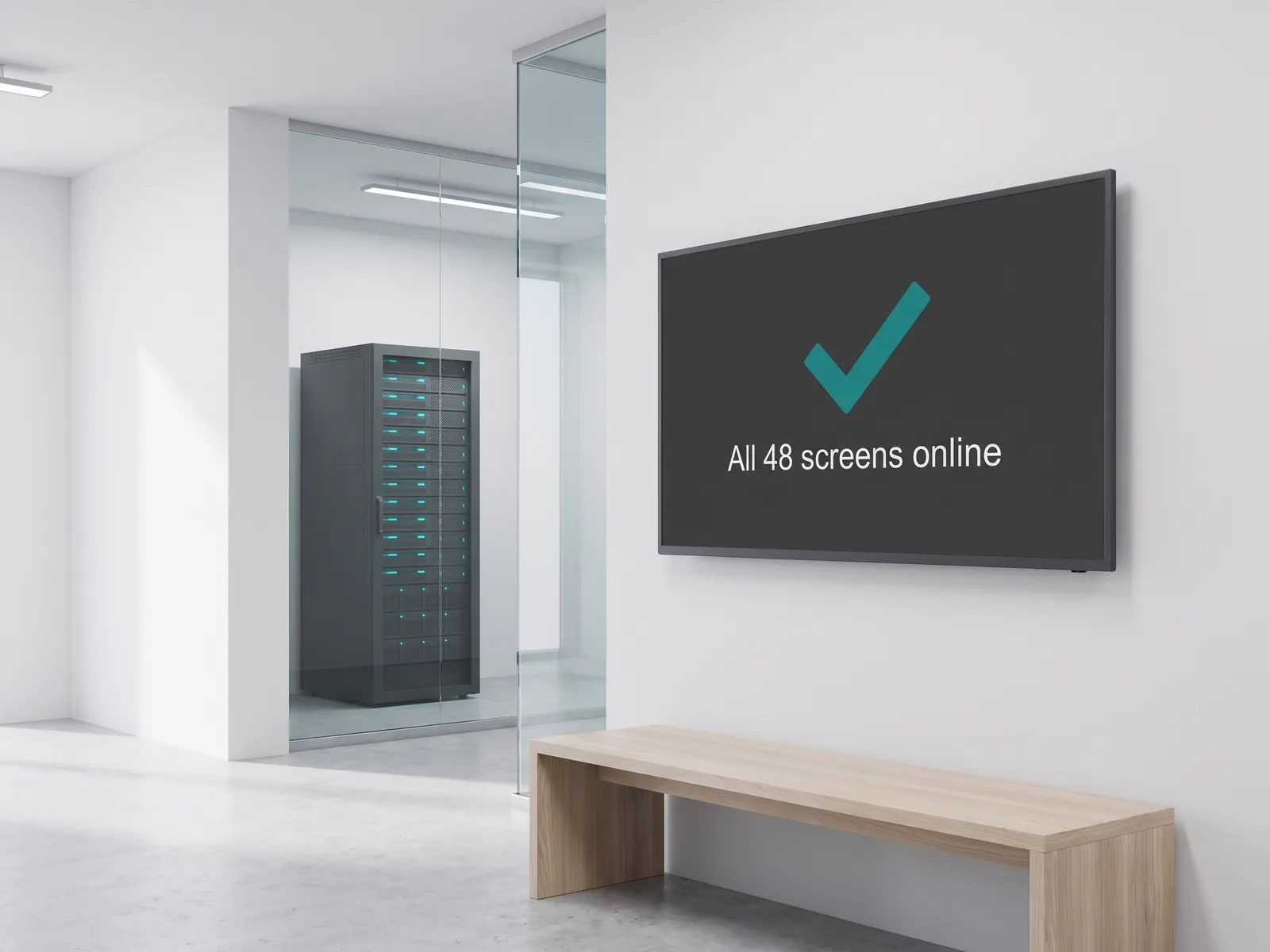
The standard viewneo CMS is a GDPR-compliant cloud solution with a server located in Germany. It is the fastest and most affordable way to start, scales from one to thousands of screens, and needs no IT infrastructure of your own — locations can be added or removed at any time. Where IT policy doesn’t allow an external cloud, viewneo also runs on-premise as a private cloud on your own servers, so no data ever leaves your network, with the full functionality of the cloud version. Setup can be handled by your own IT team or by viewneo specialists. Where engagement reporting is required, viewneo records anonymised playback and audience metrics that, on an on-premise deployment, stay on your own servers.
Why do public institutions choose viewneo?
- One ecosystem, not a patchwork. Waiting systems, room signage, and notices run on the same platform, so there is no third-party software to license or stitch together and every change is made in one place.
- Pay only for what you use. The modular model lets you add components as needs grow — from a single info screen to interactive, web-connected terminals — without paying for features you don’t need.
- Data protection built in. The standard cloud runs on a server in Germany, and an on-premise private cloud is available wherever no data may leave your network, both with the same functionality.
- Simple to run. Plug-and-play players and a single dashboard keep installation and day-to-day handling straightforward, so staff without IT training can publish and update content.
Because the same platform spans a single front desk and a multi-site authority, an institution can start small and expand at its own pace, reusing the screens and players it already has rather than replacing them.
Get started
See how viewneo fits your institution — from a single office to a multi-site authority. Book a demo and we’ll walk through a waiting-system, room-signage, and wayfinding setup, and you can compare options on the pricing page.