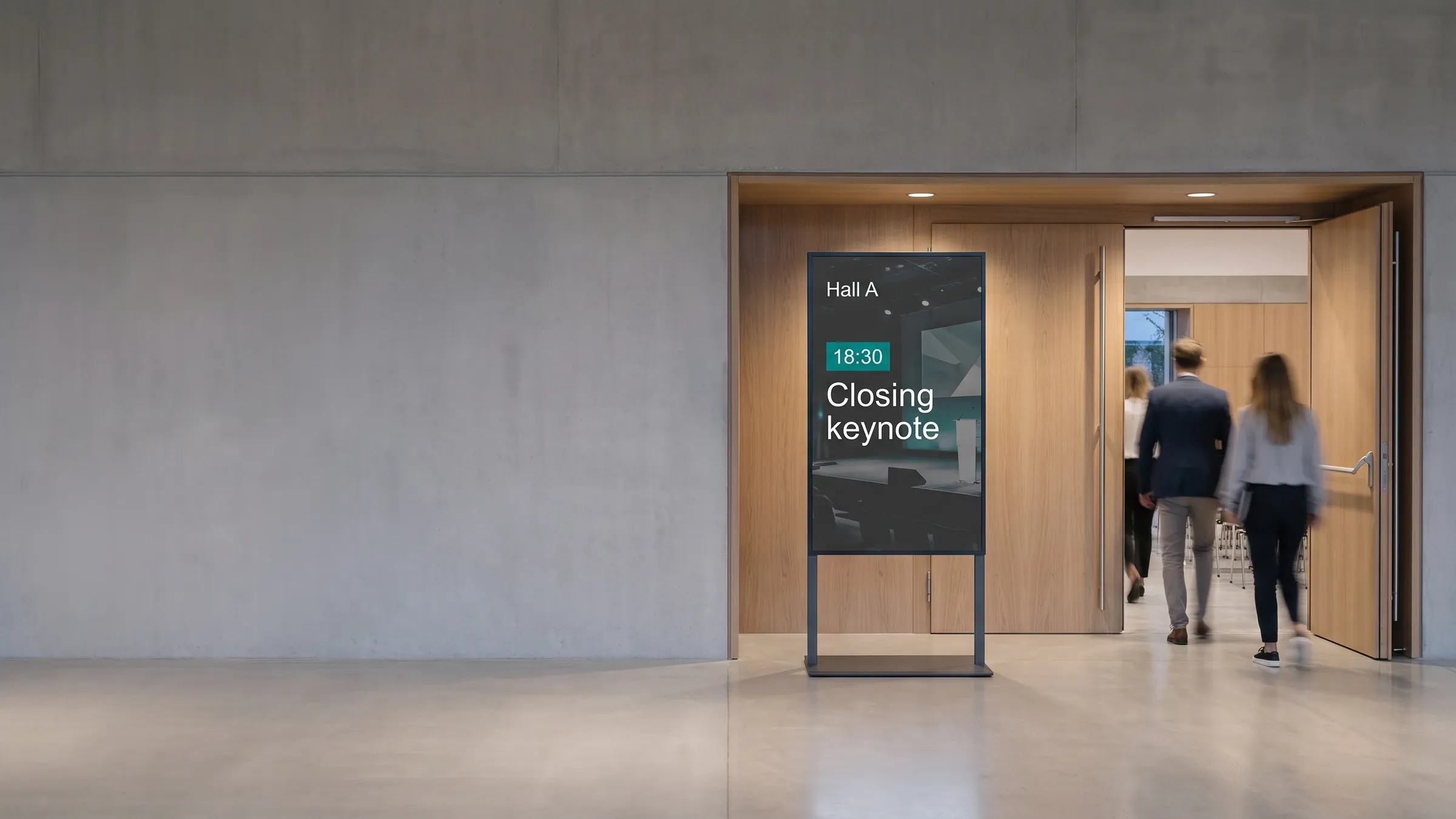
viewneo is a cloud-based digital signage platform for events, conferences, trade shows, exhibitions, and permanent venues. It connects agenda boards, wayfinding panels, registration screens, sponsor displays, and video walls to one browser-based CMS — so the team running the event can update every screen from a single dashboard, even on the day.
What makes events signage different from permanent retail or office signage?
Events move faster. A speaker room changes at 07:30 on the morning of a three-day conference. A sponsored session is added 48 hours before doors open. The keynote backdrop needs a speaker swap thirty minutes before showtime. Static printed signage can’t respond, and a system that requires a technician at each screen doesn’t scale across a convention centre floor.
viewneo is built around the same reality. The browser-based CMS has no installed software — log in from a laptop or tablet in the ops room, change a room assignment, and the affected boards update in seconds. The Open Interface API connects to live data feeds, so agenda boards can update automatically when the source-of-truth schedule changes.
How does digital wayfinding work at a large venue?
Attendees navigate by reading signs. When those signs are wrong — because a room moved, a floor plan was reprinted months before the event, or the signage contractor didn’t get the final layout — staff spend the day giving directions instead of managing the event.
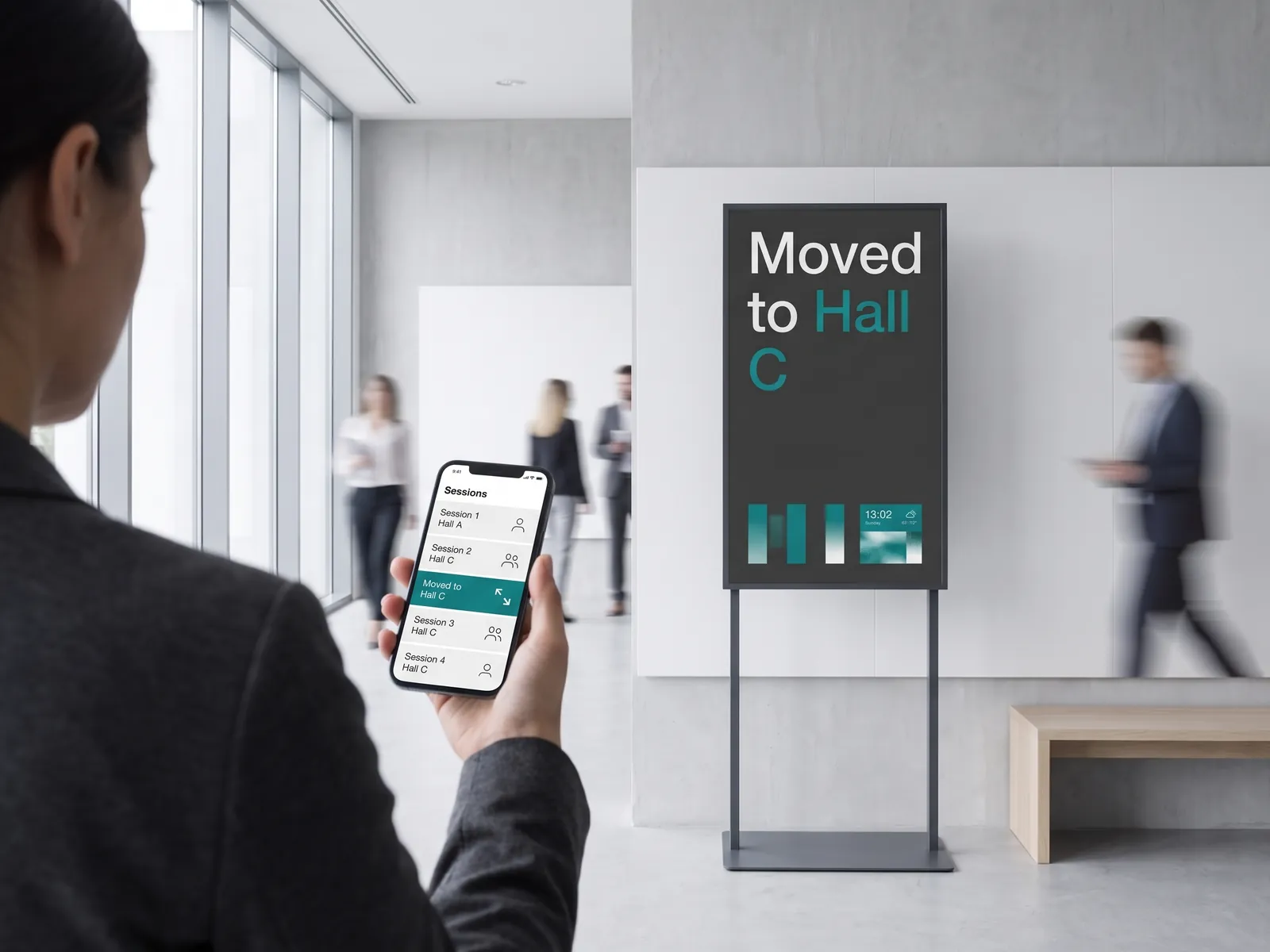
viewneo wayfinding panels display floor plans, directional arrows, and current room assignments pulled from the live schedule. Install panels at entrances, elevator banks, and key junctions. When a session moves, update the assignment once in the CMS and every relevant panel reflects the change. For multi-building campuses or convention centres with multiple halls, multiscreen installations let you group panels by zone and push zone-specific content.
Real-time agenda and session boards
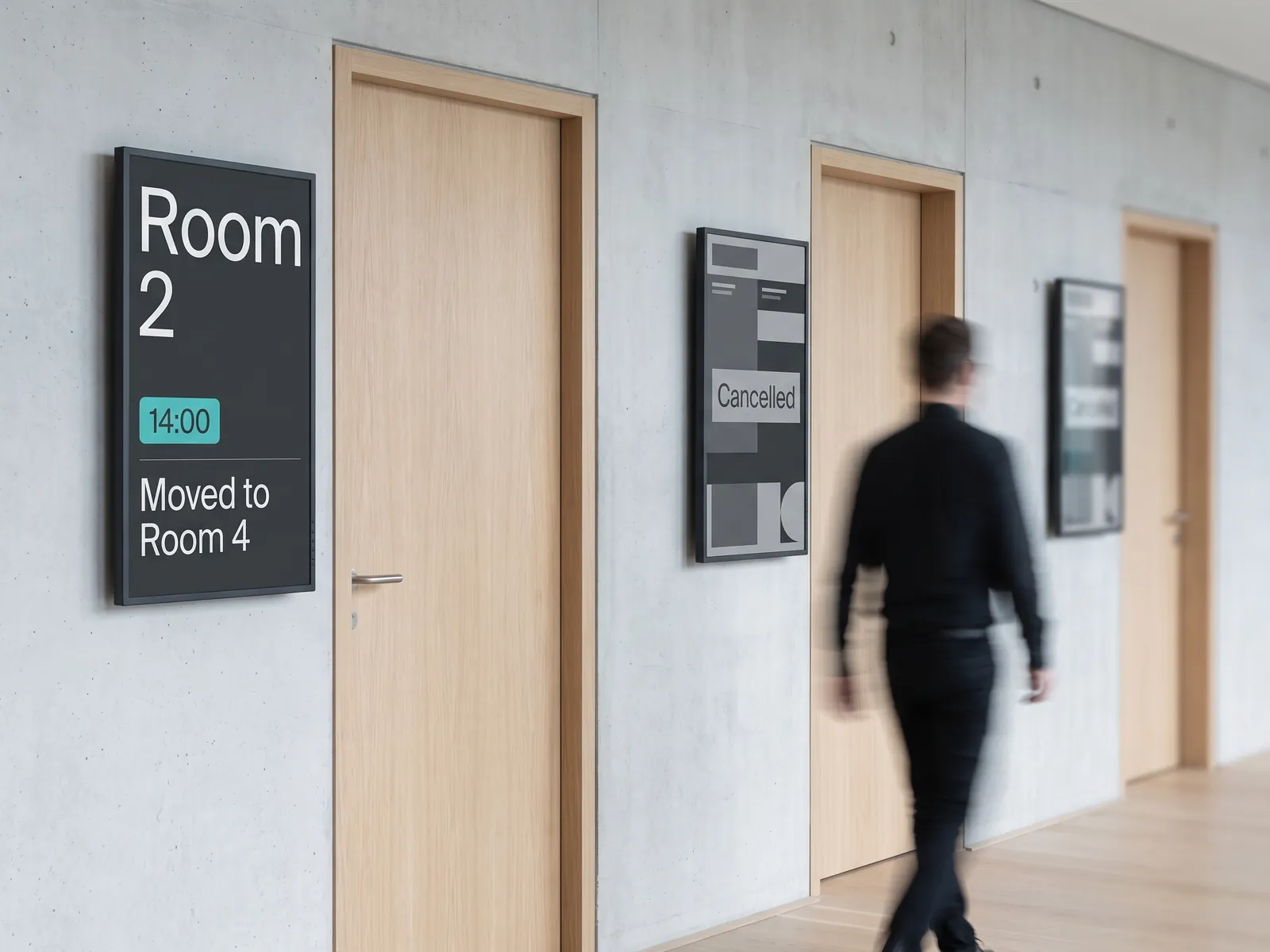
Room signs outside breakout sessions are the most-read displays at any conference. They tell attendees whether they are in the right place, who is speaking, and when the next session starts. Managing them manually — printing new cards, dispatching staff — is expensive and error-prone.
The viewneo Open Interface accepts structured data from external scheduling tools. When the programme changes in your event-management platform, the change propagates to every board automatically. For simpler setups, the CMS has a built-in scheduling interface: set start and end times for each playlist and the board flips content on cue, with no manual intervention needed during the event.
Sponsor and advertising rotations
Sponsorship tiers often include signage rights — logo exposure in lobbies, product showcase slots on screens near specific sessions, or a full takeover of the entrance video wall during arrival. Managing this manually risks missed rotations, incorrect duration, or sponsor logo mix-ups.
viewneo playlists handle it with precision. Assign each sponsor’s assets to a playlist, set the duration and rotation frequency, and schedule start and end times that match the contracted slot. viewneo Enterprise lets you manage hundreds of display groups with different sponsor mixes — a useful capability if you sell separate packages for hall A vs. hall B, or for morning vs. afternoon slots. The scheduling engine supports dayparting, so the programme for breakfast registration looks different from the afternoon expo floor.
Video walls for main stages and lobbies
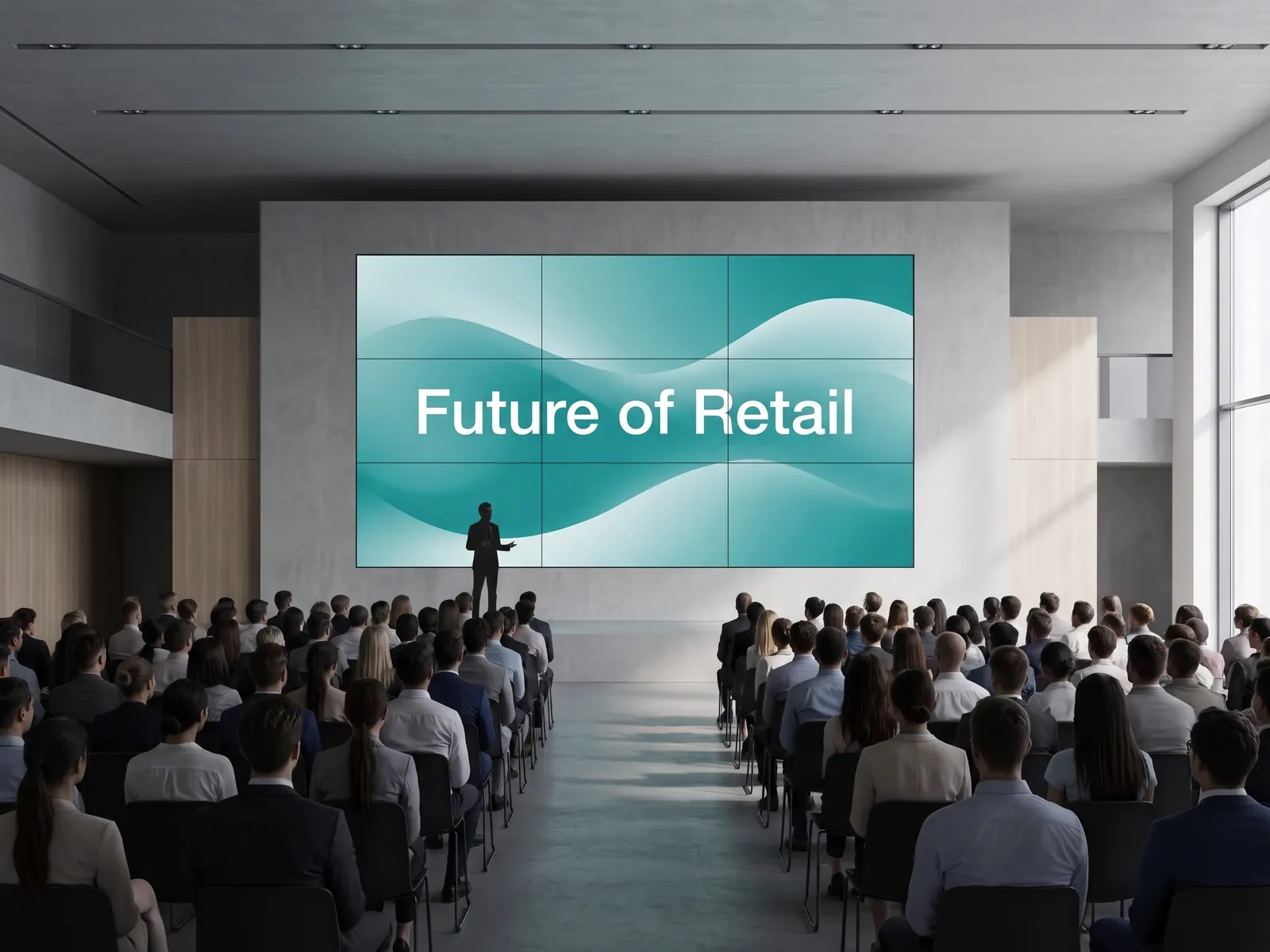
Large-format feature walls — a 3×3 grid in the arrival hall, a wide-format backdrop on the main stage — require frame-accurate synchronisation across multiple players. The screen-sync plugin locks all players in an installation to a common timeline, so the wall runs as one seamless canvas rather than multiple out-of-step panels.
Typical event video wall uses include:
- Main stage backdrops — showing speaker slides, live feeds, or branded animation behind the podium
- Lobby feature walls — ambient programme branding, sponsor takeovers, live social media feeds through the Instagram, Facebook, and LinkedIn plugins
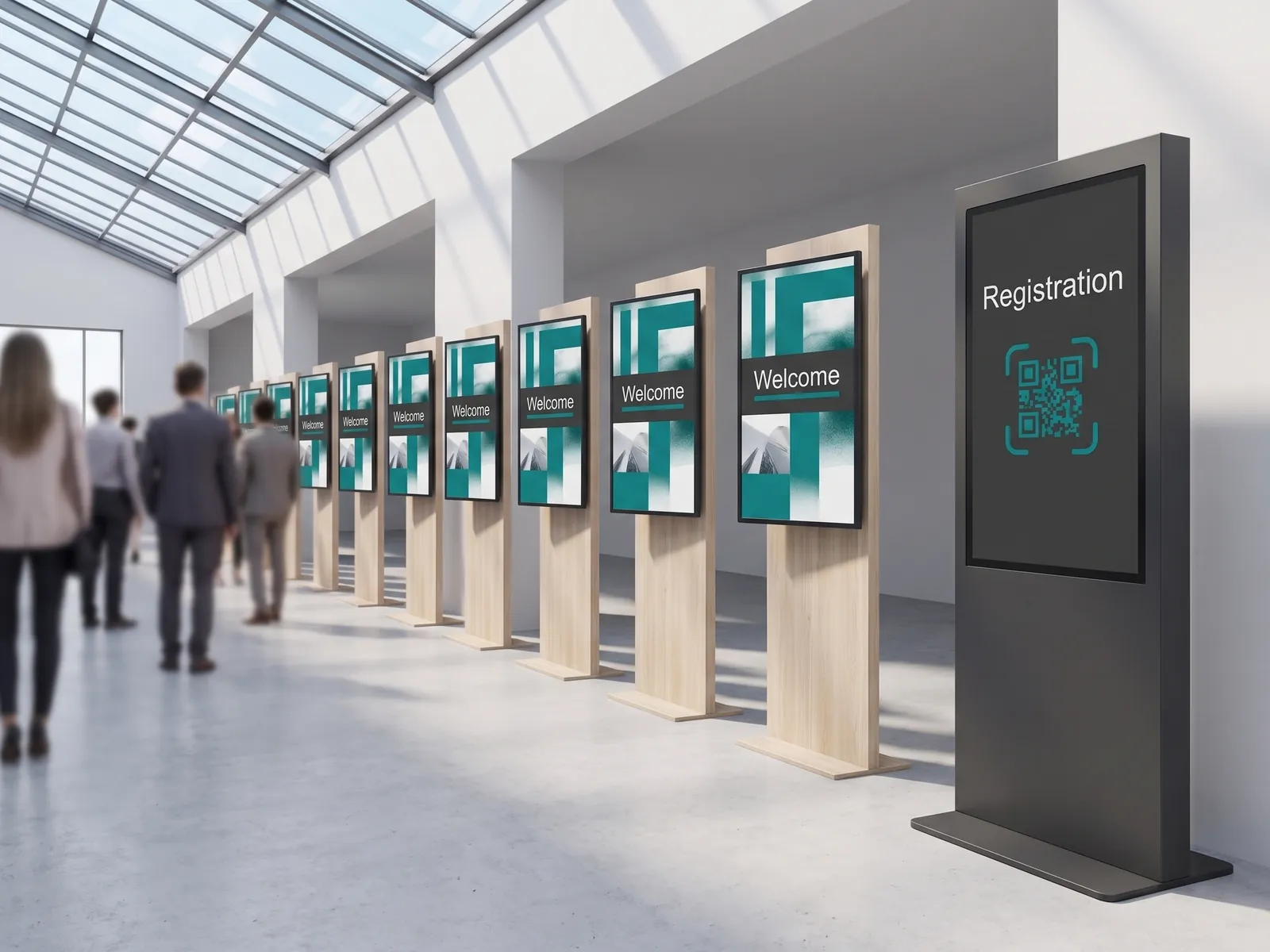
- Expo hall entrance displays — large-format welcome messaging and programme highlights
- Awards ceremony screens — category reveals, winner names, sponsor recognition
For the hardware side, viewneo runs on commercial large-format displays from any manufacturer. The viewneo Butler media player handles most single-screen installations; video walls require a player-per-panel configuration managed centrally from the CMS.
Temporary and seasonal deployments
Not every event venue is a permanent installation. A trade show organiser deploys screens for three days and removes them. A corporate conference team rents a hotel ballroom and needs six panels for one afternoon. A seasonal venue — an outdoor festival, a sporting event — sets up for the season and tears down in autumn.
viewneo is designed for this pattern. Media players connect to any HDMI display with no fixed infrastructure. Subscription plans are monthly. Deploy for a show, return the hardware, and cancel or pause the subscription until the next event. For larger fleets, the hardware catalogue lists the available players; the CMS manages all of them from one account regardless of how many events are running simultaneously.
A typical event signage stack
| Layer | What viewneo provides |
|---|---|
| CMS | Browser-based content management, scheduling, and dayparting |
| Agenda integration | Open Interface API for live data feeds from external scheduling tools |
| Multi-screen sync | screen-sync plugin for video walls and grouped panels |
| Hardware | viewneo Butler media player — any commercial HDMI display |
| Scale | viewneo Enterprise for multi-hall, multi-day, or multi-event management |
| Pricing | Monthly plans — scalable from a single screen to a full convention centre |
Related use cases
Events signage shares infrastructure with permanent venue and hospitality deployments. If your venue hosts both events and day-to-day operations — a hotel ballroom, a conference centre with a permanent tenant floor — viewneo manages both from the same account. See how multiscreen installations handle complex display arrangements, and explore the hardware catalogue for display and player options that suit temporary setups.
Get started
Tell us about your venue, your event calendar, and the number of screens you need to manage. Book a demo and we’ll walk through a configuration for your setup. Or talk to the sales team if you have specific integration or hardware questions first.