
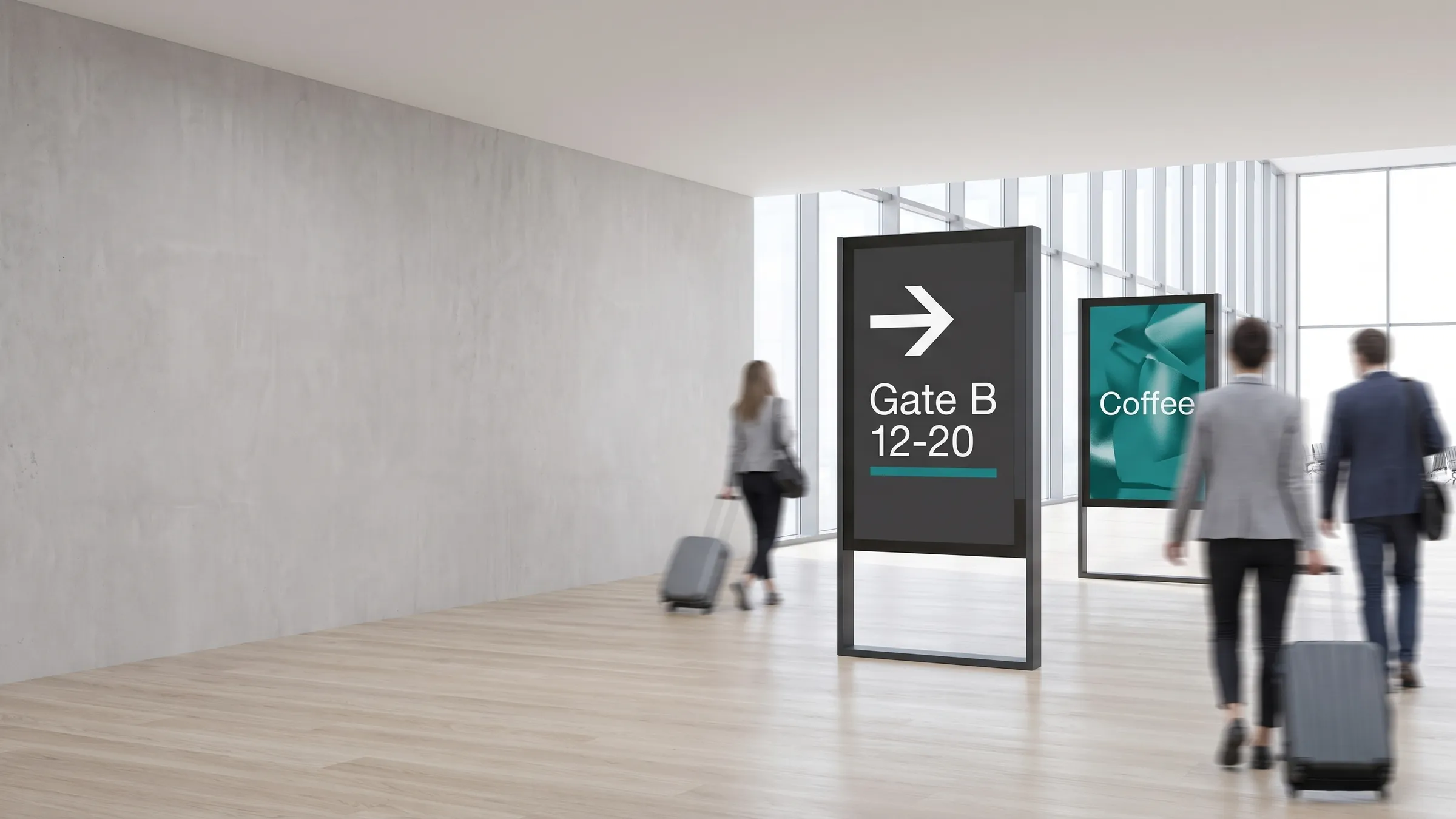
The use case
A retail chain installs portrait steles at the entrance of each store. The morning playlist promotes breakfast items and daily specials; by mid-afternoon it switches automatically to new-arrivals and loyalty-programme messaging. When a product is out of stock, the merchandising team removes it from the playlist centrally — every stele in the network updates within minutes, with no visits to the shop floor.
The same approach works in hotel lobbies showing welcome messages, event schedules, and wayfinding; in corporate reception areas displaying company news and visitor instructions; and in healthcare waiting rooms delivering appointment information alongside public-health content. Any freestanding display that needs fresh, scheduled content benefits from being connected to the viewneo cloud.
What’s in the bundle
- Software: viewneo Enterprise — the cloud CMS used to design playlists, manage screens, and set scheduling rules
- Hardware: one viewneo 4K Signagebox per stele, installed inside or behind the display column. Every viewneo player is suitable for use in a digital signage stele, so no specific enclosure model is required
- Optional plugins: the Live Ticker for live data overlays; the Local Weather plugin for location-aware content; the Touch Elements plugin for interactive calls to action
How it works
- Install the player — mount a viewneo 4K Signagebox in the lower part of the stele enclosure, below the screen, and connect it to the display panel with an HDMI cable, plus a LAN cable or Wi-Fi for the network.
- Design your playlist — use the viewneo cloud CMS to build a sequence of images, videos, HTML slides, and data-driven widgets.
- Set your schedule — define daypart rules, campaign dates, or location-based targeting so each stele shows the right content at the right time.
- Publish and monitor — push the playlist to one stele or your entire estate. The dashboard confirms playback status in real time.
Which steles work with viewneo?
Steles come in three basic variants, and viewneo works with all of them:
- Without a player — the stele contains only the screen, and a viewneo player is installed separately.
- With the manufacturer’s integrated player — the viewneo Player App is installed on the built-in player as an APK.
- With a monitor that has an integrated player — some screens, such as the Philips D-Line, have a built-in Android player that runs the viewneo Player App.
When the player sits inside the housing, the recommended models are the viewneo 4K SignageBox III or II (up to 4K, fanless aluminium housing) or the Qbic FHD-100 (Full HD, compact and fanless). All three support 24/7 operation and portrait mode, and restart automatically after a power outage.
Two requirements matter for any enclosure. Screens in a closed housing generate heat quickly, so the stele needs ventilation — an exhaust for warm air at the top and intake slots for cooler air at the bottom. It also needs enough space for the player, ideally in the lower area below the screens. Outdoor steles must additionally withstand rain, extreme temperatures, and vandalism, which is why they often include air conditioning and heating and cost significantly more than indoor models.
How do you wire a double-sided stele?
| Configuration | Hardware | viewneo licences |
|---|---|---|
| One screen | 1 player, 1 HDMI cable, 1 LAN cable (or Wi-Fi) | 1 |
| Two screens, same content | 1 player, 1 HDMI splitter (4K-compatible for 4K), 3 HDMI cables, 1 LAN cable (or Wi-Fi) | 1 |
| Two screens, different content | 2 players, 1 network switch, 2 HDMI cables, 3 LAN cables (or Wi-Fi) | 2 |
Connecting to a wider network
Advertising steles are often deployed alongside other display formats. A retail floor may combine steles with multi-screen installations at the back wall and digital door signs at the entrance — all managed from the same viewneo account and all updated through the same cloud CMS. Explore the full range of viewneo hardware to see which enclosures and players fit your space.
Get started
Tell us the number of steles, the locations, and the content you need to run — we will recommend the right player configuration and plan. Talk to a solutions engineer or compare plans on the pricing page.