
The use case
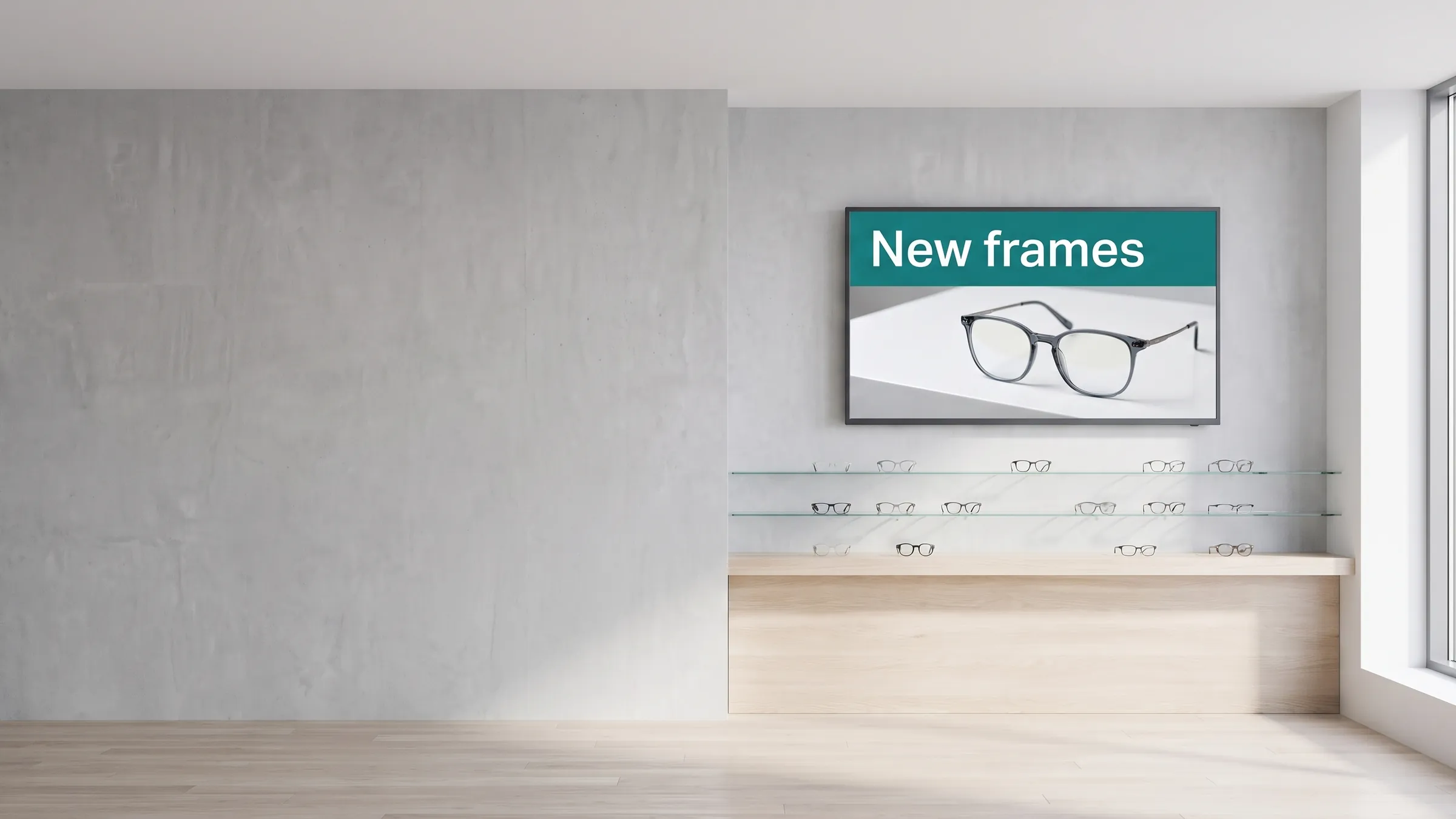
A boutique retailer wants to replace a printed poster in the shop window with a screen that shows the week’s offers. A café wants one display behind the counter cycling through the menu and daily specials. A hotel wants a single landscape screen in the lobby displaying the day’s events. In all three cases the requirement is the same: one screen, updated remotely, without calling in a technician.
viewneo is built for exactly this starting point. A single viewneo 4K Signagebox connects to the display over HDMI, registers to the viewneo cloud CMS, and the screen is ready to receive content. From that point, everything — content updates, scheduling, playlist changes — is done from a browser, from anywhere.
The single-screen setup is also the on-ramp to a larger installation. When a second location opens, or when one screen becomes two, the account already exists and the workflow is identical. The path to multi-screen installations requires no re-architecting; you are adding to what is already in place.
What is in the bundle
- Software: viewneo cloud CMS — free for one screen; design content, build playlists, set schedules, and manage the screen remotely
- Hardware: one viewneo 4K Signagebox — the player that connects to the display and runs the content at full Ultra HD
- Orientation: portrait or landscape — the player can rotate the output 90 degrees remotely, so no physical adjustment is needed
Instead of the Signagebox, an Amazon Fire TV, a Qbic player, or the free software players work too.
How it works
- Connect — plug the 4K Signagebox into the display via HDMI and connect the player to the local network.
- Register — log in to the viewneo cloud CMS, add the screen to your account, and confirm the pairing code shown on the display.
- Publish — build a playlist in the CMS, assign it to the screen, and set a schedule. The screen updates automatically and stays in sync with any future changes you make.
What does it take to run one screen?
- A display with an HDMI input. Standard screens work. For 16/7 or 24/7 operation, portrait mounting, heat, cold, dust or direct sunlight, a professional display — ideally with a warranty of at least three years — is the safer choice; viewneo can supply these too.
- A network connection. The 4K Signagebox connects over Wi-Fi (2.4 GHz or 5 GHz) or Ethernet (100/1000). It ships with an HDMI cable and a power adapter; a LAN cable is not included.
- A free viewneo account. For one screen, viewneo is free forever. During the first 30 days, all plugins and AI are unlocked as well; if you want more afterwards, switch to viewneo Professional ($21 per player per month).
Once running, the setup looks after itself. The player stores images and videos locally, so the screen keeps playing if the internet drops, and it restarts and resumes the playlist automatically after a power cut. Player updates arrive from the cloud without interrupting playback, and the Display Timer plugin switches the screen on and off on a schedule instead of a mechanical timer.
Can I use a different player?
Yes. The 4K Signagebox is the recommended player because it supports every viewneo function, but a single screen can also start on an Amazon Fire TV or on the free viewneo software players for Windows, macOS, Linux, Android, and iOS — including tablets and iPads — if you are happy with a more limited set of functions.
Get started
A single-screen setup is the fastest way to move from printed materials to live, remotely managed digital content. Start for free, see the plans on the pricing page, or speak to a solutions engineer to confirm the right player and display pairing for your space.