The use case
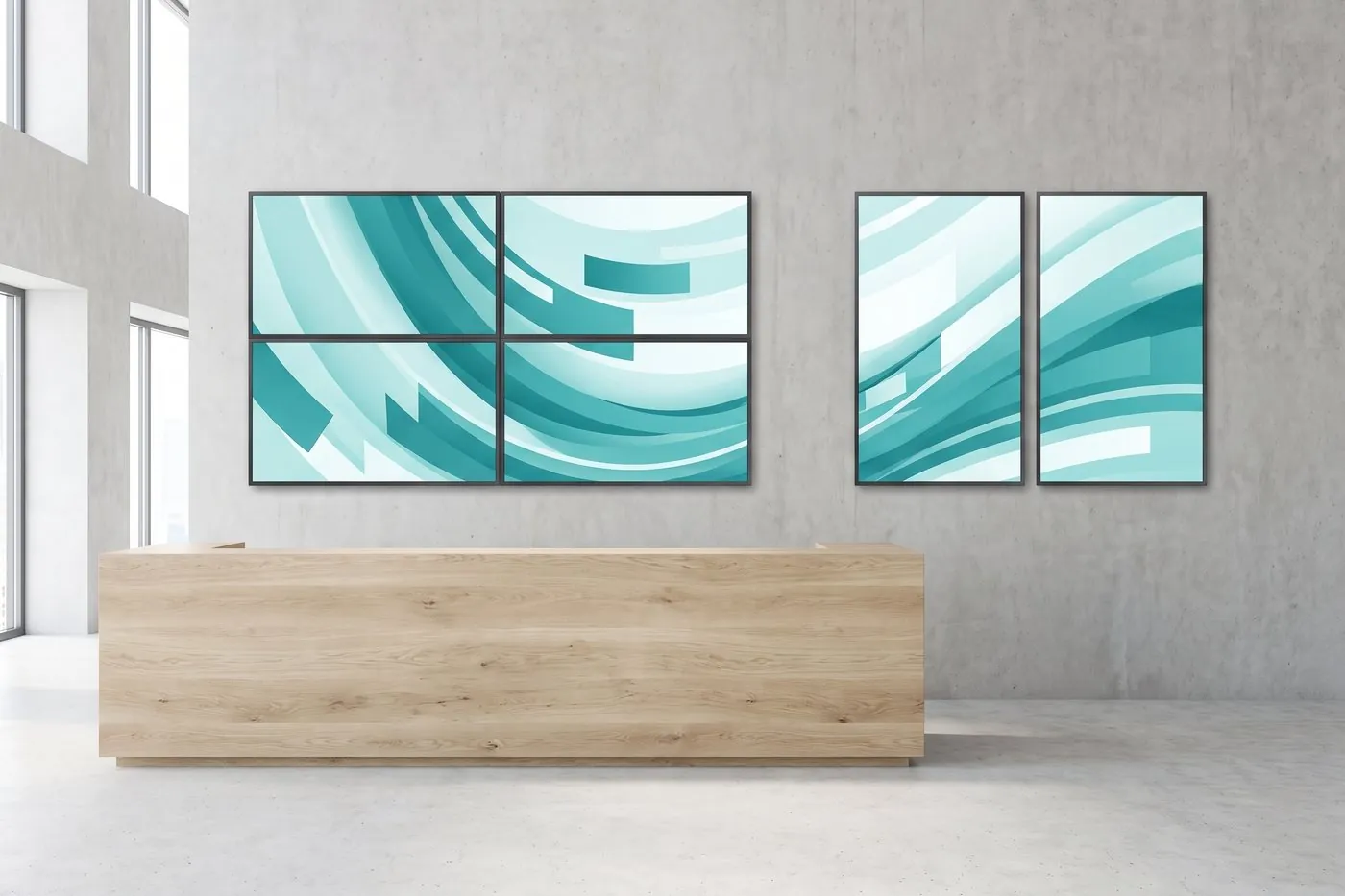
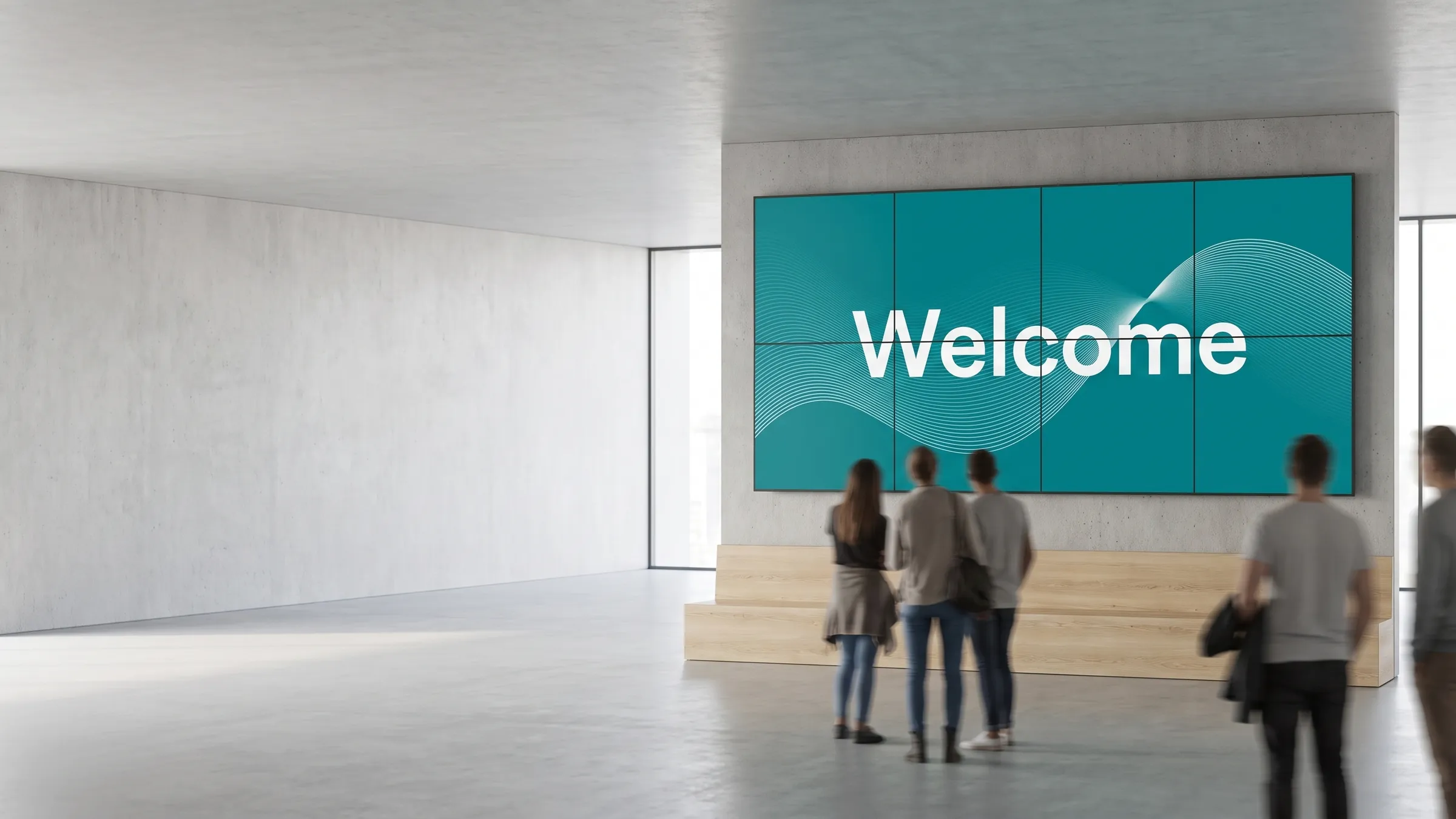
A retail brand wants a wall of screens behind the service counter that plays a single cinematic brand film, then breaks into separate panels — one with the current offer, one with a social feed, one with store hours. A traditional video-wall controller can show the single film, but splitting the signal reduces every panel to a fraction of its native resolution, and giving each panel its own content requires additional hardware. With viewneo, each screen runs its own player and the wall handles both: one synchronised image when impact matters, independent content per panel when information matters.
The same building blocks scale down to a compact 2x2 grid and up to a room-sized tiled installation. Because every panel has its own viewneo 4K Signagebox, adding a panel means adding one player — not replacing a central controller.
This solution suits anyone who needs presence on the wall — retail storefronts, hospitality lobbies and venues, and corporate reception areas — without the cost and rigidity of dedicated video-wall hardware.
What’s in the bundle
- Software: viewneo Enterprise — the CMS that designs content and manages every screen from one account
- Plugin: Screen Sync — distributes and synchronises content across panels over the network; one player acts as the sync master
- Hardware: one viewneo 4K Signagebox per panel; each screen runs at full Ultra HD
How it works
- One player per panel — connect a 4K Signagebox to each screen and nominate one as the sync master that keeps timing aligned across the whole wall.
- Design once in the CMS — build a playlist in viewneo Enterprise that treats the wall as a single canvas or as independent zones per panel.
- Sync over the network — Screen Sync distributes the image across all panels; every screen stays at full 4K with no splitter in the signal path.
Related solutions and products
For broader multi-screen needs — including panorama banners, art walls, and mixed synced/independent layouts — see multi-screen installations. For purely decorative or artistic screen arrangements, see art walls.
The Screen Sync plugin is the component that makes network-based synchronisation possible without hardware controllers.
Get started
Tell us the wall dimensions, the room, and the content you have in mind. We will scope the right number of players and confirm the layout. Talk to a solutions engineer or compare plans on the pricing page.