viewneo is a cloud-based digital signage platform built for food-service operations — restaurants, QSR and fast-food chains, cafes, bakeries, and food courts. It connects menu boards, counter displays, and drive-thru screens to one dashboard, so a price change, a new special, or an allergen update reaches every screen in every location in seconds, not hours.
The challenge in restaurant operations
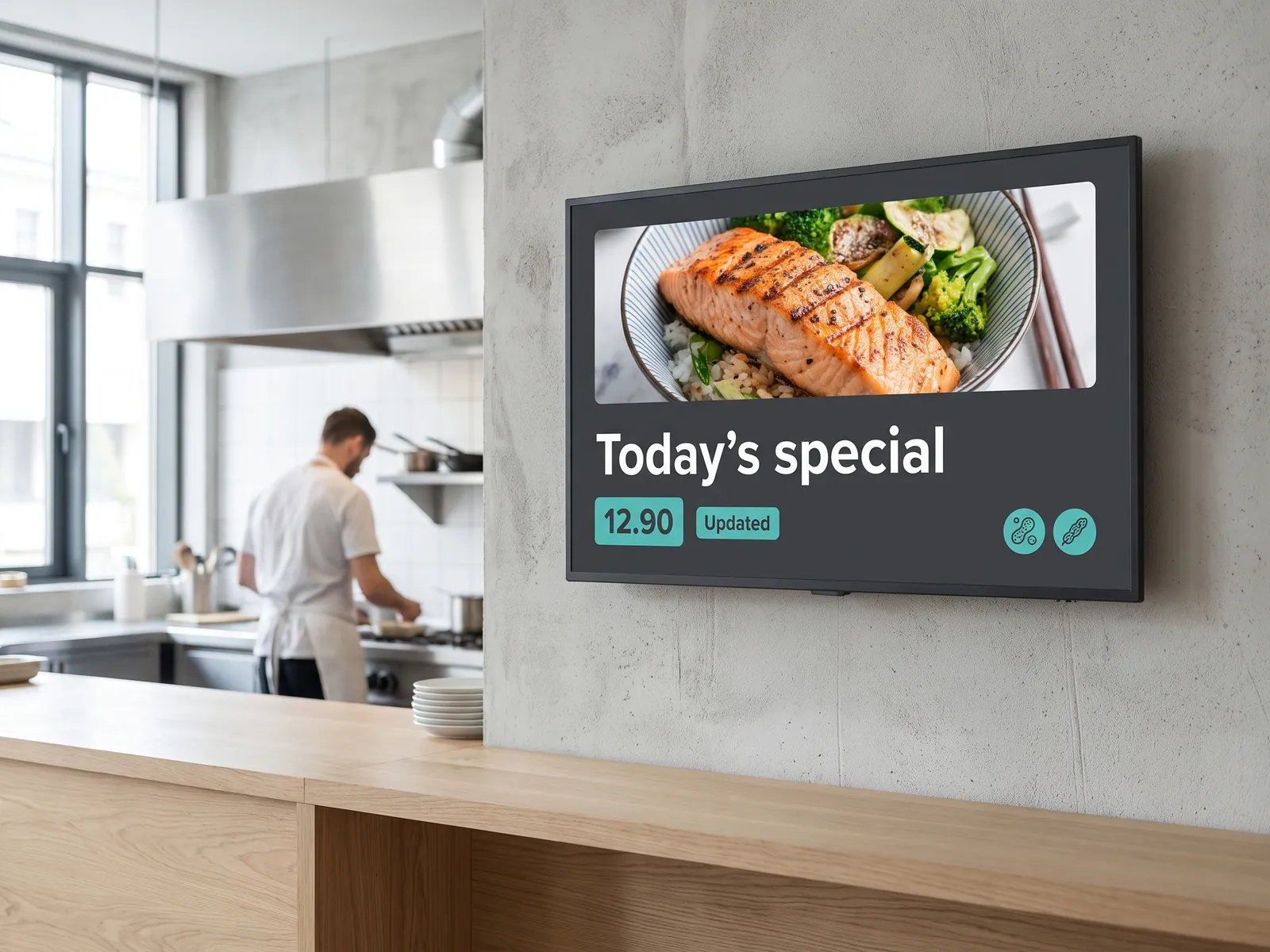
Restaurant menus are not static. Prices change with ingredient costs, daily specials rotate, breakfast transitions to lunch, and promotional pricing shifts by day of week. For a single-site operator, keeping printed or manually managed boards in sync is already a drain on staff time. For a multi-branch group or franchise network, it becomes an operations problem: inconsistent pricing, outdated allergen information, and marketing content that takes days to deploy across locations.
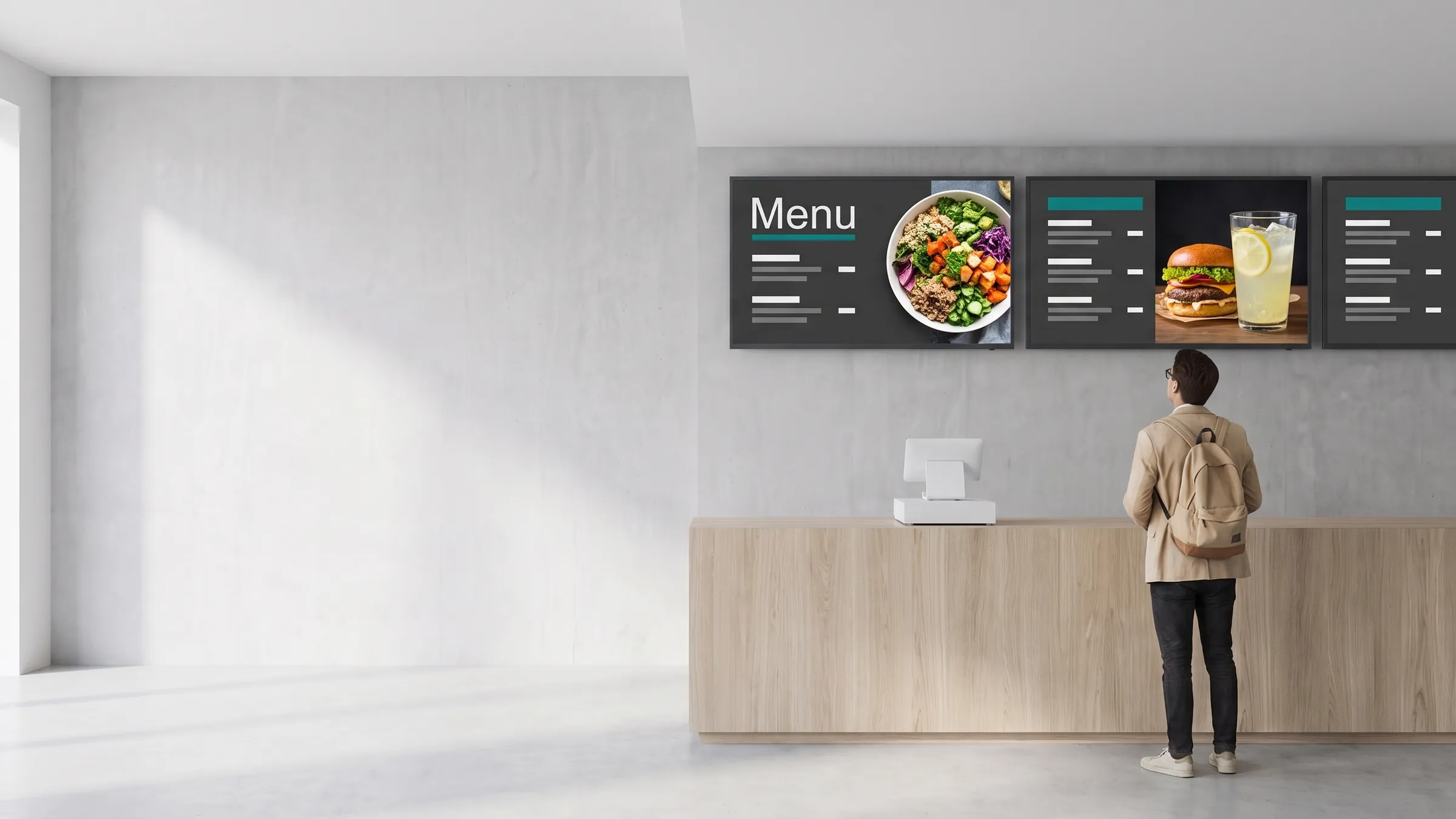
At the same time, menu boards are one of the most powerful sales tools at the counter. Research consistently shows that dynamic, well-designed digital menus lift average transaction value by surfacing high-margin items, daily specials, and upsell prompts at exactly the right moment.
How does viewneo solve it?
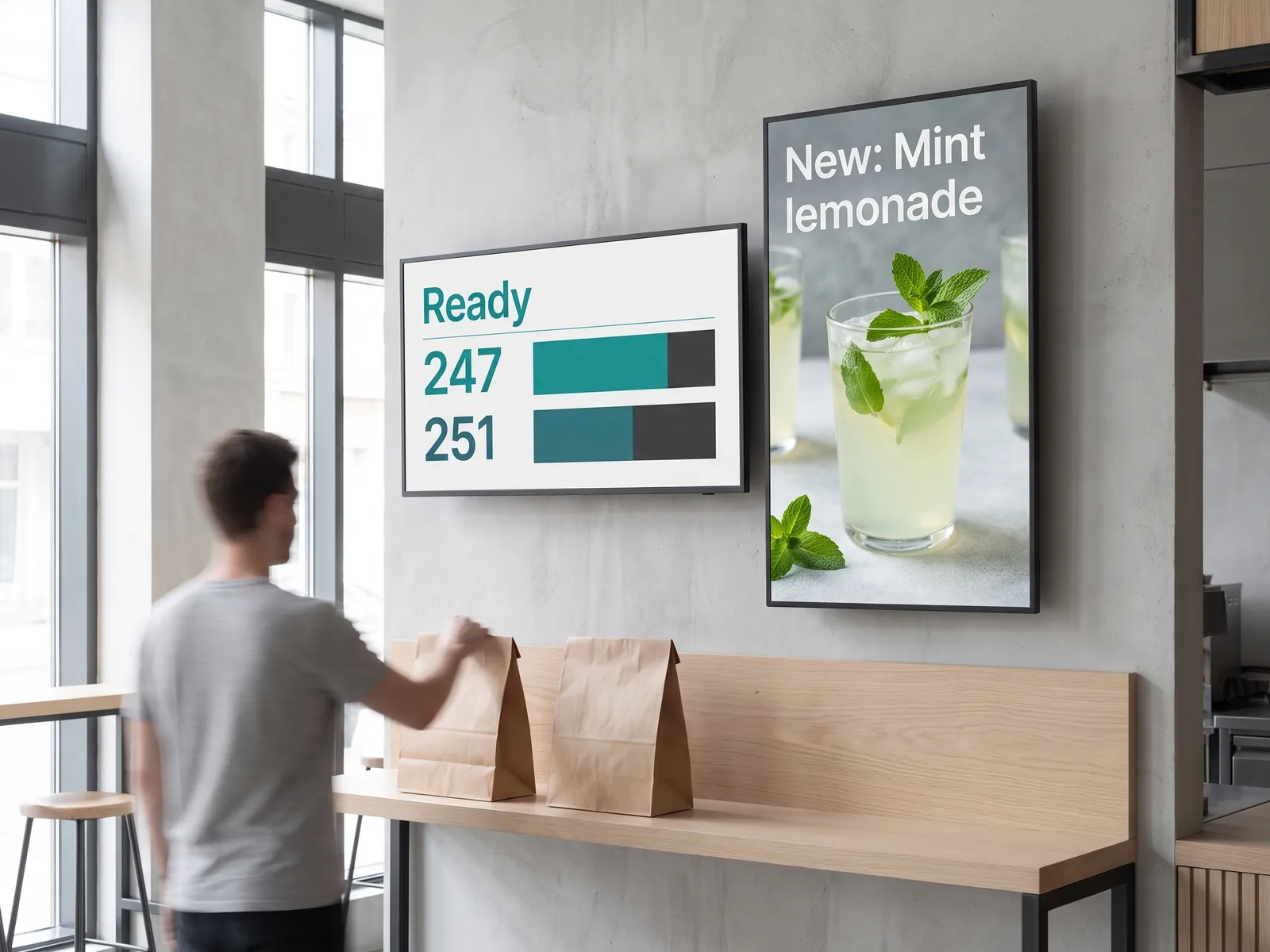
viewneo gives restaurant operators the CMS and scheduling tools to manage every screen from one place, whether that is a single counter display or a 200-screen franchise network.
viewneo Enterprise is the control layer. Build your menu board templates once, schedule them by daypart — breakfast, lunch, evening — and push updates to every location simultaneously. A new price or a sold-out item can be corrected across the entire chain in under a minute, with no IT involvement and no on-site visit.
For operators running a POS or dedicated menu management system, the viewneo Open Interface API creates a live data feed between your back-office system and your screens. When you change a price in your POS, the menu board updates automatically. This removes the duplication of maintaining a separate content system and eliminates version mismatches between your till and your menu wall.
Dayparting: the right menu at the right time
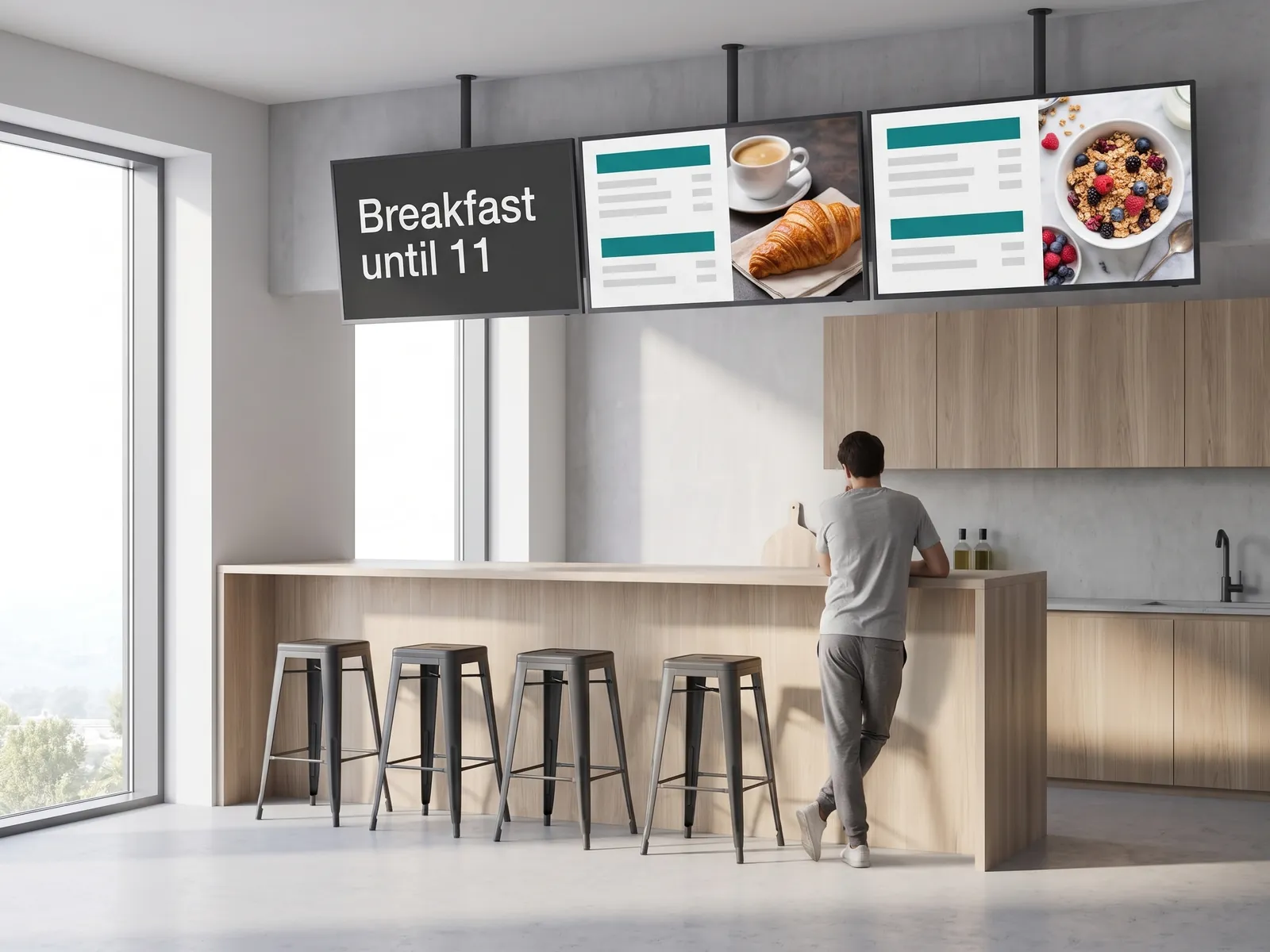
A digital menu board that shows the same content all day is a missed opportunity. viewneo’s scheduling system lets you define content slots by time of day on a repeating schedule: breakfast from opening, lunch from 11:00, a mid-afternoon snack promotion, dinner from 17:00, and a late-night value menu from 21:00. Each slot runs the relevant playlist — pricing, photography, featured items — and switches silently without any staff action.
Layer promotional overrides on top: a Tuesday happy hour, a limited weekend brunch special, a seasonal limited-time offer. Overrides apply to one location or all of them, and they expire automatically so you never have a Christmas promotion running in February.
Multi-branch chain management with local overrides
Running a franchise or multi-site group means balancing brand consistency with local operational reality. viewneo Enterprise handles this through a hierarchical account structure: the head office controls brand templates, approved fonts, and mandatory compliance content; each branch or franchise operator manages their local pricing and specials within those bounds.
Local overrides work at the content level, not the account level — so a franchisee in one city can run a regional promotion without affecting another branch, while the brand-standard menu structure stays intact. This also simplifies rollouts: launch a new product across every location by updating the master template once.
For larger operations, the Enterprise tier and the pricing page cover multi-seat account options and API-based content management.
What does a restaurant digital signage stack look like?
A typical viewneo restaurant setup:
- Software: viewneo Enterprise — menu playlists, dayparting, multi-location scheduling
- Integration: Open Interface API — live feeds from POS and menu management systems
- Hardware: viewneo Butler for standard displays; viewneo 4K Signagebox for high-resolution menu walls
- Solutions: digital door signage for entrance boards and opening hours; multiscreen installations for multi-panel menu walls
- Related industry: hospitality for hotel restaurant and bar configurations
Getting started
See how viewneo fits your restaurant format — from a single counter screen to a franchise-wide rollout. Book a demo and we’ll walk through a dayparting setup and POS integration for your locations. You can also compare plans on the pricing page.