What the Salesforce plugin does
The Salesforce plugin for viewneo is a CRM integration that connects your Salesforce account directly to your digital signage network. Sales metrics, lead data, campaign performance, and customer feedback flow from Salesforce to your screens automatically — no manual exports, no spreadsheets, no delay. Teams see current data where they work, whether on a screen in the sales office or on a display in a meeting room.
viewneo handles the scheduling and distribution logic, so you control exactly which data appears on which screen and at what times. For marketing teams that also use HubSpot, the HubSpot plugin covers the same use case for that platform.
How it works
- Connect your Salesforce account — authenticate via the Salesforce REST API in the viewneo plugin settings. The connection uses your existing Salesforce credentials and respects your account’s permission model.
- Select the data to display — choose which Salesforce reports, dashboards, or objects to surface: open opportunities, closed deals, pipeline totals, campaign stats, or NPS scores.
- Assign to screens — publish the data view to individual displays or groups. viewneo refreshes the content automatically whenever Salesforce data changes.
Because the connection runs through viewneo, you can apply different content rules per screen group. A regional sales office sees its own pipeline figures, while headquarters displays rolled-up numbers across all territories — all from the same Salesforce source, with no duplicate configuration. Permission boundaries in Salesforce are respected throughout, so agents only see the data their Salesforce profile already allows.
Example use cases
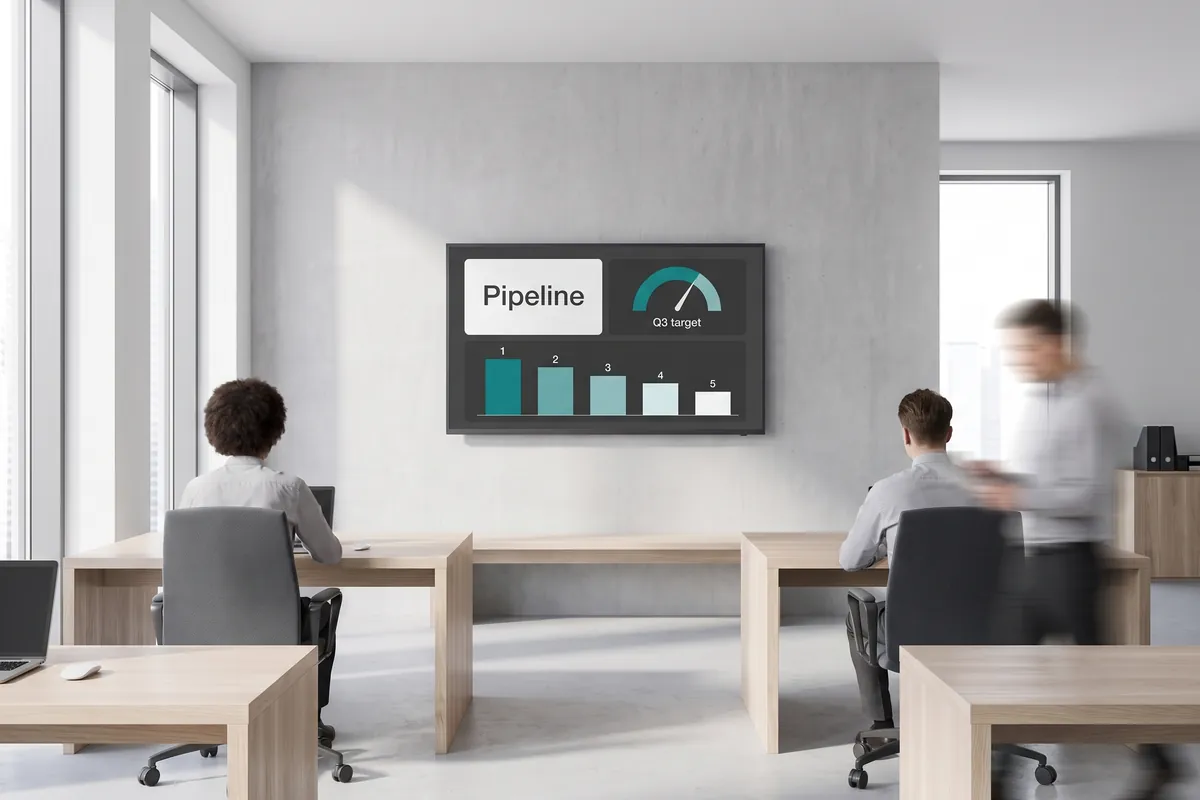
- Sales floor dashboards — Show the team’s current pipeline value, monthly target progress, and top-performing reps on a large screen in the office.
- Campaign performance boards — Marketing teams track live lead generation numbers and conversion rates without switching between tools.
- Customer feedback loops — Surface satisfaction scores and review trends to help support and sales teams respond faster.
- Onboarding and enablement — Display deal-stage definitions or current quarter priorities on screens in training rooms so new reps absorb the context while they work.
- Executive briefing rooms — Pull Salesforce opportunity snapshots into a meeting-room display so leadership can walk into a discussion with current pipeline data already on screen.
Compatible with
- viewneo Professional and viewneo Enterprise — bookable per player, transferable to other players
- Salesforce Sales Cloud, Service Cloud, and Marketing Cloud