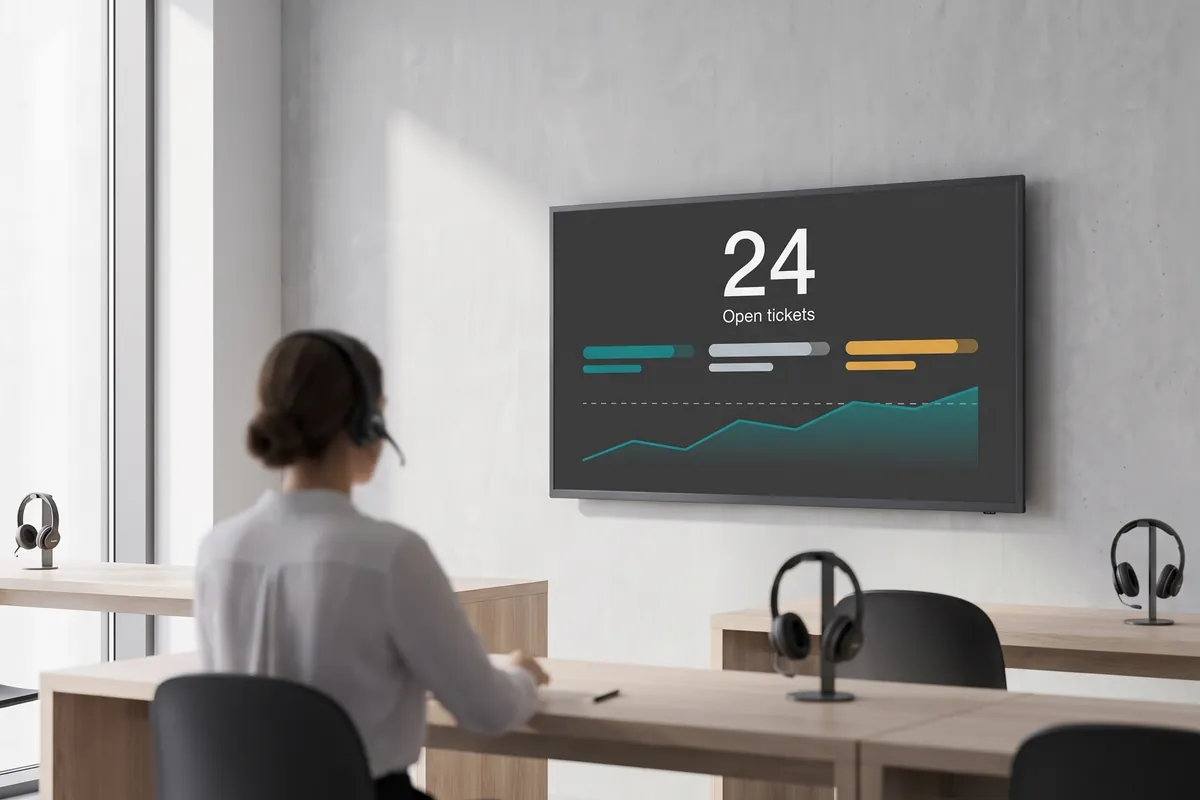
What the Zendesk plugin does
The Zendesk plugin is a support-dashboard integration that makes your customer support operation visible across your digital displays. Ticket queues, priority levels, response times, and satisfaction scores from Zendesk update automatically on your screens — every team member sees the current workload without opening a browser tab or pulling a report. Tickets refresh in real time and can be sorted by priority so urgent items stay prominent.
viewneo handles screen assignment and scheduling independently from Zendesk, so you decide which data each team sees and how often it refreshes. Organisations that also use SharePoint for internal communications can combine this with the SharePoint plugin to show support metrics alongside company announcements on different screens.
How it works
- Connect your Zendesk account — Enter your Zendesk subdomain and API token in the viewneo plugin settings. The plugin authenticates directly with the Zendesk REST API.
- Configure the view — Choose which ticket data to display: open tickets by priority, queue length by team, response time against SLA, or customer satisfaction scores.
- Publish to your screens — Assign the live view to the relevant displays. viewneo refreshes the data automatically so your screens are always current.
Because viewneo manages screen assignment independently from the data source, you can run different Zendesk views on different displays without any additional Zendesk configuration. A wall screen in the support office might show the full team queue, while a screen near the team lead’s desk displays only tickets that have been open longer than a defined threshold. Both pull from the same Zendesk account — the filtering and display logic sits entirely in viewneo, so your Zendesk setup stays clean.
Example use cases
- Call centres — Show current queue length, average handle time, and daily targets on a wall screen so every agent knows where the team stands.
- Complaint management — Display open high-priority tickets on the team lead’s screen so critical issues are identified and escalated quickly.
- Quality control — Monitor new ticket volumes and satisfaction scores in real time to catch early warning signs of product or service issues.
- Shift handover briefings — Display the current open ticket summary and any unresolved SLA items on a common screen at shift-change time, so incoming agents start with a clear picture.
- Multi-team support operations — Show tier-1 and tier-2 queues on separate screens in different parts of the support floor, giving each group visibility into its own workload without information overload.
Compatible with
- viewneo Professional and viewneo Enterprise — bookable per player, transferable to other players
- Zendesk Support and Zendesk Suite
- Zendesk REST API v2